Independent Musicians
Singles, EPs, and Bandcamp drops: a square cover with the track title typeset in-image, matched to the sound instead of a preset template.
Most AI image tools hand you a square picture and leave the specs to you. Name the release here and the agent builds the whole cover — title and artist name typeset in-image, the ratio matched to where it will be uploaded, your photo or logo kept recognizable — then revises it in the same chat.
From a working title to an upload-ready cover in three steps — no template hunting, no blank canvas.
Give the title, what it is — album, single, podcast, book — and the mood or genre. Two or three style anchors (an era, a palette, a band or show you sound like) are enough; the agent resolves layout and typography from there.
Want your face, artwork, or mark on the cover? Attach it and image-to-image generation builds the layout around it, keeping the subject recognizable instead of swapping in a stock stand-in.
Get a finished cover with the title typeset in-image. Ask for changes in plain language — warmer palette, bigger title, no person — then download the size you need.
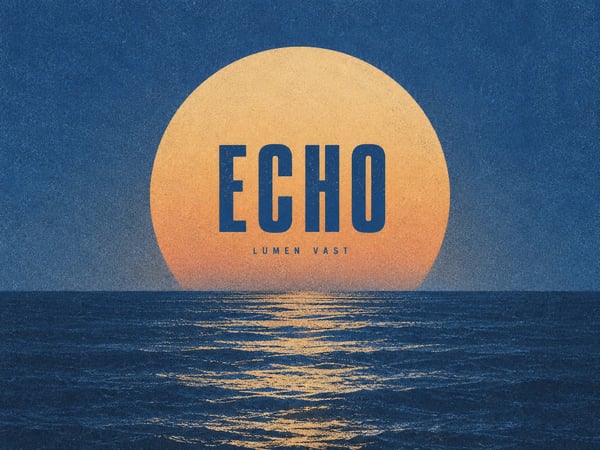
Streaming storefronts shrink album art to a small square beside thousands of others. The generator works at a 1:1 ratio and sets the title and artist name as real typographic layers, so the result reads as a release rather than a photo with words underneath. Download the square master and hand it to your distributor.
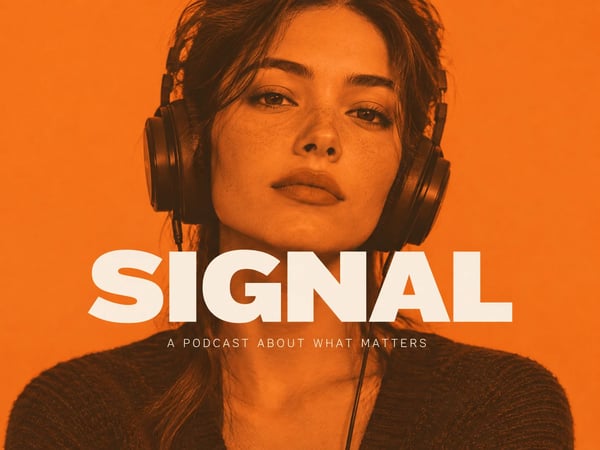
Podcast directories crop show art down to an app-icon thumbnail, and most covers turn to mush. Generation keeps one dominant subject and one short title, high in contrast, so the design still reads at that size. Ask for a version with your own portrait if the show is built on your voice.
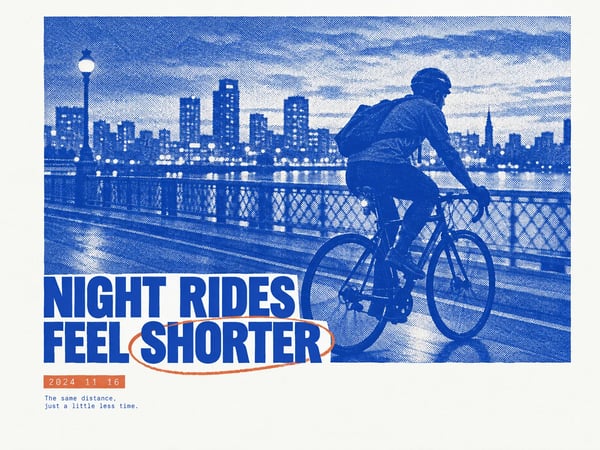
A print cover has to carry a title, an author line, and a hierarchy that survives a bookshelf thumbnail. For novels, chapbooks, and zines, generation applies editorial structure — where the title sits, how much space stays empty, when the photo runs full-bleed — including risograph and duotone styles drawn from real print culture.
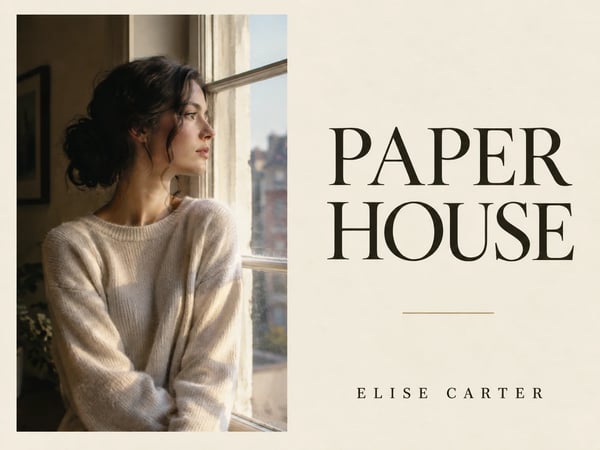
Most AI covers look like stock because the subject is stock. Attach your portrait, product, or band photo and image-to-image keeps the subject recognizable while the palette, typography, and layout are rebuilt around it. The cover looks like your release — and you own what you upload and generate.
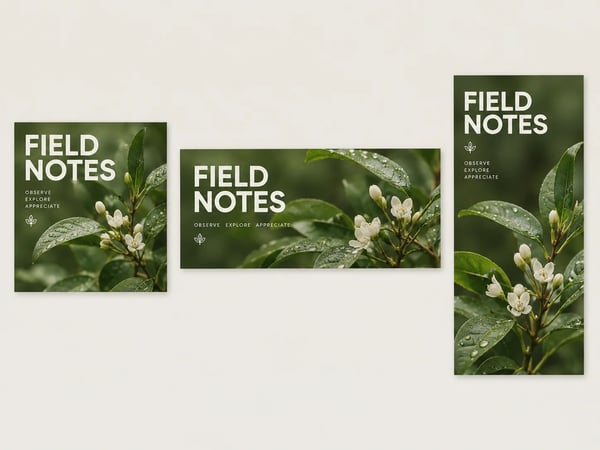
A release rarely lives on one surface: a square for streaming, a wide banner for the channel page, a vertical crop for stories. Ask for the same brand across ratios in one conversation and the identity — palette, type, subject — carries over instead of being redrawn from scratch for each size.
Every release needs a face. These are the ones we see most.
Singles, EPs, and Bandcamp drops: a square cover with the track title typeset in-image, matched to the sound instead of a preset template.
Launching a show or rebranding for a new season: directory-ready square art that stays legible in Apple Podcasts and Spotify thumbnail rows.
Ebook and print-on-demand covers with a title, an author line, and a genre signal — iterate until the shelf thumbnail feels right.
Risograph and duotone covers for small-run zines, chapbooks, and event programs — styled after real print culture rather than glossy digital gradients.
Most generators produce a picture. This one produces a cover.
Every run composes like a designer would: one dominant subject, a short title as a typographic layer, deliberate empty space, and a ratio that matches the destination — the constraints template editors leave entirely to you.
The first result is a draft you direct. Ask for a warmer palette, a serif instead of a grotesk, or the photo removed, and the next version changes only what you named.
The same conversation extends beyond one square: Facebook page covers and YouTube thumbnails have dedicated generators the agent can route to, so a release ships with matching art on every surface.
Sizes and ratios, photos and ownership, pricing, and what this tool is not.
Describe the album, podcast, or book, attach a photo if you have one, and get cover art with the title typeset in-image — then refine it in the same chat.
Discover focused AI workflows for your next visual task.
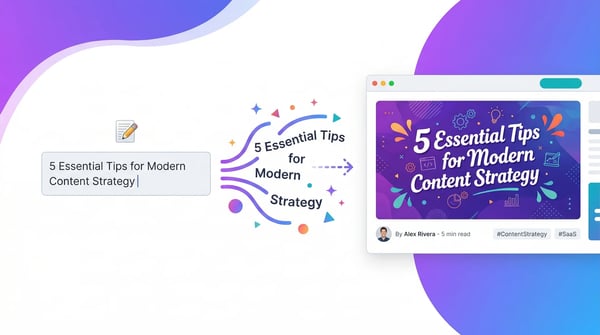
An AI blog image generator creates featured images, article illustrations, blog headers, and social sharing visuals from your article title or topic. Instead of searching stock libraries or opening design software, you describe what your post is about and get a usable image in seconds — ready for WordPress, your CMS, newsletter, or social post.
Explore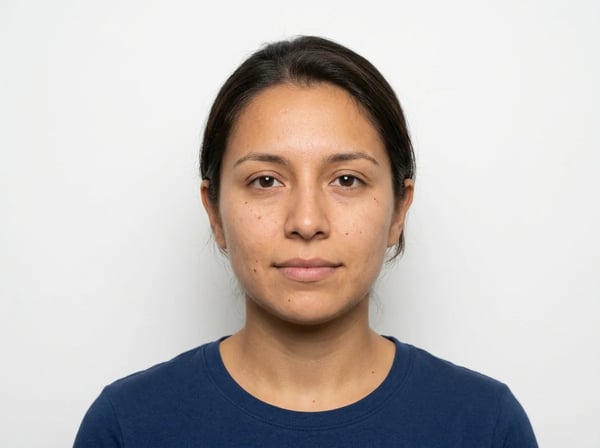
An AI ID photo maker turns your everyday portrait into an official-style ID photo. It replaces the background, adjusts clothing, crops to standard sizes, and keeps your face looking natural.
Explore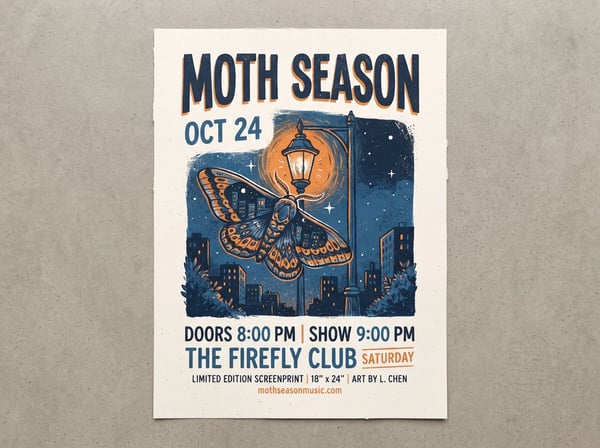
An AI poster generator is an intelligent design tool that creates professional posters through natural conversation. Unlike traditional design software or one-shot AI tools, DeepKolor lets you chat with the AI to generate, edit, and refine your posters until they are exactly right. Simply describe what you need — whether it is a marketing poster, social media graphic, event flyer, or promotional banner — and the AI brings your vision to life. No templates to browse, no complex software to learn, no back-and-forth with designers. Just talk, create, and download print-ready posters in minutes.
Explore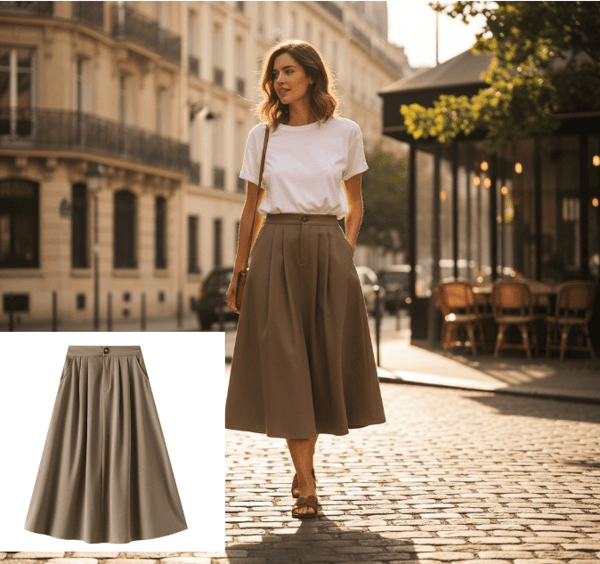
AI product photography uses artificial intelligence to generate, edit, and enhance product images for ecommerce. Transform white background product photos into professional fashion photography, lifestyle product images, and model shots without traditional photoshoots, expensive models, or studio rentals.
Explore
AI real estate photo editing lets agents and photographers modify property photos with natural-language instructions. Instead of briefing a retoucher and waiting for revisions, you upload a photo, describe what you want changed, and get a result you can iterate on immediately. DeepKolor supports virtual staging for vacant rooms, sky replacement for exteriors, object removal for cluttered spaces, and lighting enhancement for dark interiors.
Explore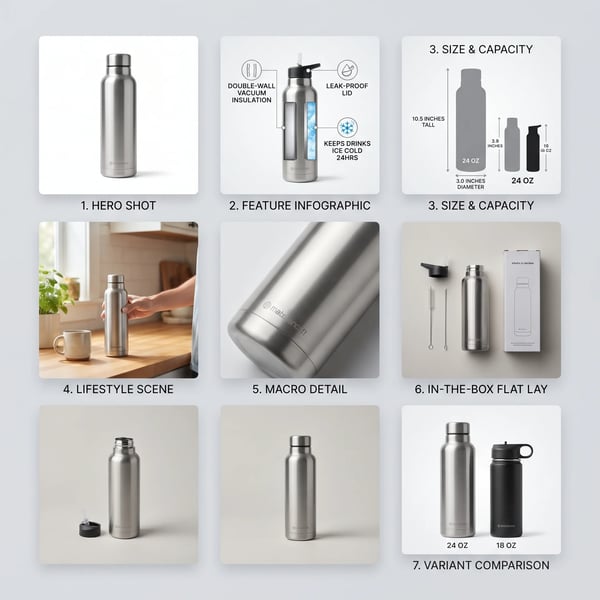
The Amazon Product Images skill is DeepKolor's guided workflow for listing galleries. You upload real product photos; the skill plans the image set, delivers the compliant main image first, then produces each secondary image — feature callouts, size charts, lifestyle scenes, detail shots — in one consistent style. Claims stay honest: only the specs you provide make it onto an image.
Explore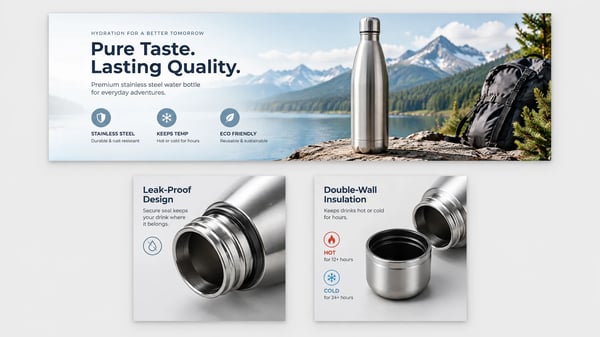
It is DeepKolor's guided agent skill for the A+ section of an Amazon detail page — the brand-owned module area below the product description. You upload real product photos, a logo, and the facts you can claim; it plans the page, generates each module image at spec, and flags anything that risks rejection. Listing photos and other marketplaces stay out of scope.
Explore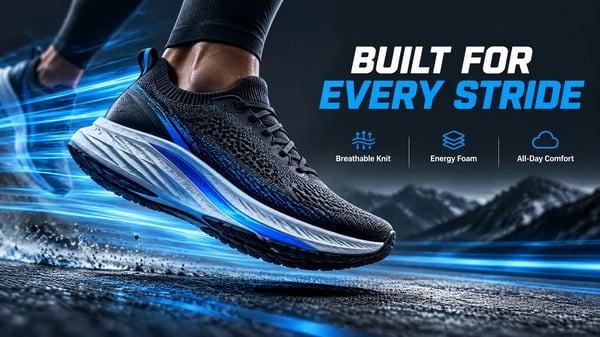
It is DeepKolor's agent skill for the full product detail page — the sequence of sales images under the buy box on marketplaces and DTC stores. You upload real product photos and the claims you can verify; it plans the page from buyer demand and generates each module image, one style across the set. Amazon A+ modules and listing galleries are separate skills.
Explore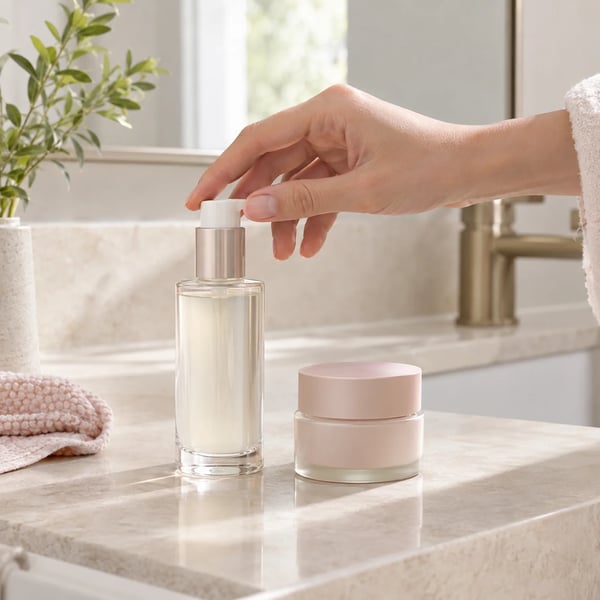
The Ecommerce Scene Images skill is DeepKolor's guided workflow for product-in-context scene sets. You upload real product photos; the skill plans the scenes around buyer questions, generates each image independently at 1:1, and keeps your product recognizable across the whole set. The default output is eight square scenes in one campaign style.
Explore
Templates make every channel look the same. This generator composes for the click.
Explore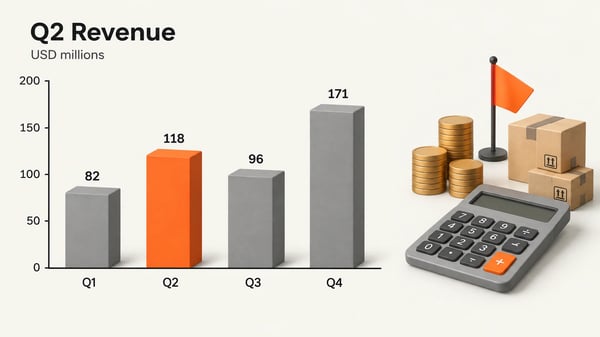
An AI infographic generator turns what you know into what people see: explainer diagrams with short in-image labels, and data charts redesigned for clarity. DeepKolor generates finished editorial-style images — concepts become cycle, pipeline, hub, before/after, or layer diagrams, while chart screenshots and raw data are redrawn with your exact values preserved. All in-image text follows your language, so the same tool works for English, Chinese, Japanese, and Spanish audiences.
Explore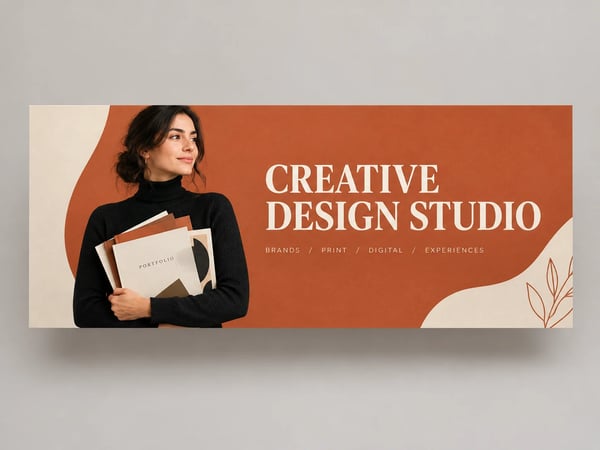
Most cover makers hand you a template. This one hands you a finished cover.
Explore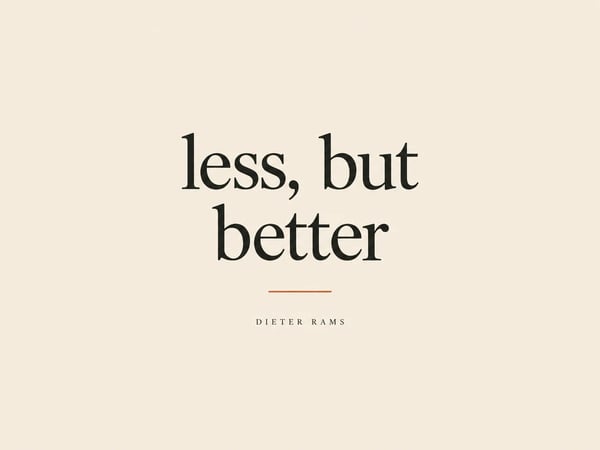
Most tools give you a canvas. This Instagram post generator gives you a composed post.
Explore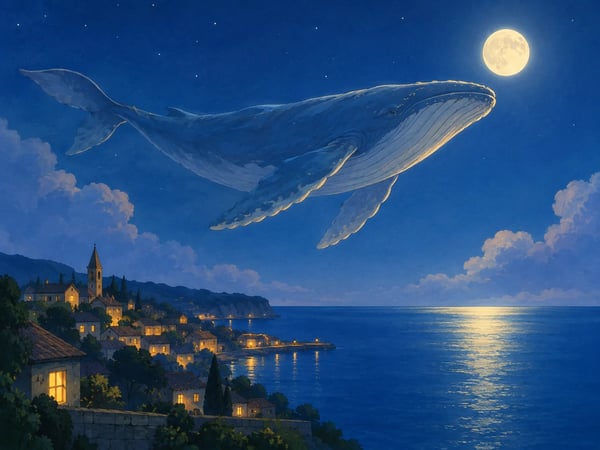
An AI sketch generator turns text or photos into images that look drawn by hand — storybook scenes, portrait sketches, comic strips, doodle explainer cards. DeepKolor's version ships 18 field-tested style recipes, so you pick a drawing language by name instead of engineering a prompt for each style. Photos keep their likeness and composition, and when a request is really a comic, a sized card, or a data infographic, it routes to the skill built for that job.
Explore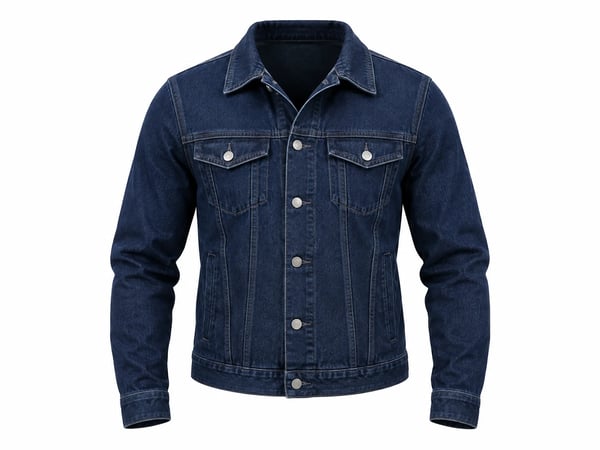
A ghost mannequin — or invisible mannequin — image shows a garment as if worn by a see-through form: filled-out shoulders and chest, natural drape, and the hollow neckline that gives the ghost mannequin effect its name. No person, no form, no hanger in the shot — just the standard presentation for apparel listings and catalogs, produced here from photos you already have.
Explore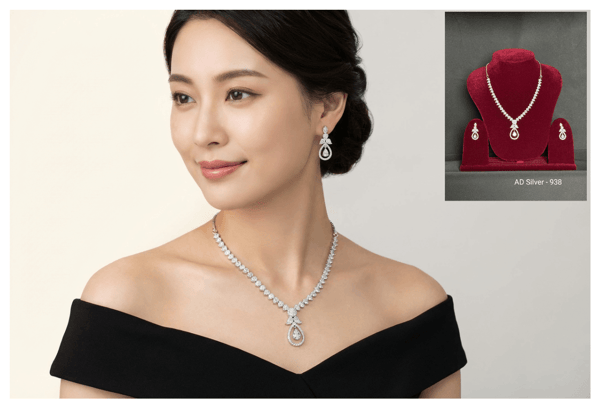
Virtual jewelry try on is an AI workflow that shows how jewelry looks on a real person before purchase or before launch. For shoppers, that means trying on jewelry online with your own photo instead of guessing from packshots. For jewelry brands, it means creating jewelry on model photos, product visuals, and marketing assets faster without a traditional shoot.
Explore