Start with one product photo
Upload a clean product image to give the generated composition a clear reference for its silhouette, materials, colors, and proportions.
Upload one product photo and generate a premium product exploded view in minutes. This AI exploded view generator separates plausible components into a clean assembly visual for product storytelling, design reviews, and campaign direction.
Turn a product reference into a clear, premium exploded assembly image.
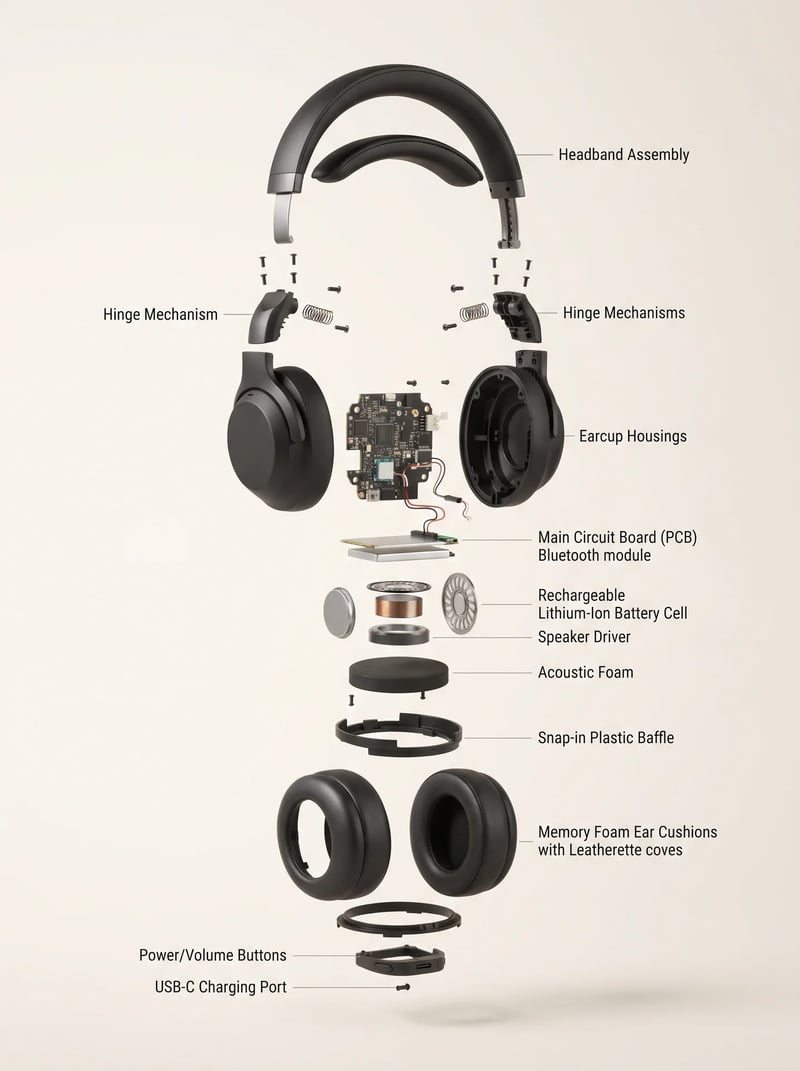
The original product photo and the generated product exploded view, side by side. Same product, one uploaded reference, no 3D modeling.
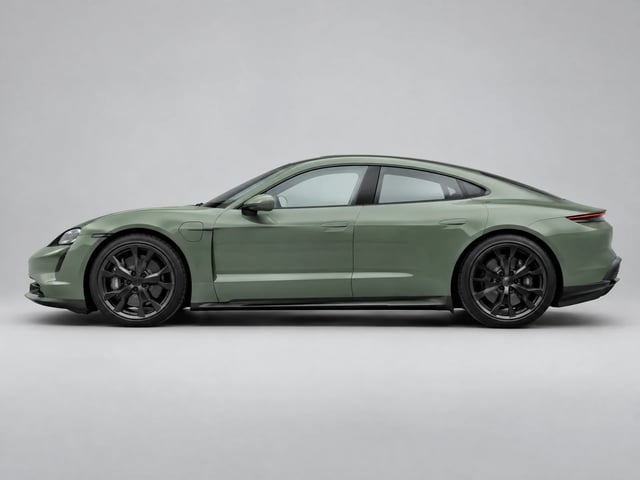
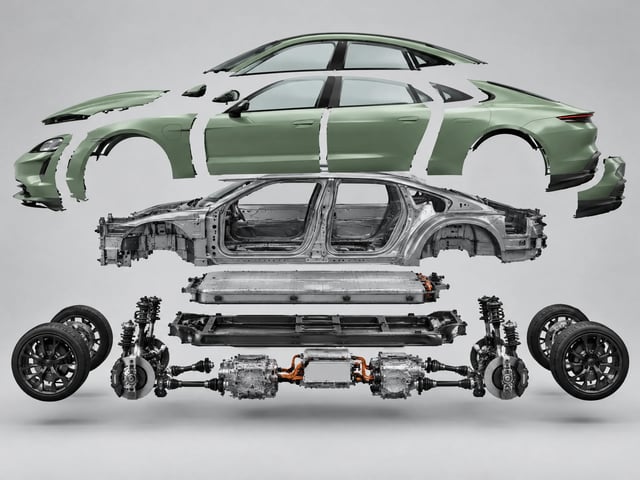
Car: one photo to a full product exploded view
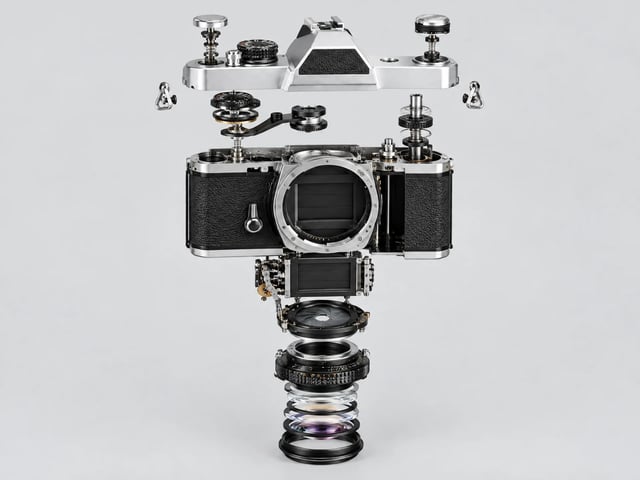
Camera: single photo to a full teardown concept
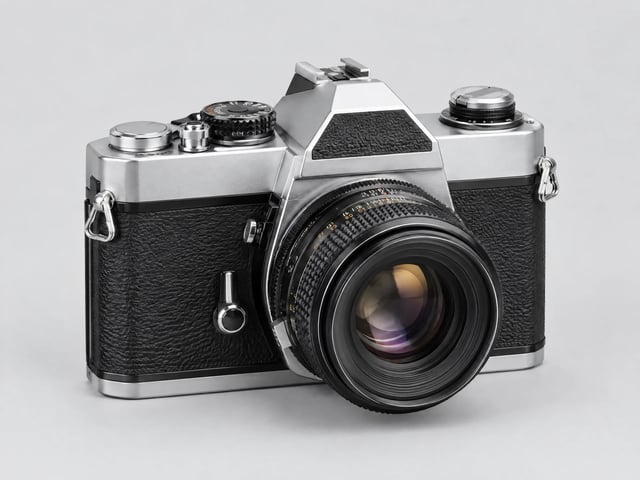
Phone: intact product to component render
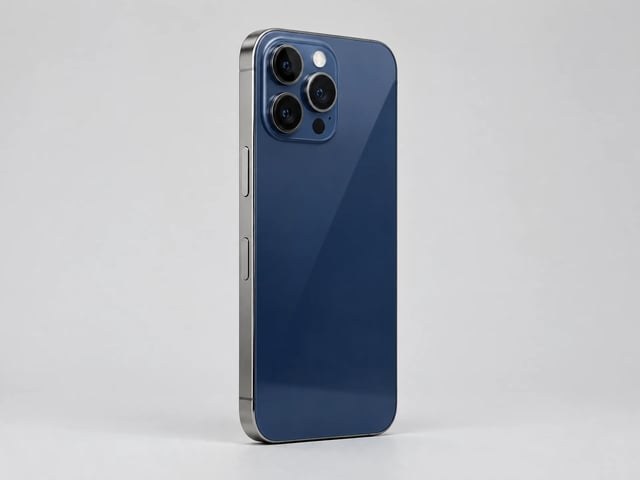
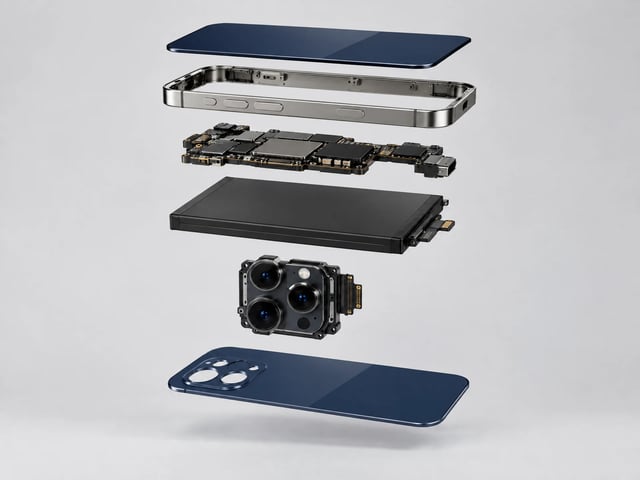
A product exploded view separates a product's plausible components and spaces them along one axis, in reading order, so a viewer understands how the parts relate. This AI tool generates that exploded view of products from a single reference photo, producing a concept image for communication, not a verified CAD assembly, bill of materials, or manufacturing drawing.
Upload a clean product image to give the generated composition a clear reference for its silhouette, materials, colors, and proportions.
Select studio product render, technical assembly, or luxury campaign styling to set the look of the exploded-view concept.
Add optional direction such as a side view, a feature to emphasize, or whether to show accessories.
Generated parts and labels are visual interpretations. Review them independently before using anything as a technical, service, or manufacturing reference.
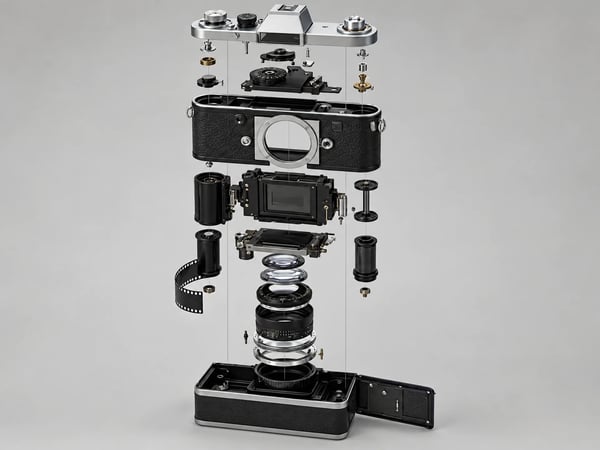
The configured generation uses your uploaded product image as the only product reference, so the result keeps the silhouette, materials, colors, and proportions a text-only prompt would have to guess. Start from a clean photo and the product exploded view stays recognizable as your actual product.
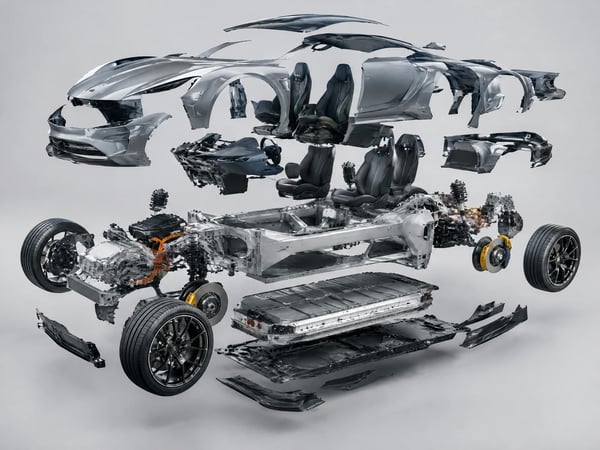
The same workflow separates a few parts or a few hundred. A car exploded view generated from a side profile keeps body panels, wheels, drivetrain, and interior spaced along one consistent axis, which is what makes a complex product exploded diagram readable instead of a pile of parts.
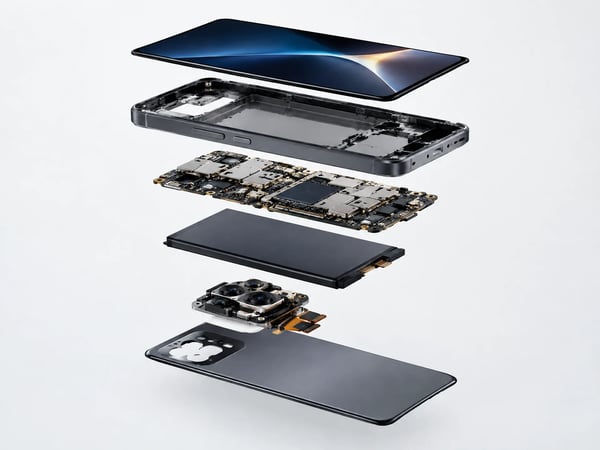
Choose the technical assembly style and a flagship phone becomes an exploded view drawing: screen, frame, board, battery, and camera module lifted apart in a plausible order. The look is a rendered 3D product exploded view, delivered as a flat image you can drop straight into a deck or listing.
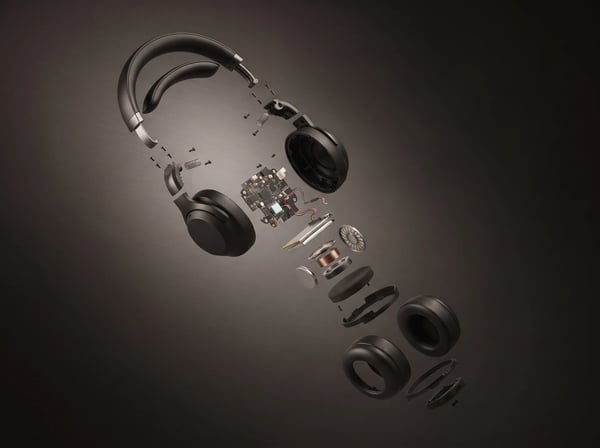
Pick 1K, 2K, or 4K output resolution before generating. A 4K product exploded view holds up on keynote screens, printed lookbooks, and marketplace detail pages without extra upscaling, and every export is a standalone image you can annotate in your own tools.
Use this generator when you need an image-led product breakdown fast. Use CAD and engineering review when the parts, fit, labels, or instructions must be correct.
| Manual visual or CAD workflow | This image workflow | |
|---|---|---|
| Starting material | Separate source assets, 3D models, or an assembly file | One product reference photo |
| Primary purpose | Technical documentation or manually composed product art | A generated product exploded view concept image |
| Control available here | Model, layout, and annotation control in specialist tools | Reference photo, one visual style, and optional direction |
| Technical reliability | Requires source verification and engineering review | Generated components and labels require independent verification |
| Time to first visual | Hours to days of modeling, layout, and retouching | Minutes from upload to a finished render |
| Output | An editable CAD assembly or layered project file | A standalone image at 1K, 2K, or 4K resolution |
Create an exploded product-view concept image in three focused steps.
Choose one product image with a clear subject so the tool has a useful visual reference.
Select studio product render, technical assembly, or luxury campaign, then add optional notes about the view or details to emphasize.
Generate the product exploded view, then review all parts and labels before using it in any technical context.
Use an image-led product breakdown when you need to communicate a product idea, not certify its construction.
Explore a separated-component visual for a launch concept, art direction board, or presentation draft.
Create a concept visual that helps frame materials, accessories, or component relationships for a product story.
A product design exploded view communicates intent fast. Generate separated-component visuals for design reviews, concept decks, and portfolio pages without waiting on a CAD render pipeline.
Develop an engineering-inspired product image for a creative social post or campaign concept, subject to your own review.
Need a hero visual for a teardown article or video thumbnail? Generate a product exploded diagram from the product's own photo instead of licensing stock or pausing mid-shoot.
Answers about creating exploded product views from a photo with this AI generator.
Upload one clean product photo, choose a visual direction, and generate a product exploded view for your next launch story, design review, or campaign.
Start with a focused creative workflow, then make it your own.
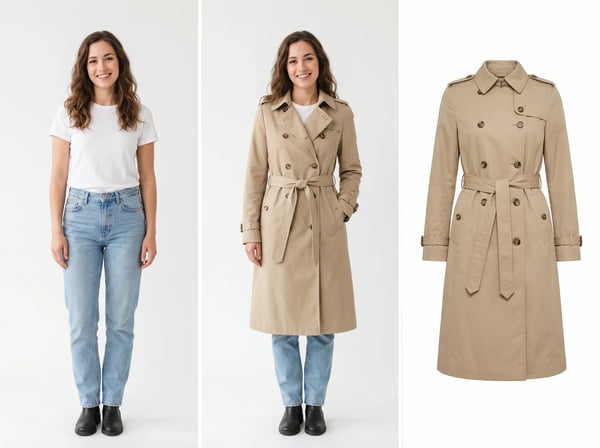 6 credits
Upload a model photo and clothing references to create a realistic fashion try-on.
Try it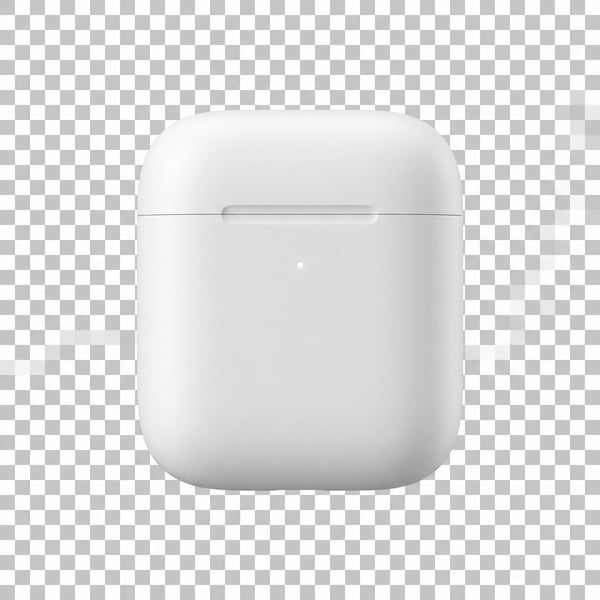 6 credits
Remove a photo background and keep the main subject cleanly isolated.
Try it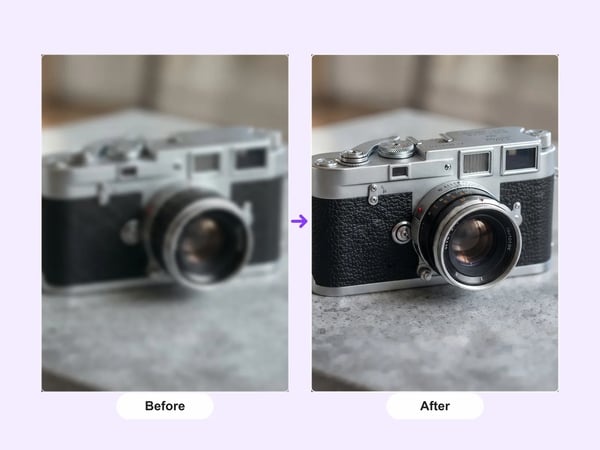 12 credits
Upscale portraits and images to 2K while preserving identity, composition, and natural detail.
Try it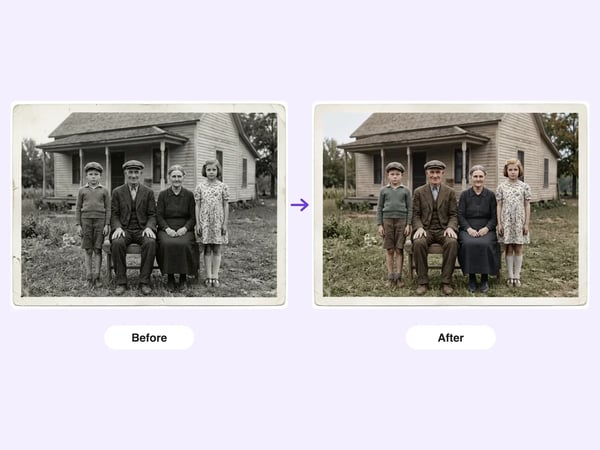 6 credits
Restore damaged, faded, or black-and-white old photos — repair scratches and tears, deblur faces, correct fading, and optionally colorize, while preserving each person's identity.
Try it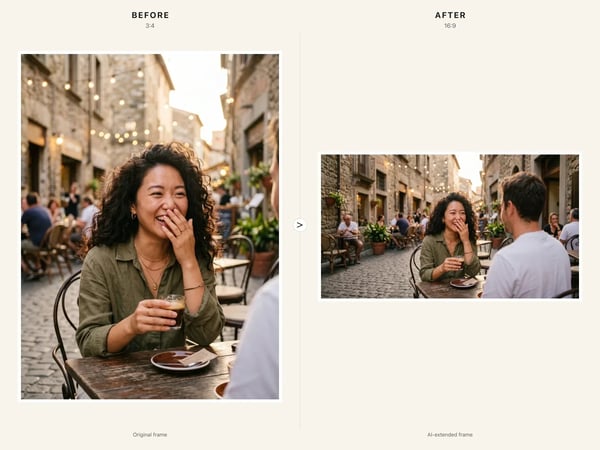 6 credits
Resize any image to a new aspect ratio without cropping or distortion — AI extends the scene to fit the new frame.
Try it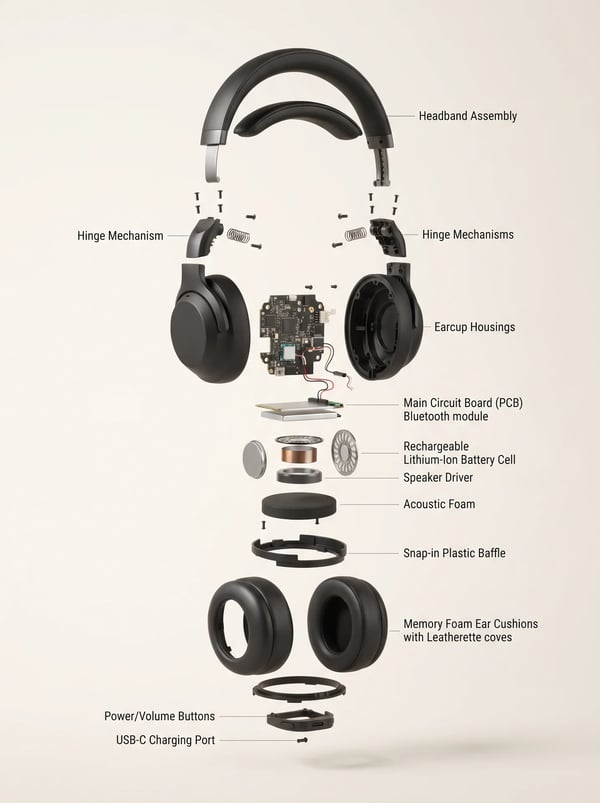 6 credits
Turn a product reference into a clear, premium exploded assembly image.
Try it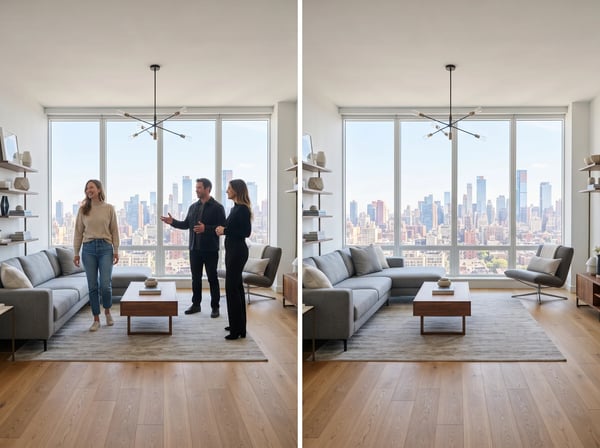 12 credits
Remove unwanted people from a photo while keeping the scene natural.
Try it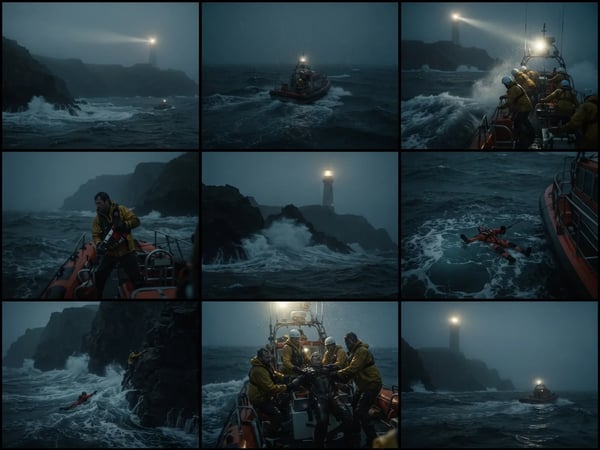 12 credits
Upload an optional visual reference and turn a scene brief into a photorealistic 9-panel cinematic storyboard grid in 2K.
Try it