Quick AI Image Tools for Everyday Photo Fixes
Skip the menus of a heavyweight editor: these AI image tools online each handle one task from upload to download — remove a background, upscale, restore an old photo, or resize an image for a listing.
One task, one tool
Twelve focused tools for everyday image work. The badge on each card shows how many credits one run costs.
 6 credits
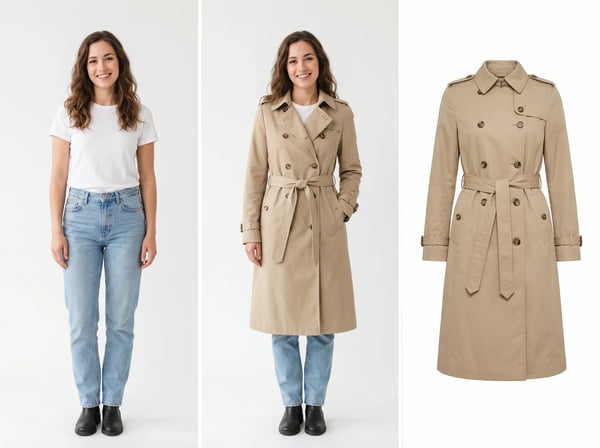
Virtual Try-On
Upload a model photo and clothing references to create a realistic fashion try-on.
Try it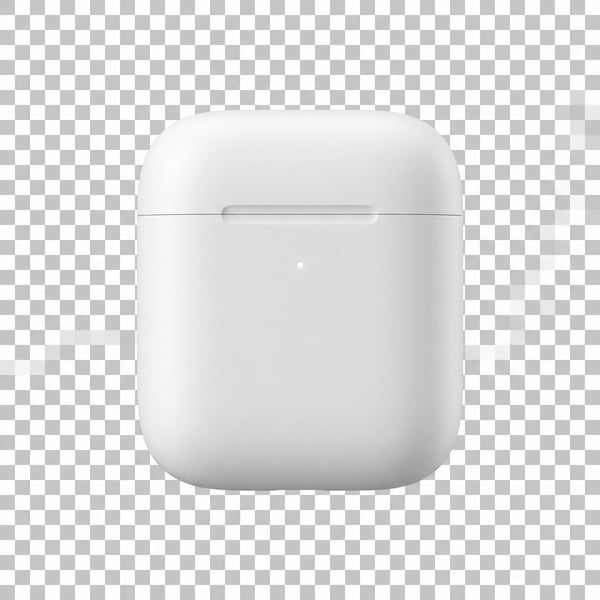 6 credits
Remove Background
Remove a photo background and keep the main subject cleanly isolated.
Try it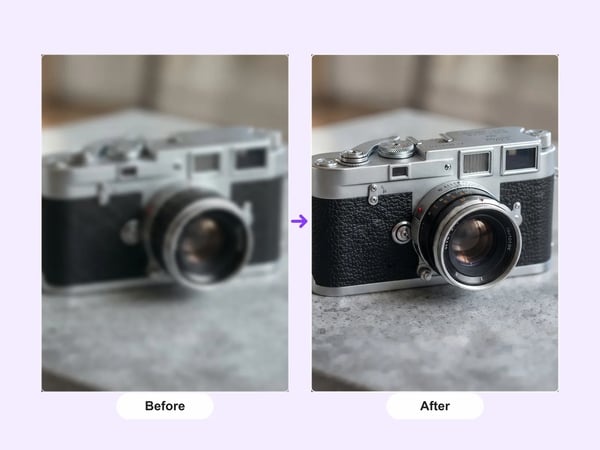 12 credits
AI Image Upscaler
Upscale portraits and images to 2K while preserving identity, composition, and natural detail.
Try it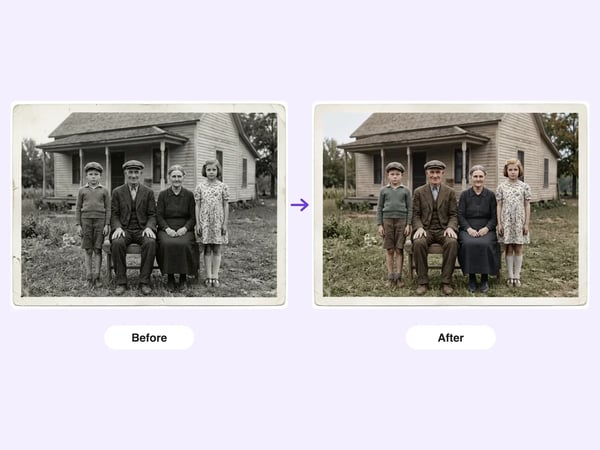 6 credits
AI Old Photo Restoration
Restore damaged, faded, or black-and-white old photos — repair scratches and tears, deblur faces, correct fading, and optionally colorize, while preserving each person's identity.
Try it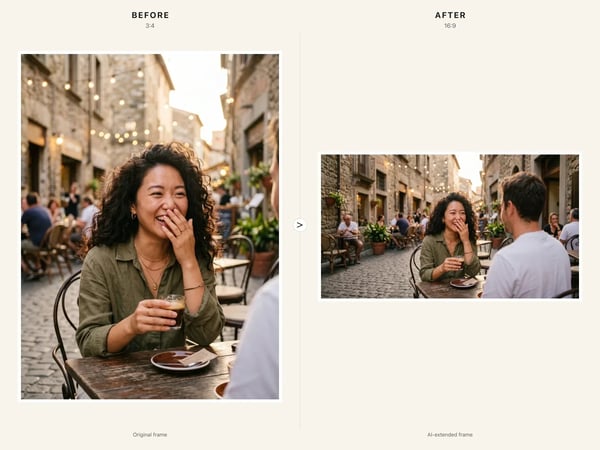 6 credits
AI Image Resize
Resize any image to a new aspect ratio without cropping or distortion — AI extends the scene to fit the new frame.
Try it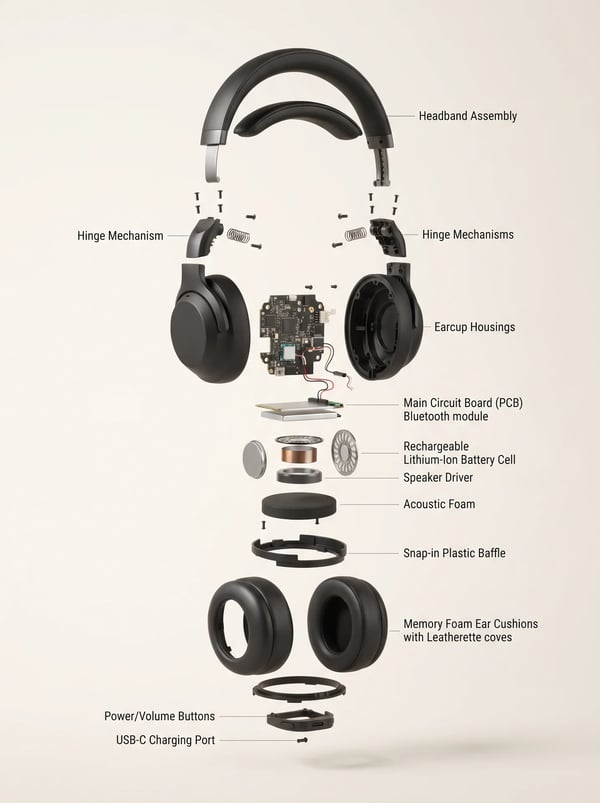 6 credits
Product Exploded View Generator
Turn a product reference into a clear, premium exploded assembly image.
Try it 12 credits
Remove People from Photo
Remove unwanted people from a photo while keeping the scene natural.
Try it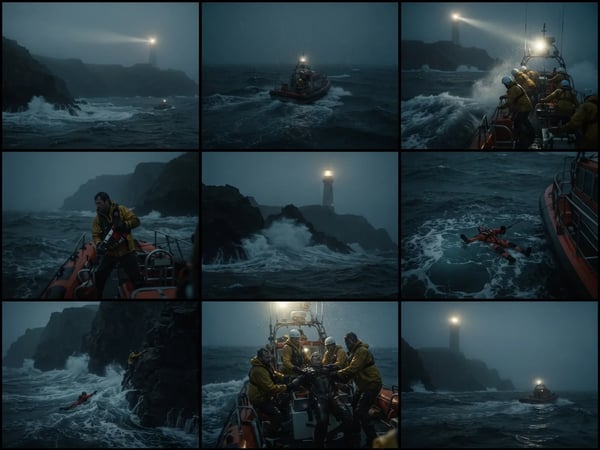 12 credits
Storyboard Grid: Cinematic AI Storyboard Generator
Upload an optional visual reference and turn a scene brief into a photorealistic 9-panel cinematic storyboard grid in 2K.
Try it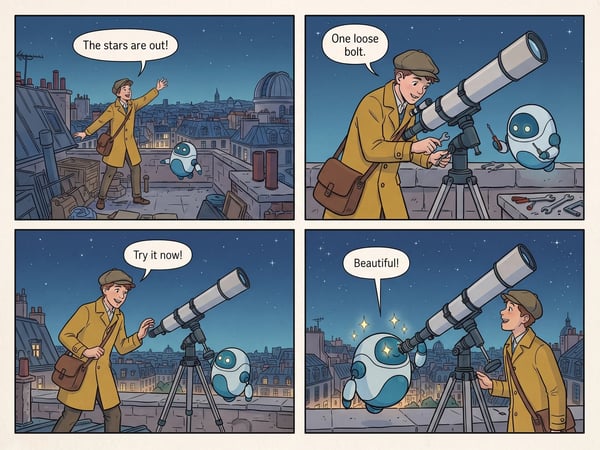 12 credits
AI 4-Panel Comic Generator
Turn a short premise into a complete four-panel comic strip with dialogue.
Try it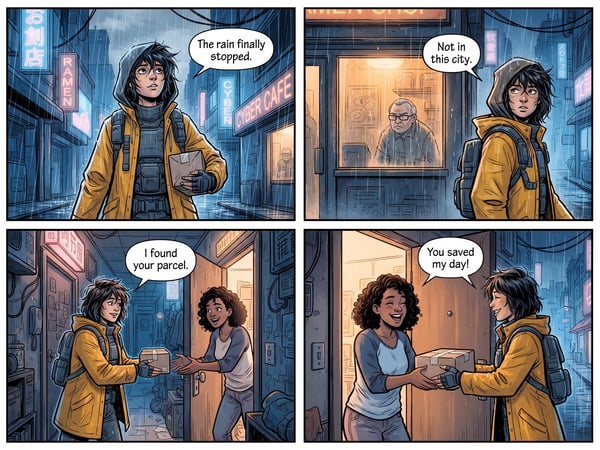 12 credits
AI Comic Translator
Translate dialogue in one comic page while preserving its panels, artwork, and reading flow.
Try it 12 credits
Floating Anime Head
Turn a portrait into a polished floating anime head avatar while preserving recognizable features.
Try it 12 credits
Turn Yourself into a Rag Doll
Transform a person photo into a charming handmade rag doll while preserving recognizable features, clothing cues, and personality.
Try itHow to fix a photo online
- 1
Pick the tool that matches your task
Open the tool that fits the job — removing a background, upscaling a photo, restoring an old print, resizing a listing image, or one of the eight others in the grid above.
- 2
Upload your image in the browser
Drop in the photo from your computer or phone — nothing to install. Standard image files up to 10 MB per upload are accepted.
- 3
Adjust options and run
Some tools offer settings such as output resolution, aspect ratio, or translation language. Choose what you need and start the run — the credit cost is shown before you commit.
- 4
Download the result
When the generation finishes, preview the finished image and download it for your listing, album, or design project.
Why run these tools in one place
One account for all twelve tools
Single-purpose sites multiply sign-ups and wallets: a new account here, a new balance there. DeepKolor keeps all twelve image tools behind one account and one credit wallet, so moving from background removal to photo restoration never means starting over.
Credit costs shown on every card
Many tools hide pricing until after you have uploaded. Each card on this page displays the exact credit cost of one run, so you can compare tools and plan a batch of edits before spending a single credit.
A short path from upload to download
Instead of a sprawling editor where the feature you need is three menus deep, every tool here does a single job end to end: upload, run, download. That keeps everyday fixes quick and the result predictable.
What people fix with these tools
E-commerce sellers clean up listings
Remove the background from a product shot, then resize it to the aspect ratio your marketplace expects — two tools, one account, with the credit cost of each run shown on its card.
Families bring old photos back
Scan a faded or damaged print, restore it with the old-photo restoration tool, and download a fresh copy to share with the family group chat.
Comic fans read pages in their language
Upload a comic page to the comic translator, pick the target language, and get a translated page back that is actually readable.
Creators sketch stories as storyboard grids
Turn a written scene brief into a storyboard grid or a four-panel comic to plan a video, a pitch, or a social post before shooting anything.
Anime fans get a floating avatar
Turn a selfie into a floating anime-style head portrait for a profile picture or a stream overlay, choosing the anime style that fits.
Clothing sellers show garments on models
Upload a garment photo together with a model photo, and the virtual try-on tool produces an on-model shot for your store without arranging a photoshoot.
Frequently asked questions
Explore more AI tools
Need more than a quick fix? DeepKolor also covers full editing workflows and dedicated image generation.