Landscape to portrait for stories
Turn a landscape photo into a 9:16 story or a 1:1 feed post without cutting people, products, or the horizon.
Most resizers crop or stretch when the frame changes. Upload a photo, pick 16:9, 1:1, or 9:16, and this tool extends the scene so the subject stays whole.
Resize any image to a new aspect ratio without cropping or distortion — AI extends the scene to fit the new frame.
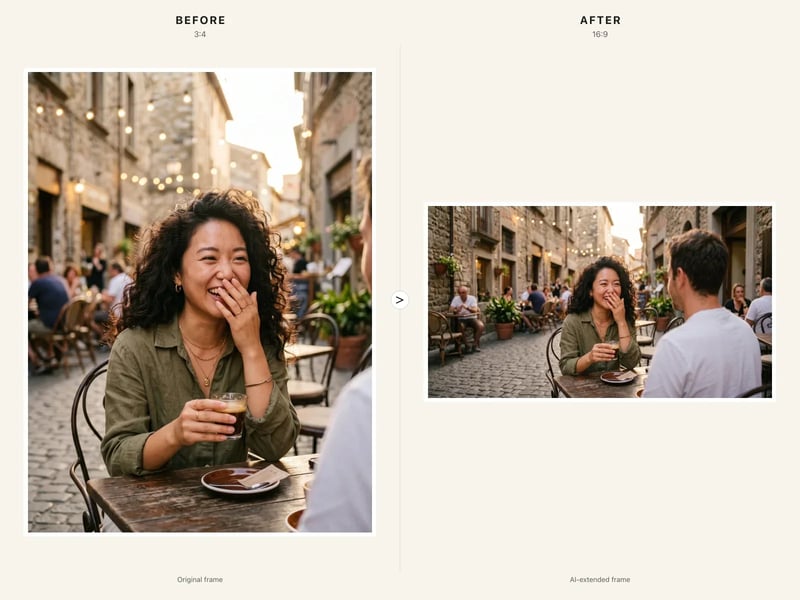
One upload, one ratio, no manual canvas work. The model extends the scene instead of cutting it.
Choose a portrait, product shot, or landscape that is right except for the frame. JPG, PNG, and WebP up to 10 MB work in the browser.
Select 16:9, 4:3, 1:1, 3:4, or 9:16. Nano Banana 2 keeps the original content and generates the missing edges to fit that ratio.
Review the new areas, then download a 1K image at the chosen ratio with nothing cropped and nothing stretched.
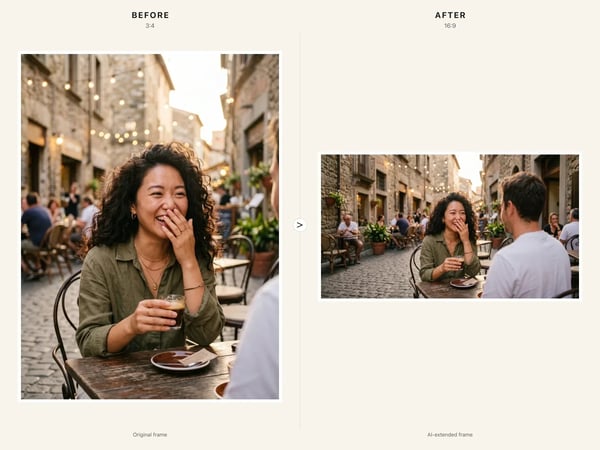
A normal resizer will not uncrop a photo: a new aspect ratio means slicing the edges or stretching the pixels. This tool keeps the original subject, faces, and products fully visible, then rebuilds the frame around what you already shot. Use it when the photo is right and only the crop is wrong — not when you merely need a smaller file at the same framing.
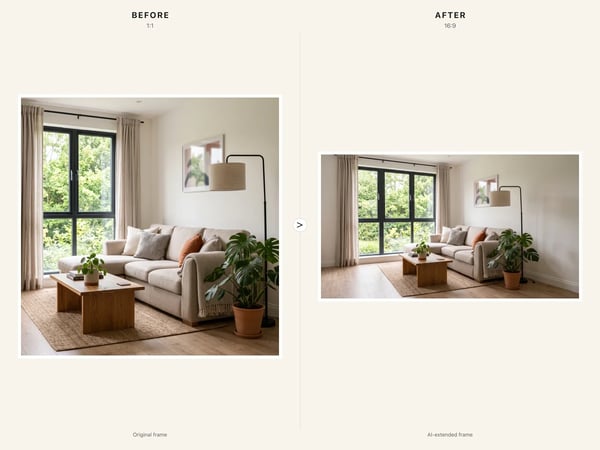
An AI image extender should grow the scene, not drop letterbox bars or a blur fill on the sides. Backgrounds, walls, floors, and light continue into the new areas so the download reads as one photograph. Tight crops with almost no environment leave less for the model to extend — a little surrounding context produces a cleaner expand.
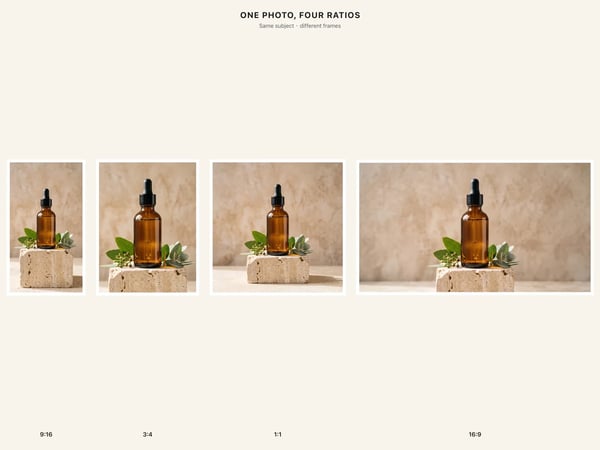
Pick the ratio the destination actually uses instead of guessing a canvas size. 16:9 and 4:3 cover banners, slides, and covers; 1:1 fits square feeds; 3:4 and 9:16 handle portraits, stories, and vertical clips. One upload can become the landscape, square, and portrait versions of the same shot.
Use this when the photo is right and only the aspect ratio is wrong. It does not enlarge a crop to 2K.
Turn a landscape photo into a 9:16 story or a 1:1 feed post without cutting people, products, or the horizon.
Adapt one product shot to a 16:9 banner, a square listing, or a portrait ad while the product stays fully visible.
Reframe portraits and photos for 4:3 slides or 16:9 covers without rebuilding the composition by hand.
Most ratio tools crop the subject or add empty bars. This MiniApp generates the missing scene so the photo keeps its content at a new aspect ratio.
| Crop or stretch resizer | This AI extender | |
|---|---|---|
| How the frame changes | Crop to the new ratio or stretch pixels | Generate extra scene to fill 16:9, 1:1, or 9:16 |
| What happens to the subject | Faces, products, and edges get cut | Original subject stays fully visible |
| Empty edges | Letterbox bars, blur, or a solid fill | Background, light, and surfaces continue |
| When you need more pixels | A separate upscaler, or the same crop at a new file size | This outputs 1K at a new ratio; use the 2K upscaler when framing is already right |
Answers about changing aspect ratio without cropping, and how this differs from a resizer or upscaler.
Upload one photo, pick 16:9, 1:1, or 9:16, and let the model extend the scene so nothing important is cut.
Start with a focused creative workflow, then make it your own.
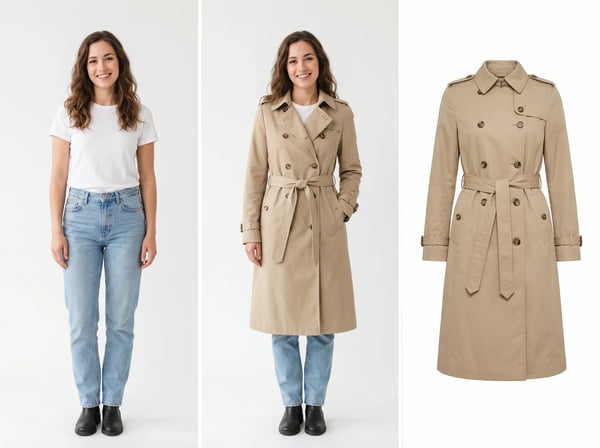 6 credits
Upload a model photo and clothing references to create a realistic fashion try-on.
Try it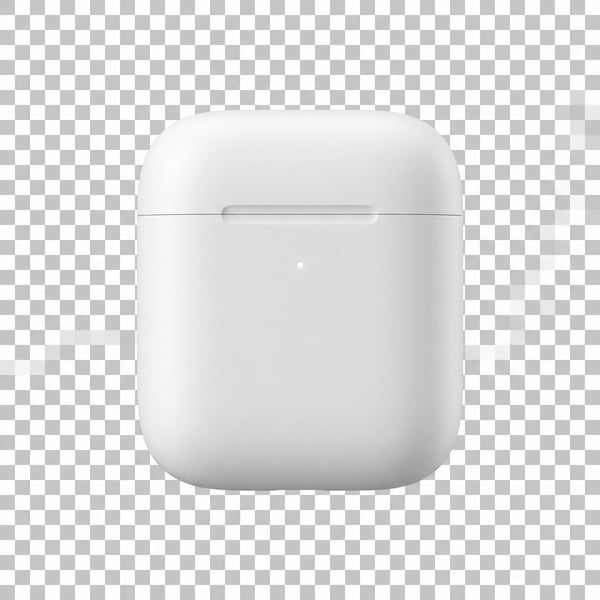 6 credits
Remove a photo background and keep the main subject cleanly isolated.
Try it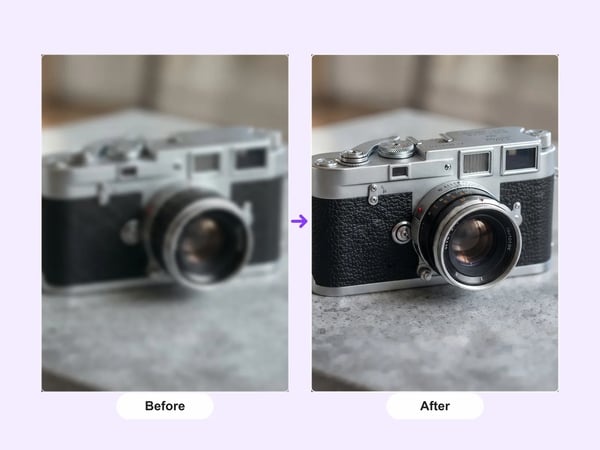 12 credits
Upscale portraits and images to 2K while preserving identity, composition, and natural detail.
Try it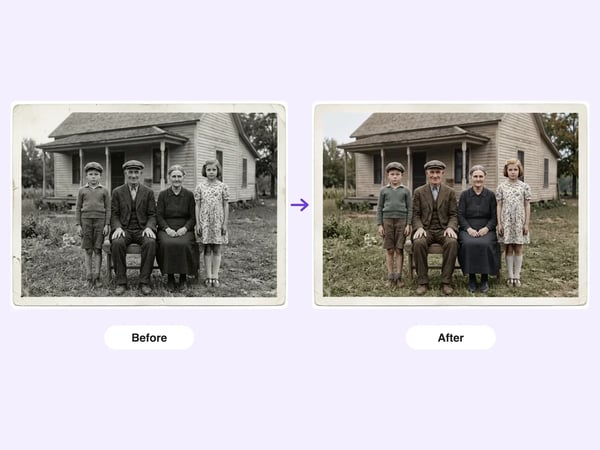 6 credits
Restore damaged, faded, or black-and-white old photos — repair scratches and tears, deblur faces, correct fading, and optionally colorize, while preserving each person's identity.
Try it6 creditsResize any image to a new aspect ratio without cropping or distortion — AI extends the scene to fit the new frame.
Try it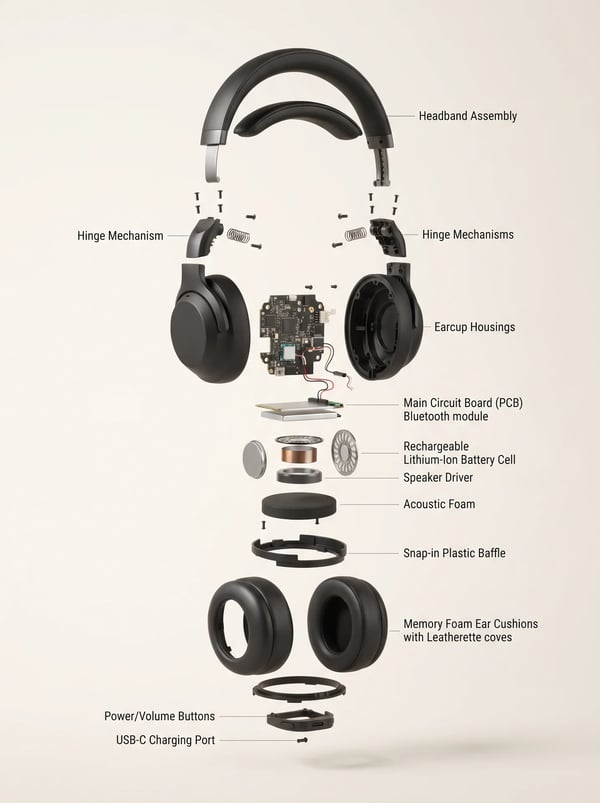 6 credits
Turn a product reference into a clear, premium exploded assembly image.
Try it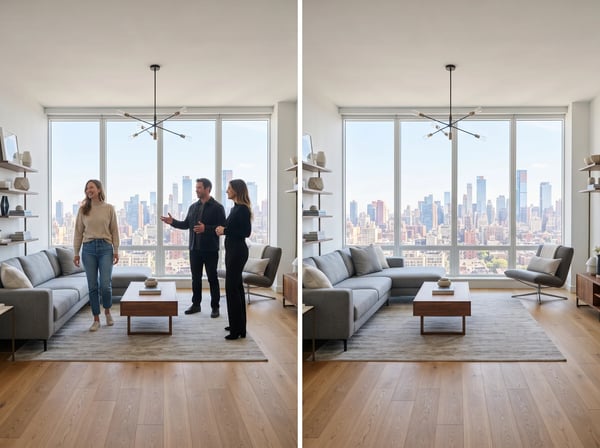 12 credits
Remove unwanted people from a photo while keeping the scene natural.
Try it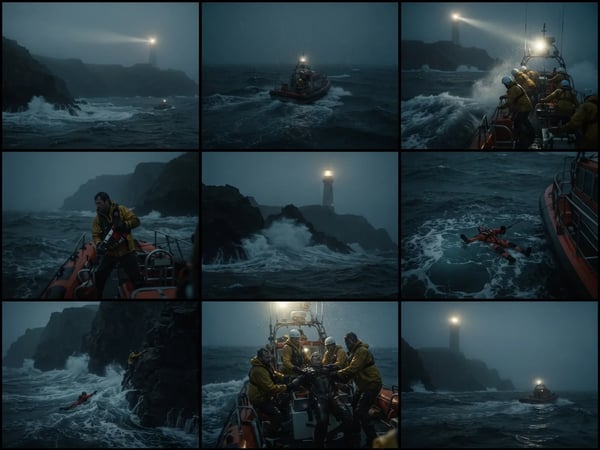 12 credits
Upload an optional visual reference and turn a scene brief into a photorealistic 9-panel cinematic storyboard grid in 2K.
Try it