Edits That Stay Where You Put Them
Furniture swaps, hairstyle changes, object repositioning and watch-face updates all work as repeatable tasks inside Seedream 5.5, with the pixels around each edit left intact from one round to the next.
Seedream 5.5 changes the part you point at and leaves everything else pixel for pixel — so a product shot survives a background swap, a color change and a relight without drifting. Describe the edit below and run it here: no API key, 4 credits per 1K image.
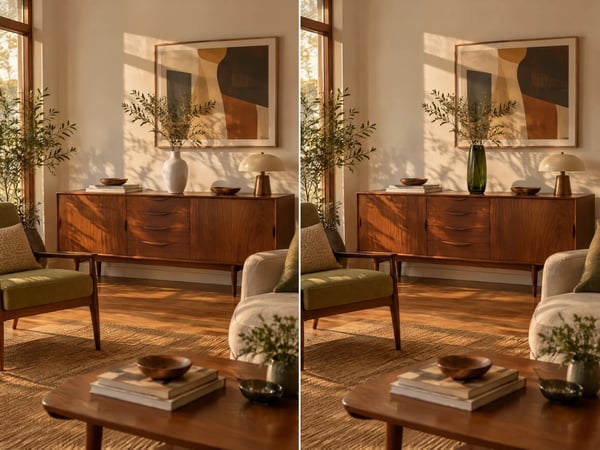
The pixels outside your selection stay put. Seedream 5.5 takes the object you name, turns it into what you describe, and leaves the walls, shadows and crop exactly where they were. Interior mockups, catalog updates and menu photography can swap a single prop without a reshoot that redoes the whole set.
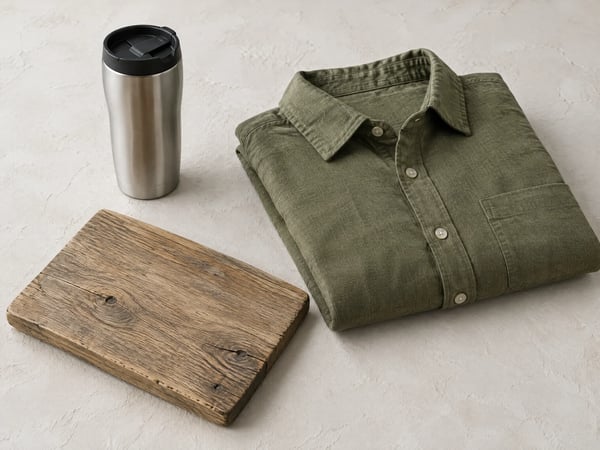
Ten photos can go into a single edit. Seedream 5.5 reads a mug, a shirt and a board attached together, then places them in one scene under a shared light source — a shorter path than describing four products in words and hoping all four arrive.
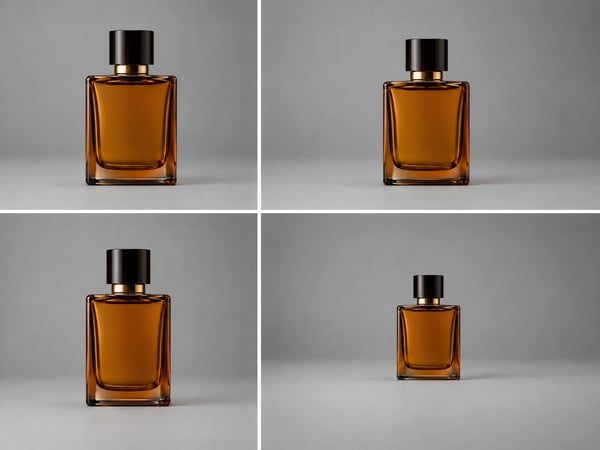
Eight ratios cover a square feed post, a 4:3 listing image, a 9:16 story and a 21:9 banner. Seedream 5.5 composes for the frame you choose, so a launch graphic does not lose its subject to a center crop when it moves between placements.
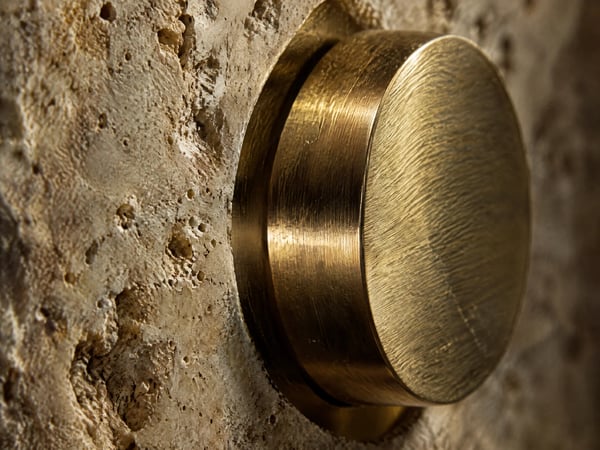
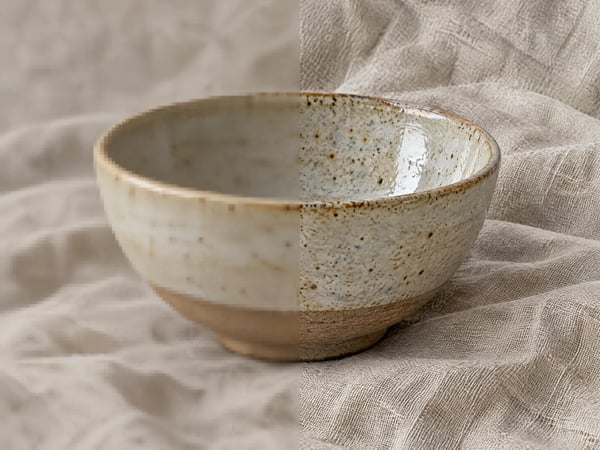
Natural lighting, finer materials and more refined skin texture are the visible difference in close work: brushed metal keeps its grain, plaster keeps its pitting, fabric keeps its weave. That is what lets a frame from Seedream 5.5 sit beside a photographed one in the same catalog.
Five reference photos at 1K come to 14 credits in Seedream 5.5. The arithmetic stays fixed — 4 credits at 1K, 6 at 2K, 2 per reference photo — and the counter confirms the total before the task starts.
Seedream 5.5 is ByteDance's multimodal image model, released in November 2026. It handles text-to-image generation and reference-based editing, returns 1K or 2K output across eight aspect ratios, and accepts up to ten reference photos per edit. The claim that matters is consistency across rounds: repeated edits stay targeted, and untouched areas survive pixel for pixel.
Furniture swaps, hairstyle changes, object repositioning and watch-face updates all work as repeatable tasks inside Seedream 5.5, with the pixels around each edit left intact from one round to the next.
Seedream 5.5 has two modes on one model — generating from a prompt and editing from references — so a first draft and its fifth revision share a visual language.
Pick from 1:1, 4:3, 3:4, 3:2, 2:3, 16:9, 9:16 or 21:9, then choose 1K or 2K output. Edits add an auto option that keeps the source frame.
A 1K generation costs 4 credits and a 2K generation costs 6, with each reference photo in an edit adding 2.
Four steps from an empty prompt box to a finished asset, with references optional.
For a new picture, write the subject, composition, light and mood. For an edit, name the part to change and state plainly that everything else stays as it is.
Add the product shots, character sheets or style boards the result should build on — up to ten. Each reference adds 2 credits, so attach only what the edit actually needs.
Pick one of eight ratios and 1K or 2K output. Edits default to auto and keep the source frame; new generations default to 1:1 at 2K.
Check the result against the original, request the next change in the same session, and download once the detail holds up. Revisions stay on the part you named.
Anyone who ships several versions of the same image gets the most out of Seedream 5.5.
Swap a colorway, change a prop or restage a background while the item keeps its shape, label placement and proportions. Seedream 5.5 holds those details across the whole set rather than re-deciding them per image.
Start from a finished key visual, then produce regional and seasonal variants by editing the parts that change and leaving the approved composition intact.
Generate a hero image for an article with Seedream 5.5, then adjust a detail that clashes with the copy without regenerating the scene and losing the parts that worked.
Explore finish, material and label options on the same object, so a packaging study compares real alternatives built on one design.
Feed a character sheet in as a reference and change outfit, pose or scene while the face and styling stay recognizable from image to image.
Take a client note as a direct instruction — move this, recolor that — and return a revised frame that keeps the rest of the approved design in place.
The difference shows up on the second and third edit, where earlier versions drift.
| Earlier Seedream versions | Seedream 5.5 | |
|---|---|---|
| Repeat edits | Detail and color drift as rounds accumulate | Untouched areas preserved pixel for pixel between rounds |
| Reference photos per edit | Fewer references, or none on earlier text-to-image endpoints | Up to ten in one edit |
| Output size | One resolution, or a fixed 4K tier | 1K or 2K, priced separately |
| Aspect ratios | A shorter ratio list | Eight ratios, plus auto for edits |
| Materials and light | Flatter lighting, softer surface detail | Natural lighting, finer material and skin texture |
| Where it runs | Vendor playground or API integration | Runs here, on one credit balance shared with every model |
What the model does, what an edit costs, and how it behaves over several rounds.
Write the change you want, attach a reference if the edit needs one, and check whether the rest of the frame holds up.
Choose the image model that best fits your next generation or edit.

Fast, high-quality image generation and editing with flexible formats.
Try it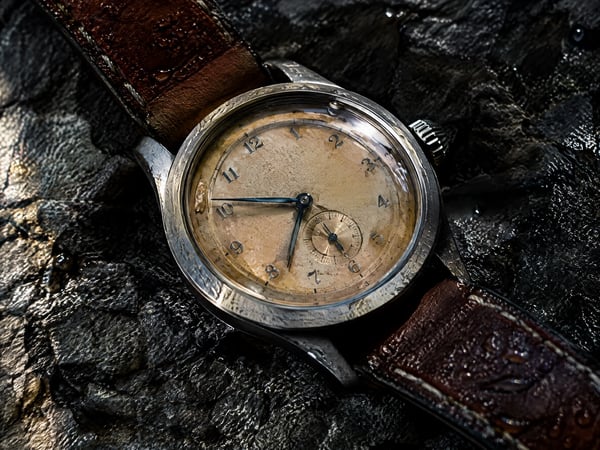
4K images in seconds, with edits that combine up to 16 reference photos.
Try it
Create vivid images or edit references with Grok Imagine 2.0.
Try it
Generate and refine detailed images with strong typography support.
Try it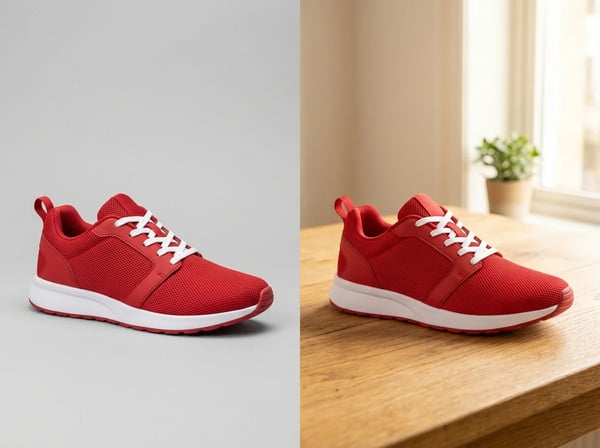
Sharper details, faster generation, and precise edits that keep subjects intact.
Try it
Create polished image concepts with the Kolors image generator.
Try it