E-commerce product photos
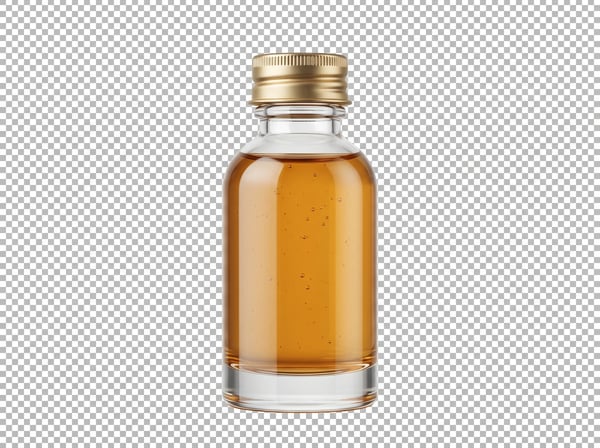
Create marketplace-ready images with a transparent or white background for Amazon, Shopify, Etsy, and catalog layouts.
Most free background removers leave gray halos or over-crop hair. DeepKolor isolates your subject on a transparent background and lets you pick 1K or 2K output, so you get a storefront-ready PNG cutout without manual masking.
Remove a photo background and keep the main subject cleanly isolated.
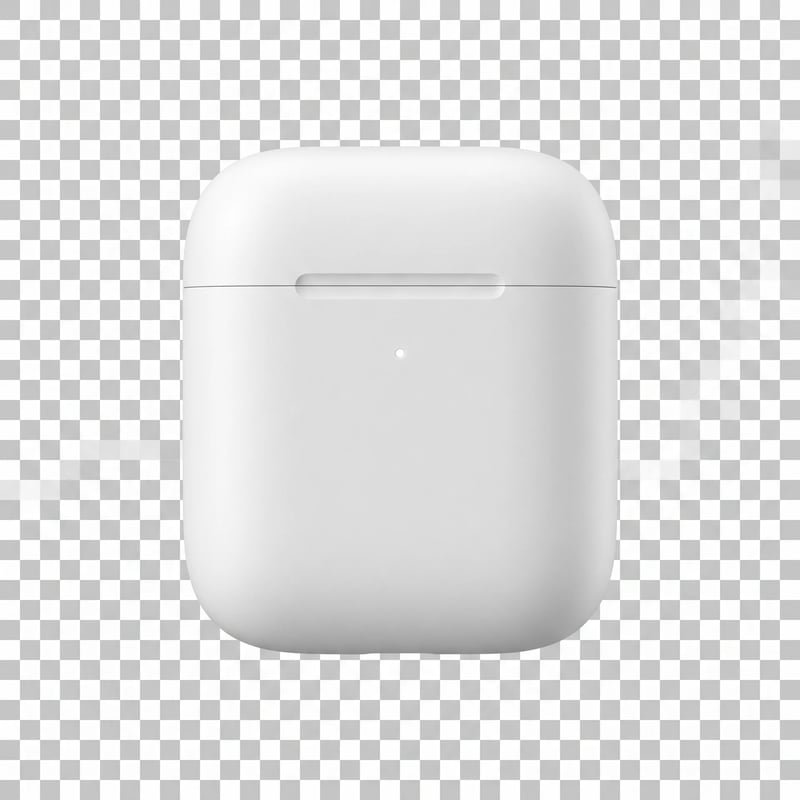
Get a transparent PNG cutout in three simple steps.
Choose one JPG, PNG, or WebP image with a clear subject. No account is required to preview the result.
Select the output size that fits your listing, layout, or print target before the AI starts processing.
Review the isolated subject and save it as a transparent PNG cutout ready for your next project.
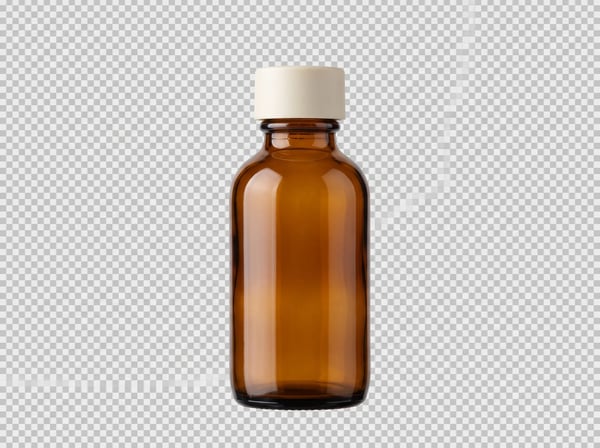
Product listings need a crisp subject on a neutral or transparent canvas. Upload the photo you already have and get an isolated cutout you can drop into a storefront, catalog, or campaign layout without rebuilding the shot.
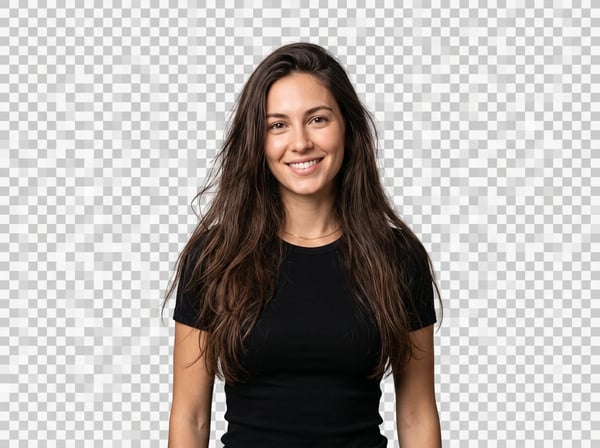
Cheap removers often shave off hair strands or leave gray halos around fur. DeepKolor's workflow is instructed to preserve delicate contours, so portraits and pet shots keep their natural outline instead of looking artificially clipped.
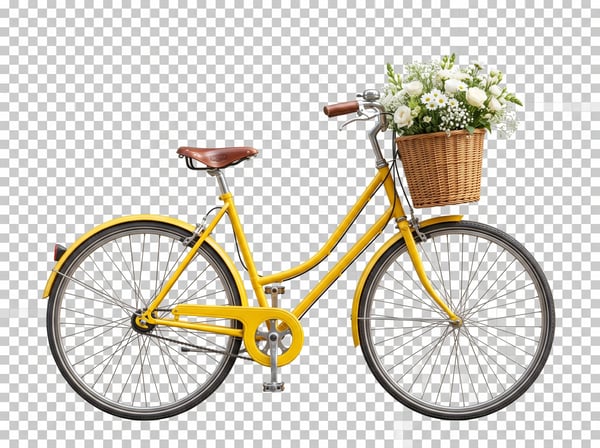
Once the background is removed, you receive the subject as a transparent PNG. That means no white box artifacts when you layer it over a new color, pattern, or scene in your design tool or storefront builder.
Open-ended tools guess the output size. Here you pick 1K or 2K before generating, so you know the cutout will have enough pixels for a web listing, social graphic, or larger layout without unexpected softness.
See how our AI background remover compares to manual editing and generic tools.
| Manual / Generic Tools | DeepKolor AI | |
|---|---|---|
| Edge handling | Generic masks often leave halos or crop hair | Preserves hair, fur, feathers, and thin accessories |
| Output resolution | Fixed size or low-res export | Choose 1K or 2K before generating |
| Workflow | Manual masking in Photoshop or brush tools | One-click transparent PNG cutout |
| Output format | Solid color fill or compressed JPG | Transparent PNG with alpha channel |
From product listings to profile photos, here is how creators and sellers use clean background removal.
Create marketplace-ready images with a transparent or white background for Amazon, Shopify, Etsy, and catalog layouts.
Replace busy backgrounds with a solid color or scene while keeping natural hair and clothing edges intact.
Drop isolated products or people into campaign banners, Instagram posts, and ad creatives without white boxes.
Turn photos into transparent PNG assets for apps, stickers, overlays, and digital compositions.
Quick answers about removing a photo background with DeepKolor.
Upload a photo and isolate its main subject for your next creative task.
Start with a focused creative workflow, then make it your own.
 6 credits
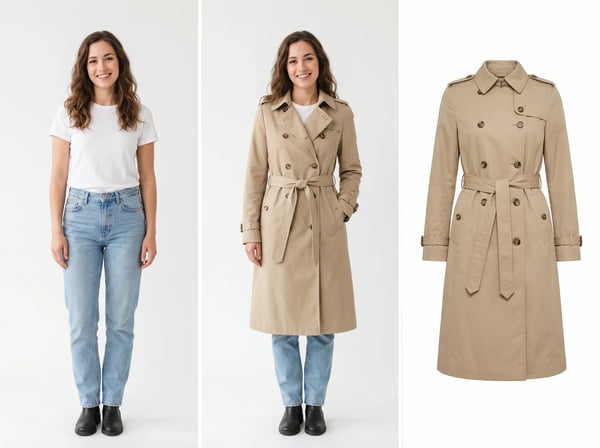
Upload a model photo and clothing references to create a realistic fashion try-on.
Try it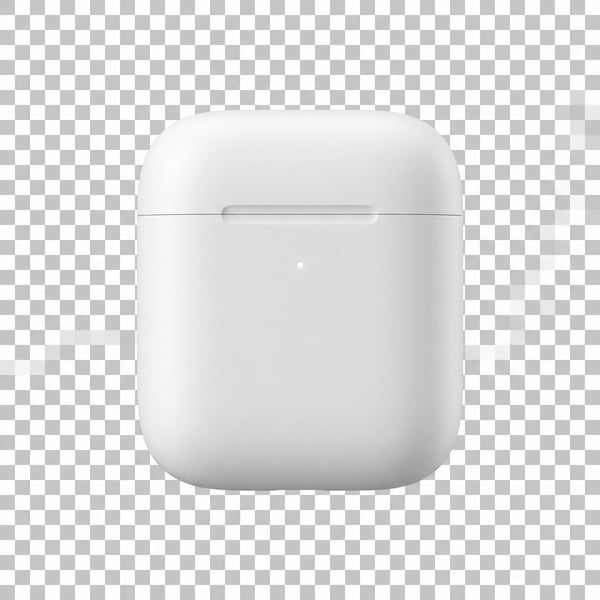 6 credits
Remove a photo background and keep the main subject cleanly isolated.
Try it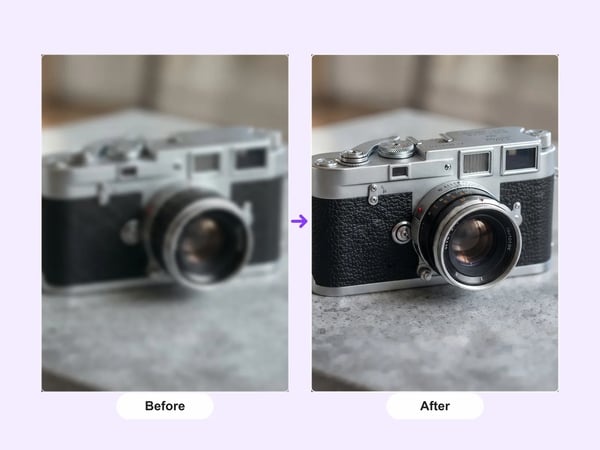 12 credits
Upscale portraits and images to 2K while preserving identity, composition, and natural detail.
Try it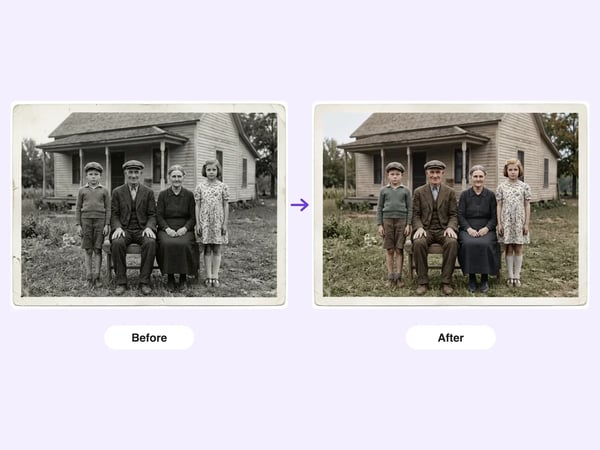 6 credits
Restore damaged, faded, or black-and-white old photos — repair scratches and tears, deblur faces, correct fading, and optionally colorize, while preserving each person's identity.
Try it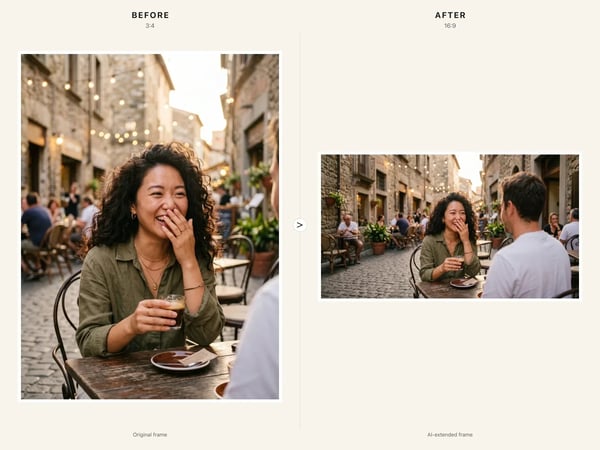 6 credits
Resize any image to a new aspect ratio without cropping or distortion — AI extends the scene to fit the new frame.
Try it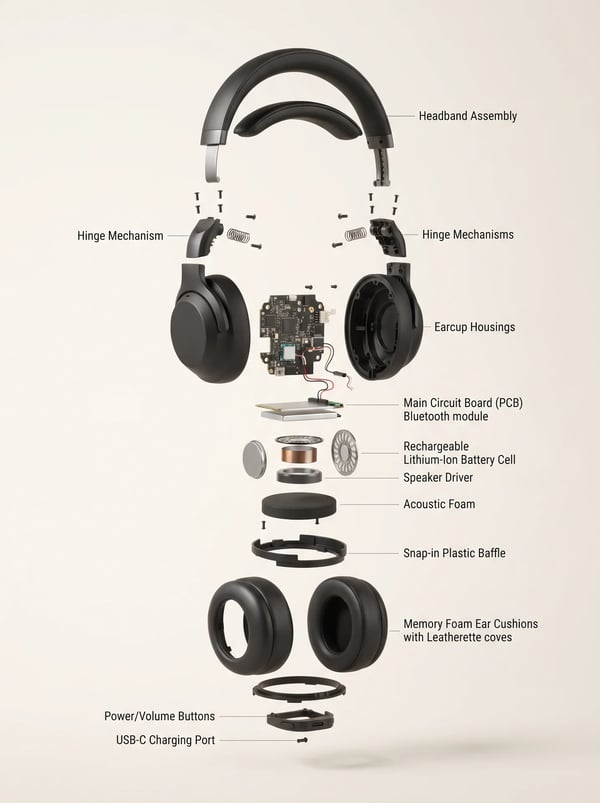 6 credits
Turn a product reference into a clear, premium exploded assembly image.
Try it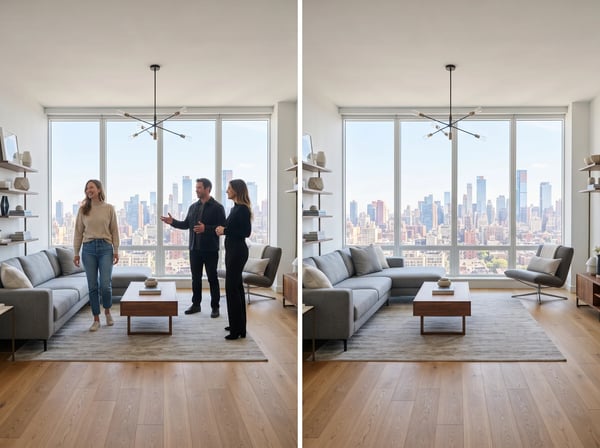 12 credits
Remove unwanted people from a photo while keeping the scene natural.
Try it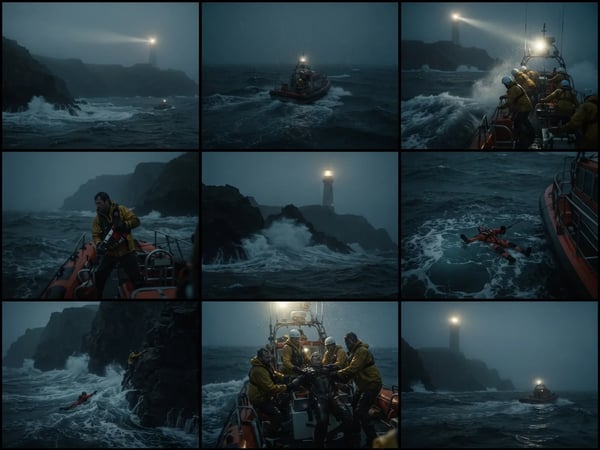 12 credits
Upload an optional visual reference and turn a scene brief into a photorealistic 9-panel cinematic storyboard grid in 2K.
Try it