Generation and Editing in One Model
Create a new visual from a prompt, or upload a reference and refine it. Both workflows run on the same model, so quality and style stay consistent.
ChatGPT Images 2.5 turns your ideas, sketches, and reference photos into polished images — with sharper details, lighting that feels natural, and edits that change only what you ask for. Describe the image below and try it right here.
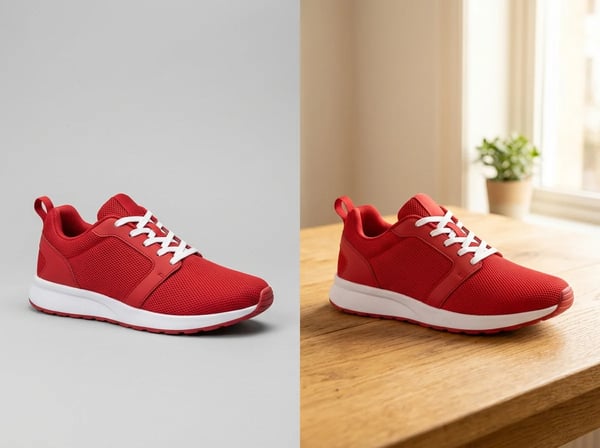
Most image tools regenerate the whole picture when you ask for a single change, so the parts you liked quietly drift. GPT Image 2.5 follows editing instructions more reliably: point at a background, a color, or an object and change just that. Upload a reference, request the swap, and everything else stays where you put it.
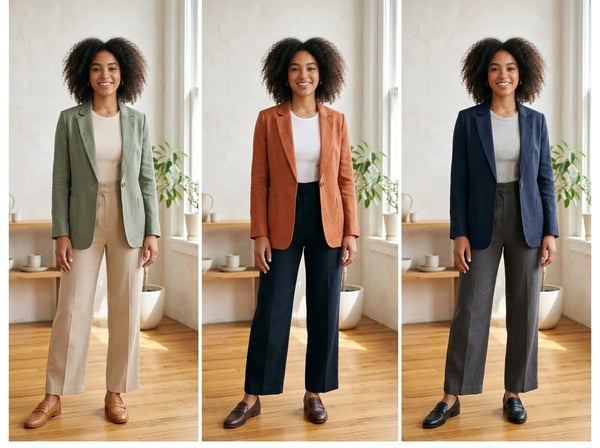
Long editing sessions usually break faces, logos, and packaging. This model is built to preserve the subjects in your reference photos, so the same character or product survives outfit changes, background swaps, and restyling rounds — which keeps campaigns, comics, and product lines visually consistent.
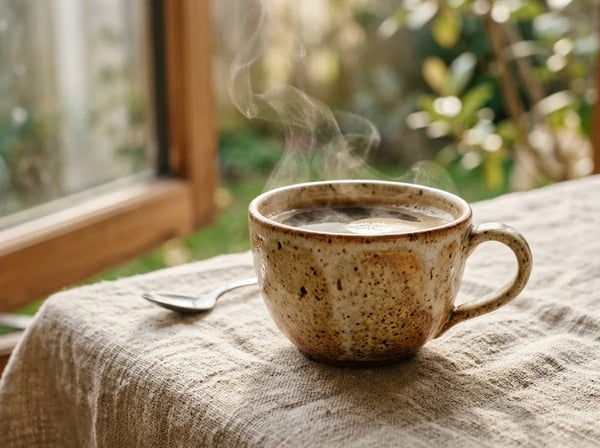
Flat lighting and plastic textures are the usual tells of AI images. GPT Image 2.5 renders richer textures and more natural lighting, from fabric weave and ceramic glaze to hard sunlight, so the output holds up in product shots and hero visuals instead of only in quick drafts.
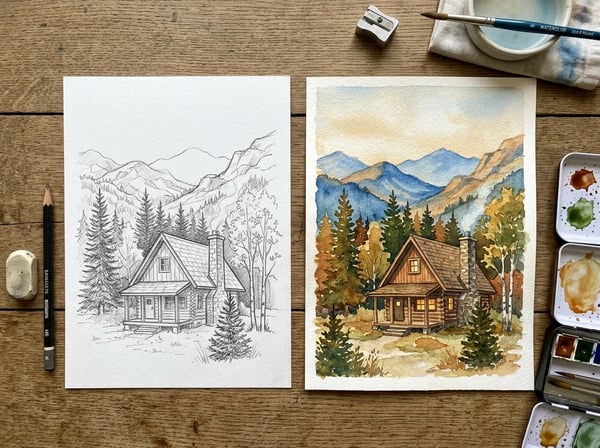
You no longer need the perfect prompt to communicate composition. Attach a rough sketch, a scribble on paper, or a reference photo, and the model uses it as the visual blueprint for the finished picture. Ideas that live on paper reach a polished draft in one step.
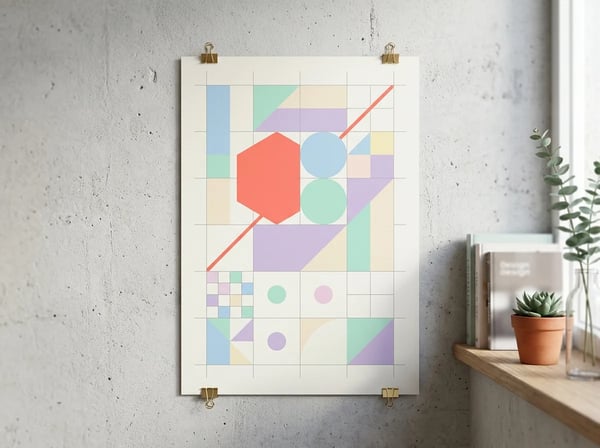
Posters, packaging mockups, and ad layouts need structure, not just pretty scenes. The model keeps headlines and labels readable and supports complex layouts, including transparent backgrounds, so a generated asset can drop straight into a design file and be layered over anything.
Hands-on reviews and OpenAI's release notes point to the same upgrades: speed, detail, and editing that holds up across turns.
| GPT Image 2 | GPT Image 2.5 | |
|---|---|---|
| Generation speed | Previous-generation baseline latency | Up to 50% lower latency per OpenAI's release notes |
| Detail and lighting | Solid output, but flatter light and weaker texture | Sharper details, more natural light, richer textures |
| Multi-turn editing | Drifts after a few edit rounds, so testers regenerated from scratch | Follows edit instructions reliably across many turns |
| Precise local edits | Small changes often meant regenerating the whole image | Changes only the area you point at and keeps the rest |
| Subject consistency | Faces and products deform across revisions | Better preservation of people and products from reference photos |
| Transparent backgrounds | No native transparent-background output | Native transparent-background PNG for design layering |
| Editing workflow | Everything has to be written into the prompt | Sketches, reference photos, and short edit instructions |
GPT Image 2.5 (also released as ChatGPT Images 2.5) is OpenAI's newest image generation model, shipped on September 8, 2026. Compared with GPT Image 2, it renders sharper details and more natural lighting, generates noticeably faster, follows editing instructions more reliably across multiple turns, and does a better job of preserving the people and products in your reference photos.
Create a new visual from a prompt, or upload a reference and refine it. Both workflows run on the same model, so quality and style stay consistent.
Ask for a background swap or a color change and the model applies it precisely, keeping the parts of the image you already approved in place.
Long revision sessions no longer drift: subjects, composition, and style hold steadier from the first draft to the final edit.
Sharper output at speed makes the model usable beyond drafts — campaign assets, product imagery, and social content can ship straight from the workflow.
A clear brief, a reference image if you have one, and a short edit loop are all it takes to go from idea to a usable asset.
Write the subject, style, lighting, and format in plain language. The more concrete the brief, the closer the first draft lands to what you pictured.
Attach a product shot, a character sheet, or a rough sketch. GPT Image 2.5 uses it to preserve identity and composition while it generates.
Ask for one change at a time — swap the background, adjust the light, recolor an object. The model applies targeted edits instead of regenerating from scratch.
Pick the ratio and resolution you need, review the details, and download the file for your campaign, store, or feed.
The model fits work where quality, consistency, and revision cycles decide whether an asset ships.
Launch posters, ad variants, and seasonal graphics that keep the same product and headline style across an entire campaign.
Place products in new scenes, generate clean hero shots, and restyle packaging concepts without reshooting the item.
Turn one idea into a week of post visuals while keeping the same character or brand look from Monday to Friday.
Keep characters on-model across panels, with multi-turn edits to fix expressions, props, or backgrounds scene by scene.
Explore directions fast: generate a concept, then apply feedback as targeted edits instead of starting over on each round.
Render readable text in multiple scripts for localized ads, packaging, and layouts aimed at different markets.
Common questions about ChatGPT Images 2.5 — capabilities, editing behavior, pricing, and how it compares with other image models.
Bring a product shot, a sketch, or just an idea — generate, refine with precise edits, and export a finished visual in one place.
Choose the image model that best fits your next generation or edit.
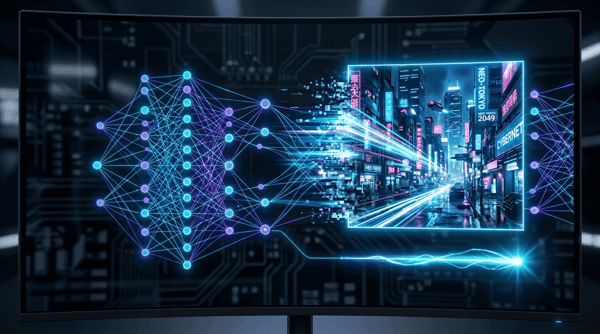
Fast, high-quality image generation and editing with flexible formats.
Try it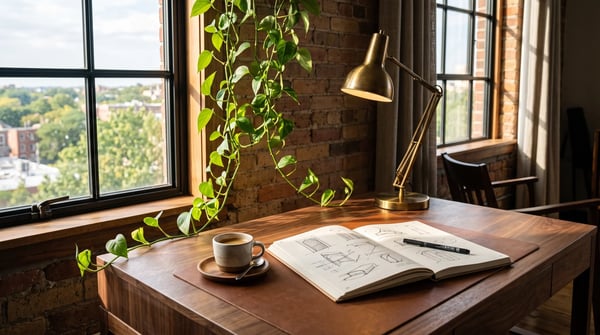
Create vivid images or edit references with Grok Imagine 2.0.
Try it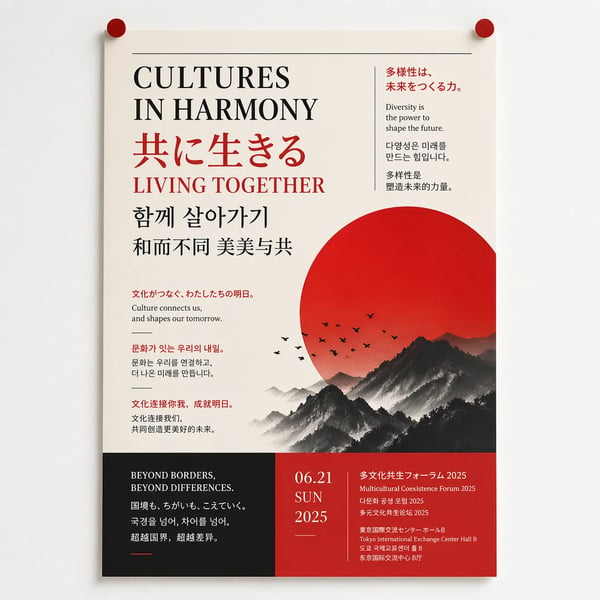
Generate and refine detailed images with strong typography support.
Try it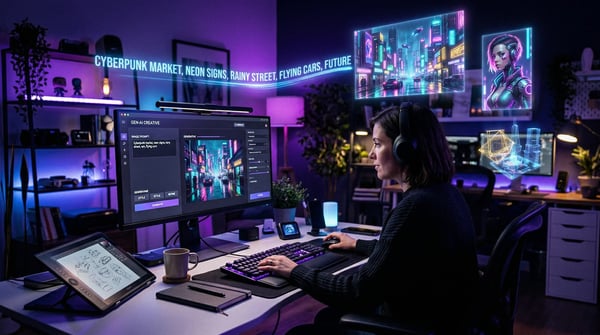
Create polished image concepts with the Kolors image generator.
Try it