Instruction-Faithful Generation
Subject, layout, exact wording, lighting — a structured brief comes back with every element honored. Complex multi-element prompts land on the first pass, so revisions become refinements instead of re-rolls.
Grok Image 2.0 (Grok Imagine Image 2.0) is xAI's latest image generation model, built for real work: instructions land as written, typography is planned like a designer, and edits touch only the region you choose. Generate and edit 1K–2K images online with DeepKolor.
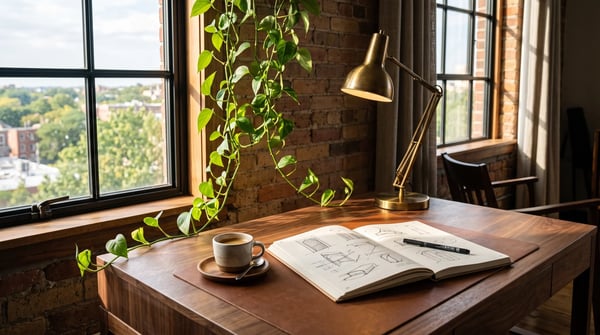
Grok Image 2.0 was built for images you can use in real work. Give it a structured brief — subject, layout, exact words, style, and light — and it returns a composition that honors every element. Multi-subject scenes, specific spatial arrangements, and detailed artistic direction land on the first pass far more often, turning revision cycles into quick refinements.
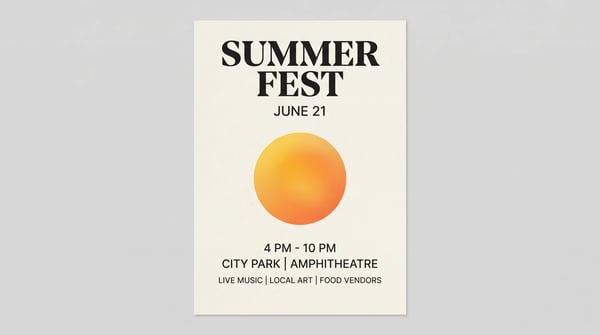
Most image models paint letters; Grok Image 2.0 plans them. It works out hierarchy and layout the way a designer would, then renders your exact words. Put on-image copy in quotes — headlines, sublines, labels — and it comes back legible, including dense infographics, tutorial sheets, and small print that stays sharp.
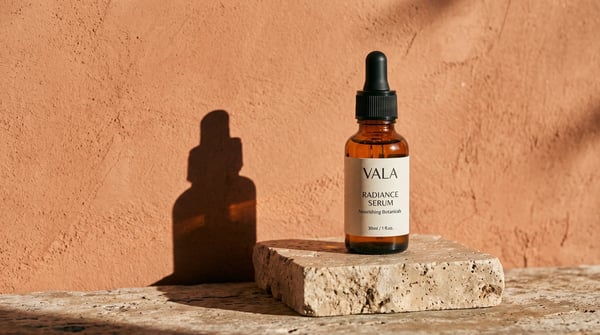
Point at what should change and describe only the change. Grok Image 2.0 edits the targeted region — a colorway, a label, a background — while preserving the lighting, shadows, and everything else in the frame. Scoped, one-at-a-time edits stack predictably, which is what makes catalog and product work practical.
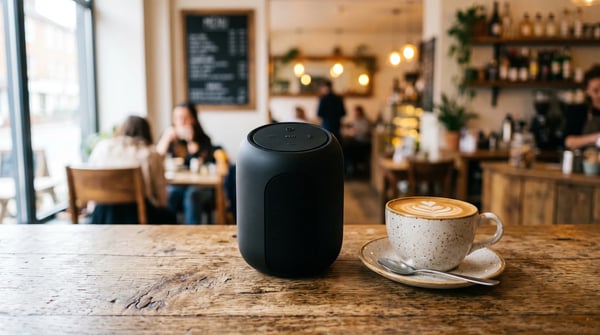
Turn compositing into a prompt. One reference carries the product, another the style, another the scene — Grok Image 2.0 fuses up to 5 input images in a single pass. It preserves what you put in, so the product in the output is recognizably the product you supplied.
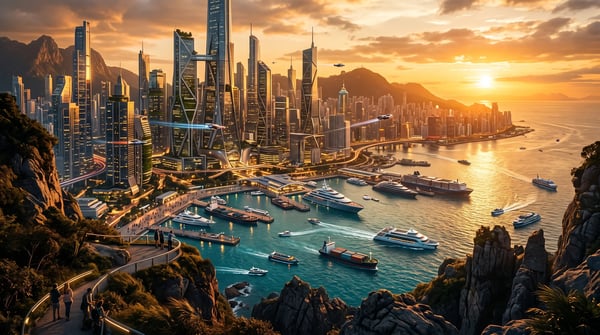
Generate at 1K for fast iteration or 2K for production-ready detail, across five aspect ratios from 9:16 stories to 16:9 widescreen. Fine textures, clean edges, and layered depth hold up on large displays and in print-ready layouts.
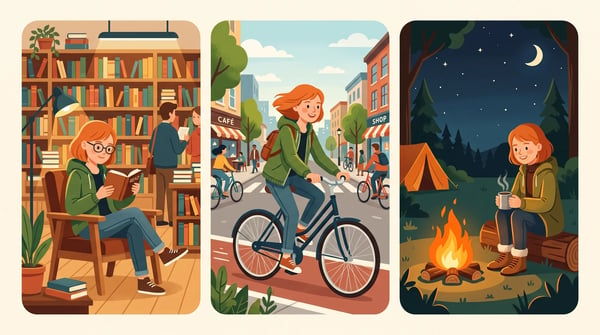
Grok Image 2.0 holds a look across prompts, so you can build a world image by image: a character, their locations, and their props generated separately yet recognizably consistent. The consistency carries into edits, making storyboards, brand mascots, and game assets practical.
Grok Image 2.0 — officially Grok Imagine Image 2.0 — is xAI's precision image generation and editing model, released in August 2026 as the Quality Mode of Grok Imagine. It is built around one idea: control. Complex briefs land on the first pass, on-image text renders as written, and edits stay scoped to the region you point at.
Subject, layout, exact wording, lighting — a structured brief comes back with every element honored. Complex multi-element prompts land on the first pass, so revisions become refinements instead of re-rolls.
Grok Image 2.0 plans type hierarchy and layout before rendering, so posters, infographics, and labels keep their structure and small text stays sharp instead of smudged.
Edit one garment, one label, one surface at a time. The model changes the region you target and leaves lighting, shadows, and the rest of the frame untouched.
Feed up to 5 reference images into one generation — one carries the product, one the style, one the scene — and the model fuses them while keeping your subject recognizable.
Start creating with xAI's precision image model in three simple steps — no setup required.
Describe subject, layout, exact wording, style, and light. Put on-image text in quotes and describe the layout structurally — 'headline across the top third, product lower right' — for the most faithful results.
Pick an aspect ratio (1:1, 4:3, 3:4, 9:16, or 16:9) and choose 1K or 2K resolution. Optionally upload up to 5 reference images and name what each contributes — product, style, or scene.
Generate in seconds, then refine with scoped edits instead of re-rolling: change one region at a time while the rest of the frame stays put. Download your final image ready for campaigns, catalogs, or content.
See how creators and teams put Grok Image 2.0's precision to work.
Set the headline, subline, and hierarchy in the prompt and the poster comes back laid out, with the words rendered as written. Small print stays legible — ideal for campaign visuals and promo graphics.
Dense, multi-part visuals hold their logic: labeled steps, arrows that point at the right things, and captions that read. Process diagrams and step-by-step sheets arrive structured in one pass.
Point at the label, the colorway, or the background and change just that. Lighting and shadows stay put, making catalog refreshes, seasonal variants, and marketplace imagery fast and consistent.
One concept, every placement. Generate across 9:16 stories, 1:1 feeds, and 16:9 banners with compositions that read as designed for each format — not cropped afterthoughts.
A character, their locations, and their props, generated across prompts and holding one look. Perfect for storyboards, comics, game assets, and feeding a consistent style into video pipelines.
Retouch a region, clean up a background, or turn an existing photo into a finished asset. The edit touches what you asked for and nothing else — no full-image re-rolls.
Everything you need to know about xAI's precision image model.
Experience xAI's most precise image model on DeepKolor — brief-faithful generation, designer-grade typography, and region-precise editing in one canvas.
Choose the image model that best fits your next generation or edit.
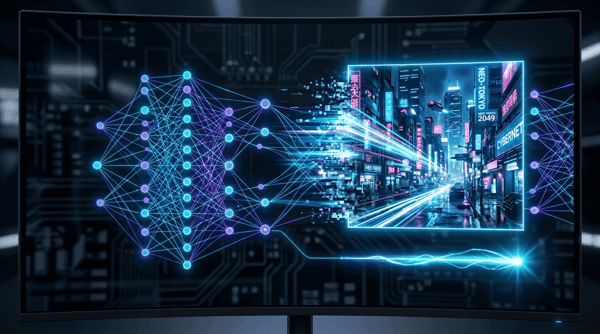
Fast, high-quality image generation and editing with flexible formats.
Try it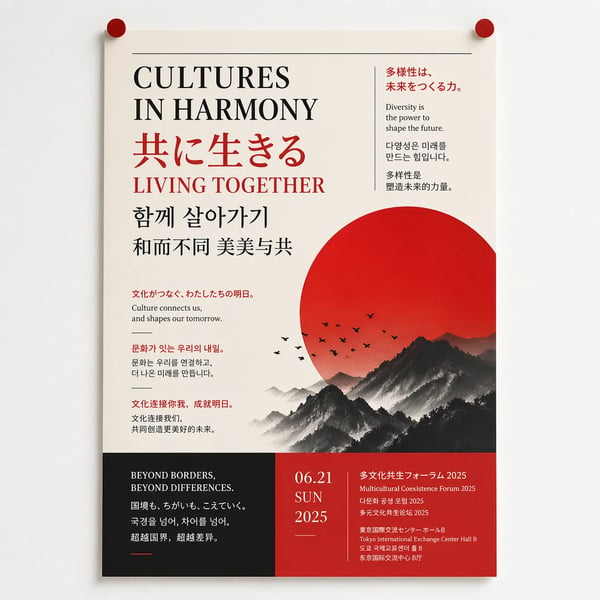
Generate and refine detailed images with strong typography support.
Try it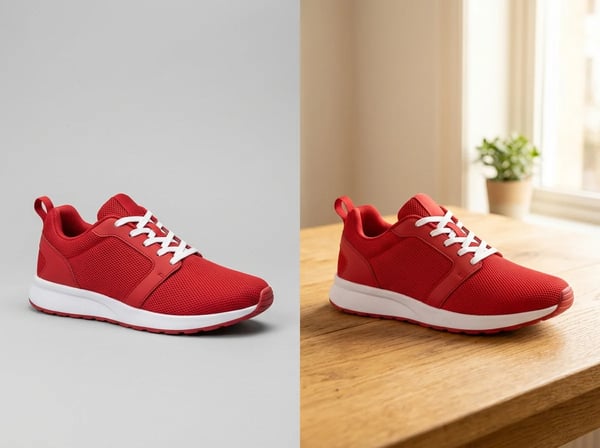
Sharper details, faster generation, and precise edits that keep subjects intact.
Try it
Create polished image concepts with the Kolors image generator.
Try it