Try Before You Buy
Shoppers can upload their own photo and see how a garment might look on them, which reduces guesswork and makes online clothing purchases feel less risky.
Upload a model or shopper photo and a garment image to generate a realistic clothing preview. Built for ecommerce teams who need on-model product visuals without a photoshoot.
Upload a model photo and clothing references to create a realistic fashion try-on.
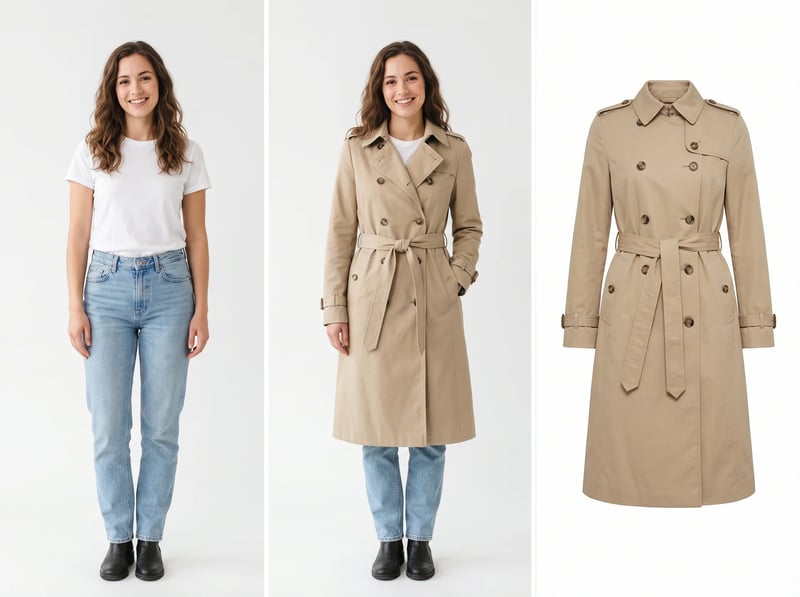
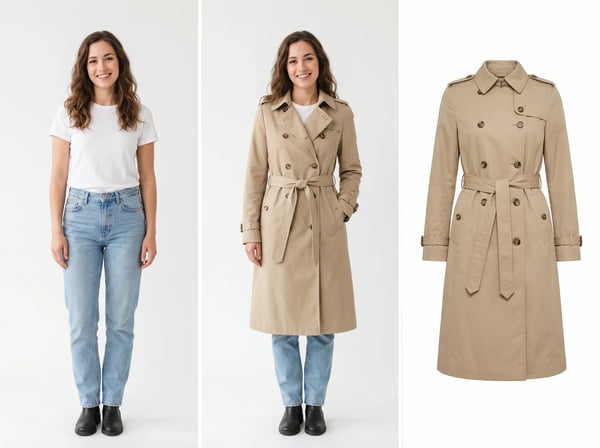
Most try-on tools show the garment on a generic model that looks nothing like the shopper. Upload the shopper's own photo and the actual garment image, and the AI renders the outfit while keeping the original pose and proportions. The result is a personal preview, not a stock composite.
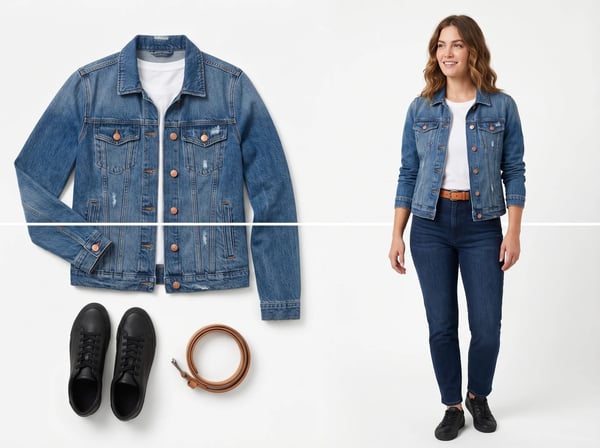
Ecommerce teams often only have flat lays or ghost mannequins. Upload those assets plus a model photo to generate catalog-ready images without booking a studio. One garment can produce multiple model shots for product pages and ads.
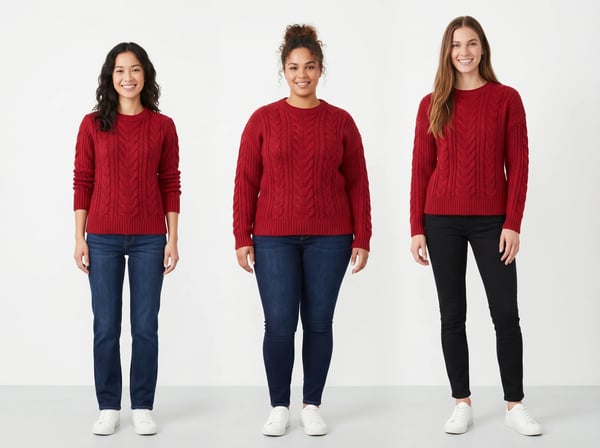
Use one garment image with different model photos or prompts to create varied campaign visuals. This helps brands show fit on different body types and build inclusive merchandising without reshooting the item.
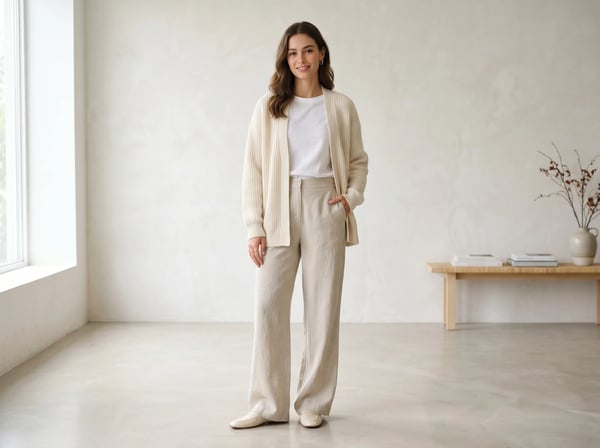
The tool runs in the browser. Upload images, describe the result, and download the output. There is no mobile app to install and no production calendar to coordinate.
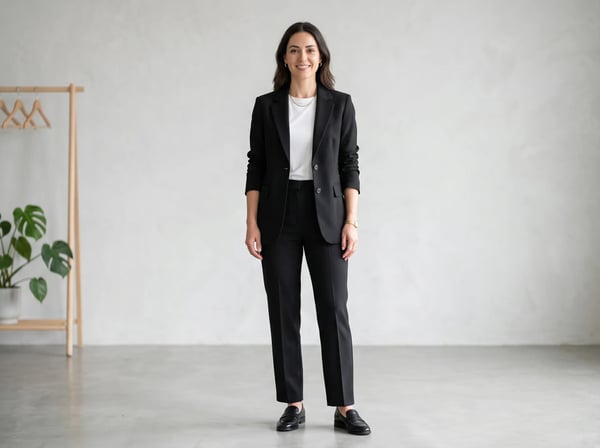
Create several model shots, backgrounds, and styling directions from a single garment image. This makes it easier to A/B test product page visuals and build seasonal campaign assets without reshooting.
AI virtual try on combines a person photo with a garment image to create a realistic preview of how the clothing looks when worn. It helps online shoppers visualize fit and style before buying, and helps fashion sellers produce on-model product images without booking a studio.
Shoppers can upload their own photo and see how a garment might look on them, which reduces guesswork and makes online clothing purchases feel less risky.
Fashion brands and marketplace sellers can turn flat lays and product shots into model photography without hiring photographers, models, or renting studio space.
Instead of waiting for a shoot day, teams can generate model images in minutes. This is useful for launching new styles quickly and refreshing seasonal catalogs.
The same garment can be shown on different body types, poses, and styles, helping brands create more representative product pages and campaign visuals.
Generate a clothing preview from the assets you already have.
Choose a clear, front-facing photo where the body shape and pose are visible. This becomes the base for the try-on preview.
Add a photo of the clothing item on a plain background or as a clean product shot. The AI uses this to preserve the garment's color, texture, and shape.
Tell the AI how you want the final image to look, then download the result. Most previews finish in seconds and can be refined with another prompt.
Common scenarios where AI virtual try on saves time and improves conversion.
Shopify and Amazon sellers use virtual try on to create on-model product photos from flat lays, reducing the cost and delay of traditional apparel photography.
Brands use the tool to produce seasonal campaign visuals, lookbook images, and social ads from existing garment assets without organizing new shoots.
Shoppers can upload their own photo to preview how an item may look before ordering, which helps reduce returns caused by style or fit uncertainty.
Sellers on multi-vendor platforms generate more visual variations for listings and ads, helping products stand out in crowded categories.
Creators and resellers use virtual try on to quickly generate model-style images for posts, stories, and product drops without a production setup.
Answers for shoppers, fashion brands, and ecommerce teams using virtual try on for clothing.
Use DeepKolor to build realistic apparel previews for shoppers, product pages, marketplaces, and fashion campaigns from the clothing assets you already have.
Start with a focused creative workflow, then make it your own.
6 creditsUpload a model photo and clothing references to create a realistic fashion try-on.
Try it 6 credits
Remove a photo background and keep the main subject cleanly isolated.
Try it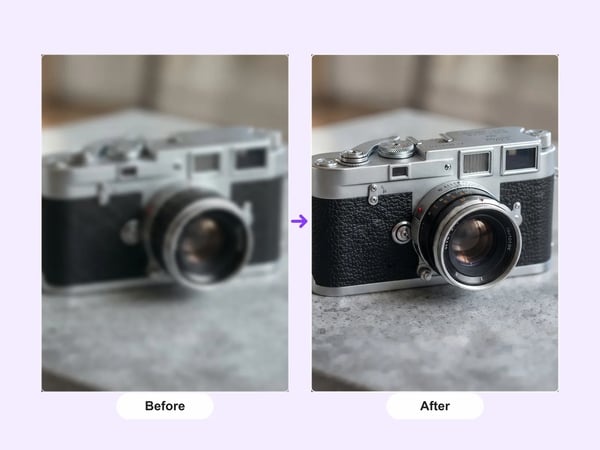 12 credits
Upscale portraits and images to 2K while preserving identity, composition, and natural detail.
Try it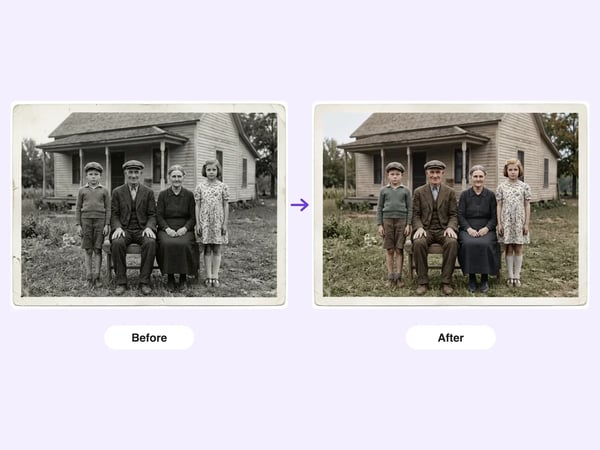 6 credits
Restore damaged, faded, or black-and-white old photos — repair scratches and tears, deblur faces, correct fading, and optionally colorize, while preserving each person's identity.
Try it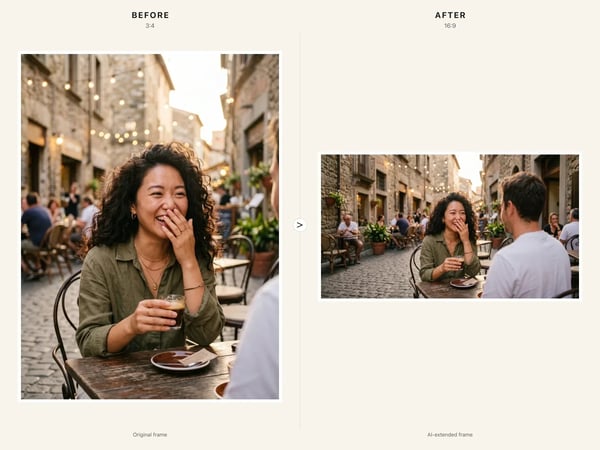 6 credits
Resize any image to a new aspect ratio without cropping or distortion — AI extends the scene to fit the new frame.
Try it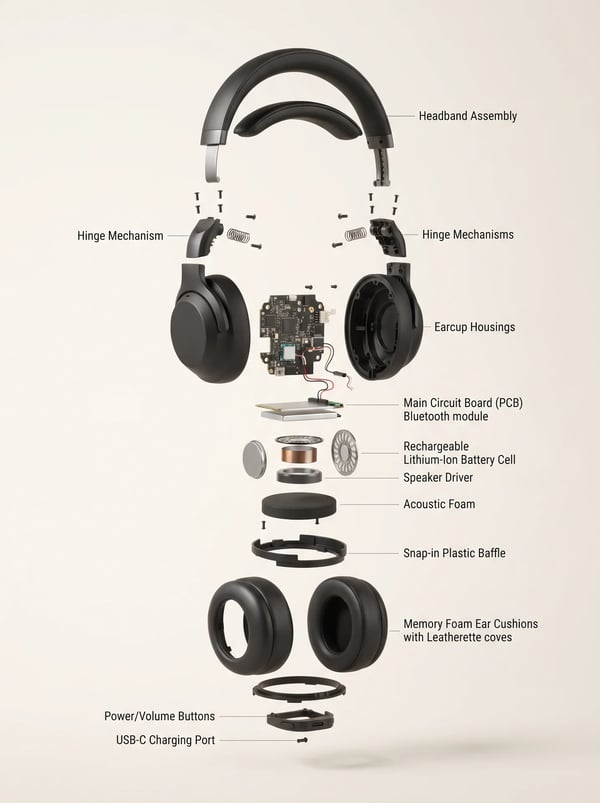 6 credits
Turn a product reference into a clear, premium exploded assembly image.
Try it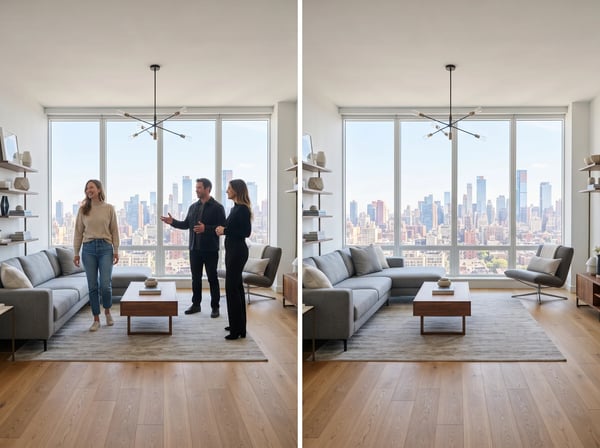 12 credits
Remove unwanted people from a photo while keeping the scene natural.
Try it 12 credits
Upload an optional visual reference and turn a scene brief into a photorealistic 9-panel cinematic storyboard grid in 2K.
Try it