Family Archives
Bring faded wedding photos, childhood portraits, and group shots back to life before the prints degrade further — and share the restored files with relatives.
Upload a damaged, faded, or black-and-white photo and get a restored HD version in one pass — scratches and creases removed, blurred faces rebuilt, and colors recovered only when you ask for them. Faces stay exactly as they were.
Restore damaged, faded, or black-and-white old photos — repair scratches and tears, deblur faces, correct fading, and optionally colorize, while preserving each person's identity.
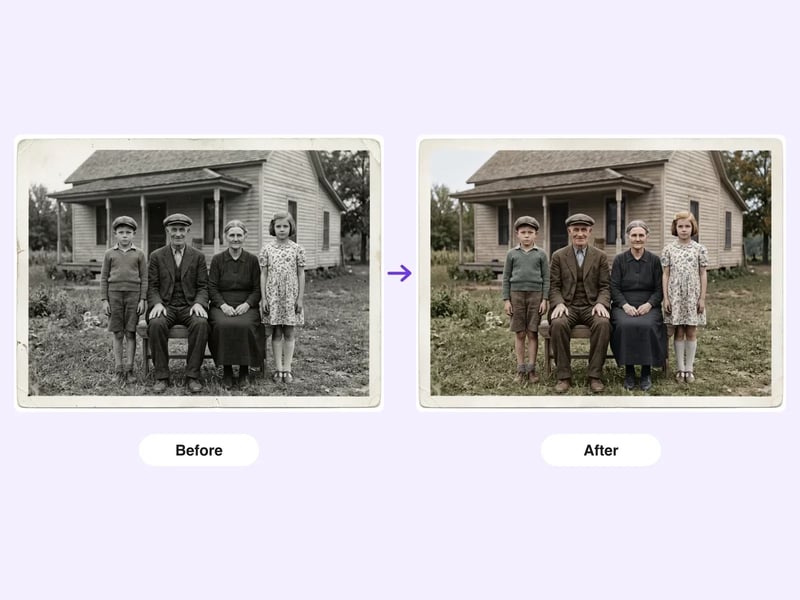
From a shoebox scan to a frame-ready print in three steps — no Photoshop experience needed.
Scan or photograph the print — JPG, PNG, or WebP. Include the whole frame so the edges can be repaired cleanly.
Pick whether to colorize the photo naturally or keep its original tone, and choose a 1K or 2K output resolution.
Review the result, compare it against the original, and download the 2K file for printing or sharing with family.
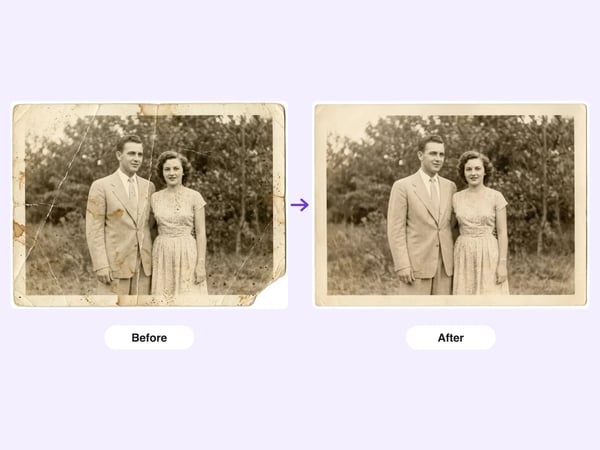
The tool reads the damage actually present in your print — scratches, fold lines, stains, mold speckles, dust — and repairs all of it, rebuilding torn or chipped regions so they match the surrounding texture and lighting with no visible seams.
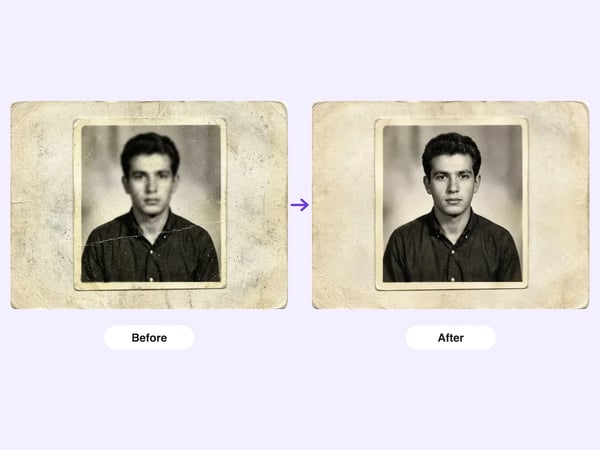
Soft, mushy faces are the hardest part of an old photo. The restoration rebuilds facial detail — eyes, expression, hair — while keeping the person's original face shape, age, and defining marks like wrinkles and moles. The result is the same person, seen clearly.
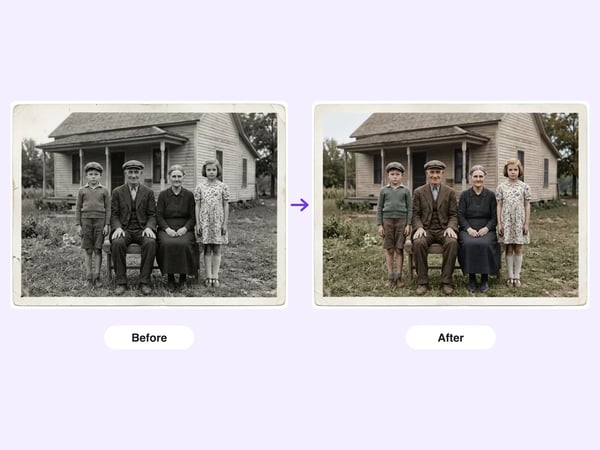
Colorization is applied only after damage repair, using a muted vintage palette with realistic skin tones instead of neon oversaturation. If you want to keep the photo black-and-white, choose that option — the tool will correct tone and contrast without adding color.
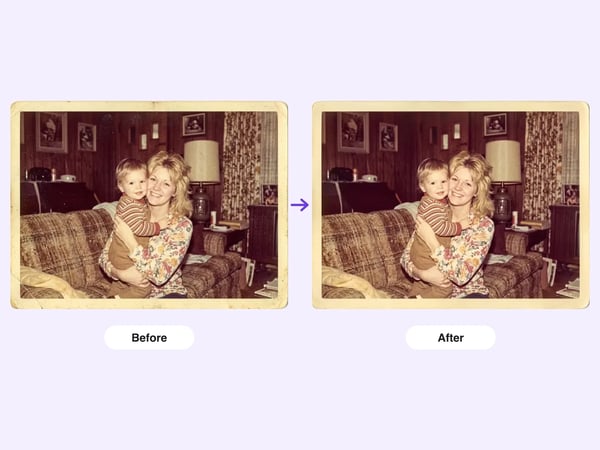
Seventies-era color prints often turn orange and washed out. The tool rebalances faded color, removes yellowing, and restores tonal depth and contrast while keeping the era's authentic look — not a modern filter over an old photo.
Any time the memory in the photo matters more than the damage on the print.
Bring faded wedding photos, childhood portraits, and group shots back to life before the prints degrade further — and share the restored files with relatives.
Restore a grandparent's portrait for a birthday, a milestone anniversary, or a funeral slideshow, printed at a quality the original print can no longer reach.
Clean up scanned records, village group photos, and archival images for family-tree projects, school reunions, or community history collections.
Most one-click restorers trade damage removal for a plastic, over-beautified look. This workflow is built the other way around.
Every restoration runs under a strict identity-preservation constraint: face shape, proportions, expression, and age must stay unchanged. Grandparents stay recognizable as themselves — no face swaps, no smoothed-out strangers.
Group photos with several people get the same care for every face in frame, not just the largest one. Clothing, background, and the photo's vintage character are preserved along with the people.
Choose 1K for quick previews or 2K for a restoration sharp enough for a framed reprint, not just a phone screen. The original aspect ratio and framing are kept.
Answers about inputs, colorization, identity, pricing, and limits.
Upload one photo, choose colorize or keep-original, and see the same faces — clearer than they've been in decades.
Start with a focused creative workflow, then make it your own.
 6 credits
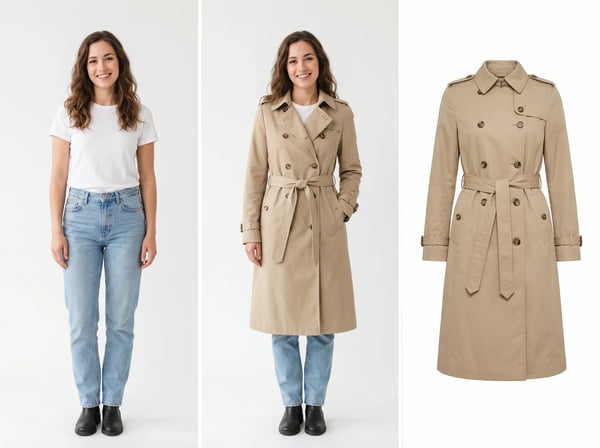
Upload a model photo and clothing references to create a realistic fashion try-on.
Try it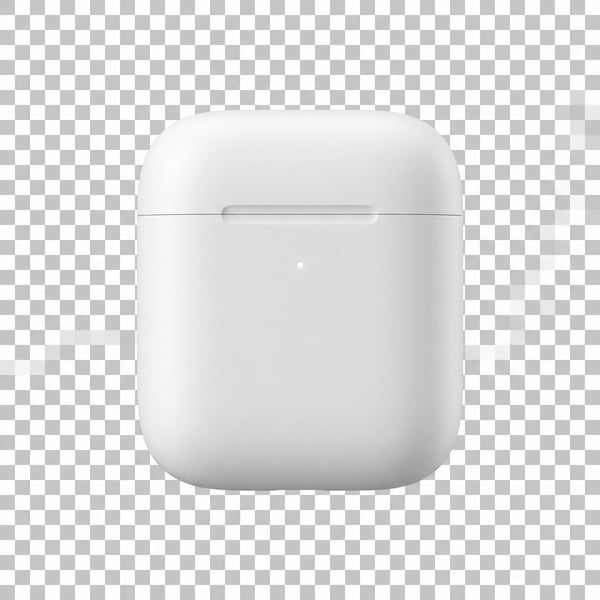 6 credits
Remove a photo background and keep the main subject cleanly isolated.
Try it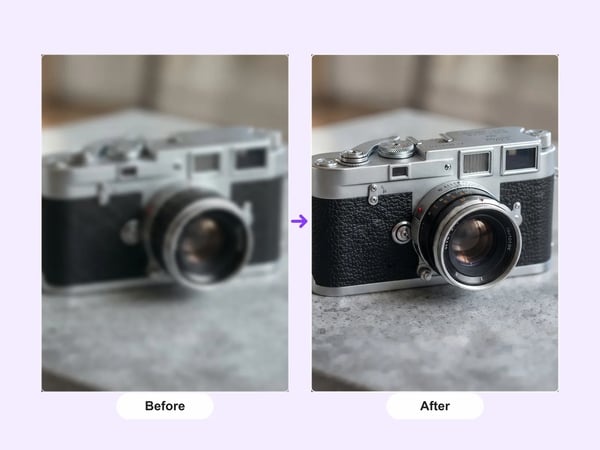 12 credits
Upscale portraits and images to 2K while preserving identity, composition, and natural detail.
Try it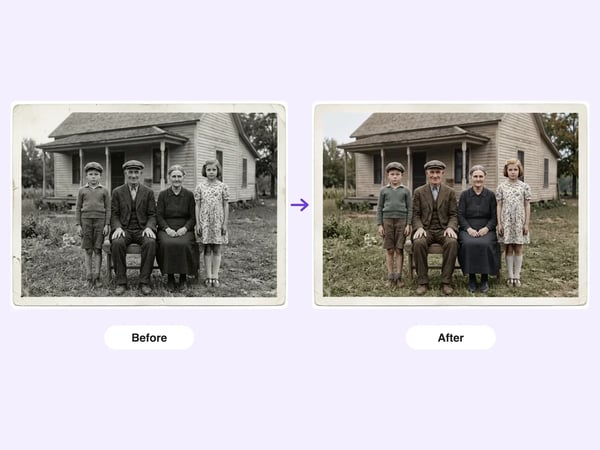 6 credits
Restore damaged, faded, or black-and-white old photos — repair scratches and tears, deblur faces, correct fading, and optionally colorize, while preserving each person's identity.
Try it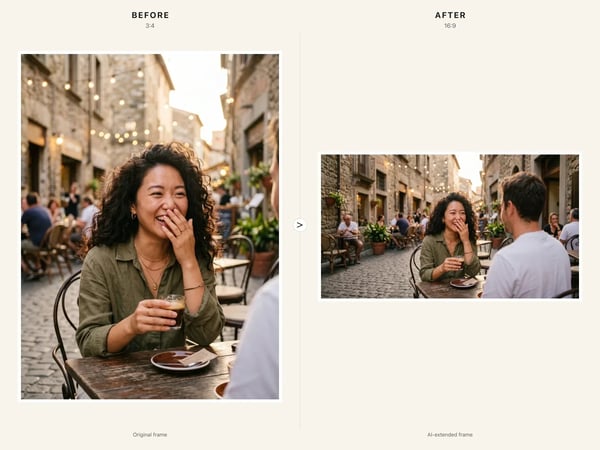 6 credits
Resize any image to a new aspect ratio without cropping or distortion — AI extends the scene to fit the new frame.
Try it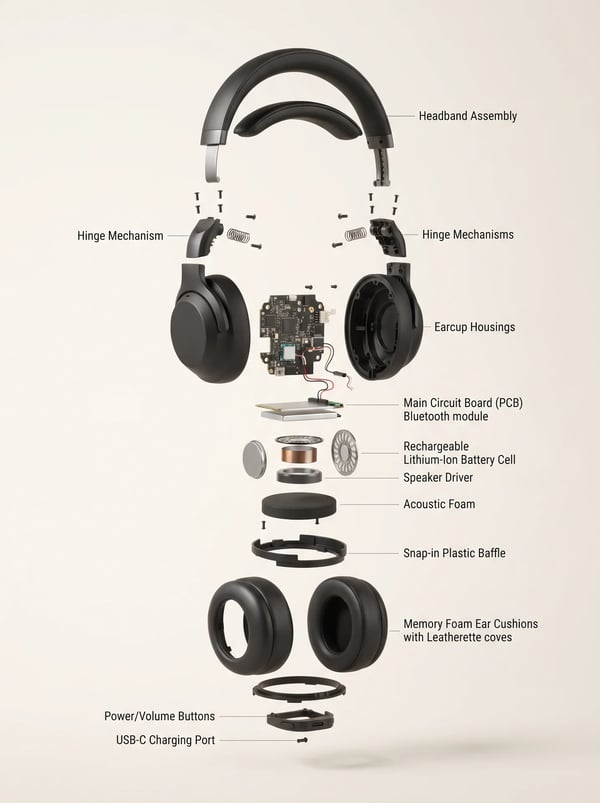 6 credits
Turn a product reference into a clear, premium exploded assembly image.
Try it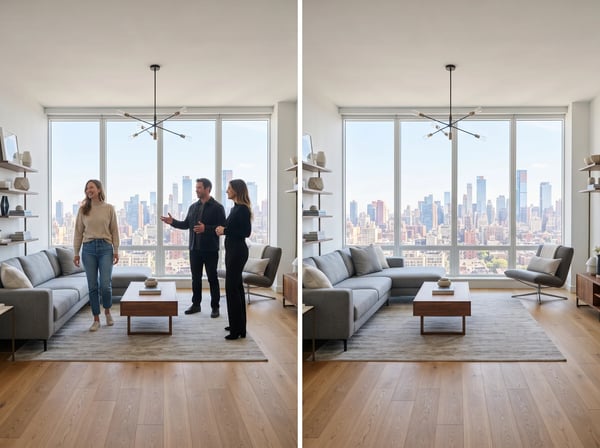 12 credits
Remove unwanted people from a photo while keeping the scene natural.
Try it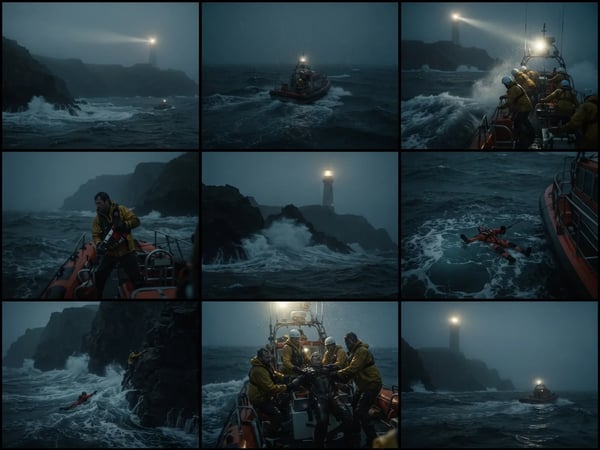 12 credits
Upload an optional visual reference and turn a scene brief into a photorealistic 9-panel cinematic storyboard grid in 2K.
Try it