E-commerce Product Photos
Prepare higher-resolution versions for main images, detail pages, or storefront assets while keeping packaging, materials, and the real product recognizable.
Upload an image and create a 2K version that keeps the original subject, framing, color, and visual character intact. No pixel stretching, no over-painting.
Upscale portraits and images to 2K while preserving identity, composition, and natural detail.
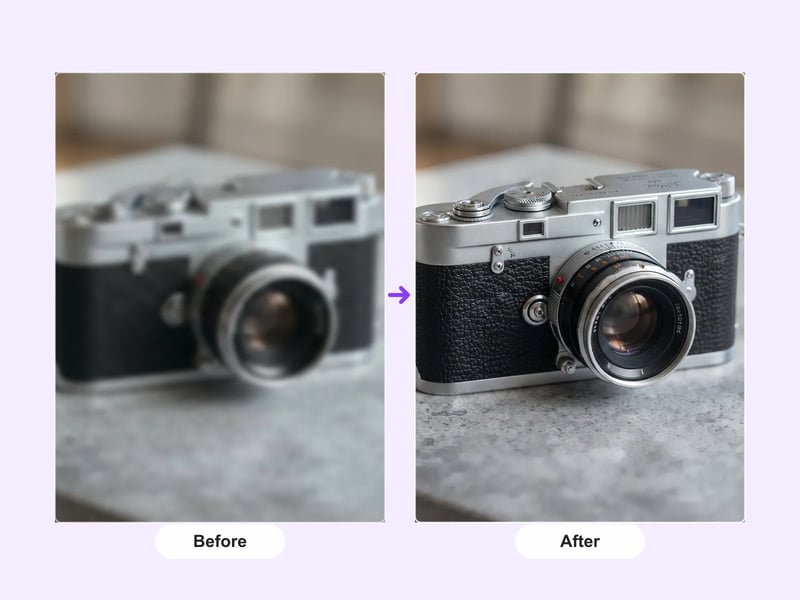
Get a higher-resolution working image in three steps — no Photoshop or manual retouching required.
Choose a JPG, PNG, or WebP photo, illustration, product image, or design.
Nano Banana 2 uses your image as reference and preserves identity and composition while increasing resolution.
Review the result and download the 2K file for your design, publish, or print workflow.
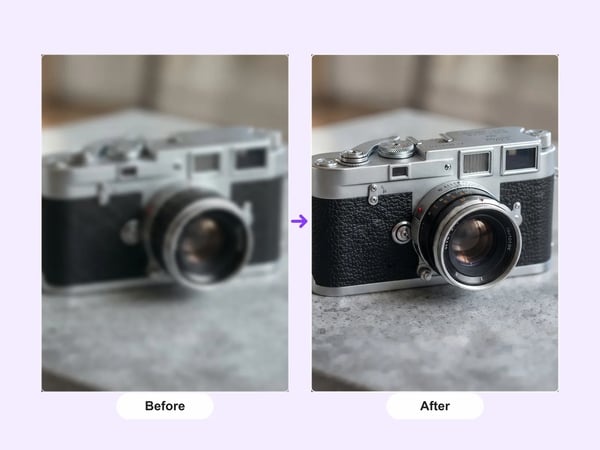
Ordinary resizing just stretches pixels, so edges and text turn soft. This tool uses Nano Banana 2 image-to-image generation to rebuild edges and texture as it increases resolution, giving a genuinely clearer result instead of a blurry stretch.
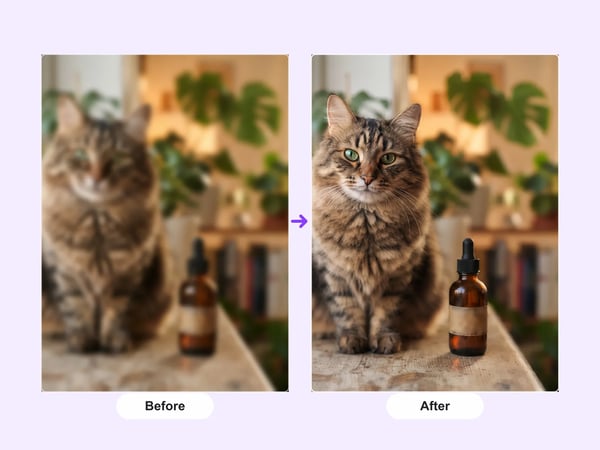
Low-resolution images often carry noise, jagged edges, or JPEG blocking. The model targets these damaged areas during upscaling, reducing artifacts and recovering natural texture rather than simply sharpening. The 2K output is ready for cropping or print.
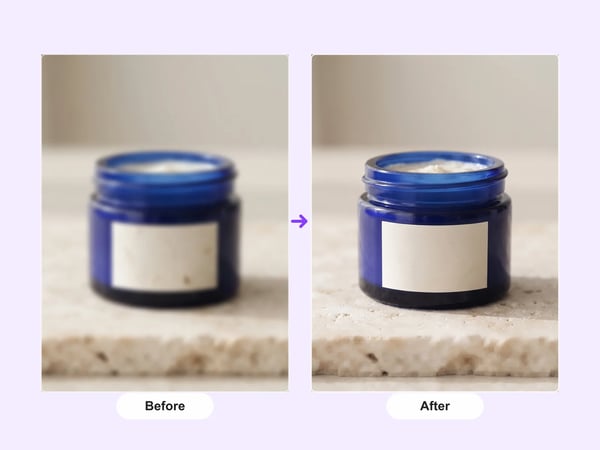
Many "HD" options leave the final size ambiguous. Here the output is fixed at 2K, so you know the exact pixel box before you start — useful for social covers, product listings, or presentation slides without repeated exports.
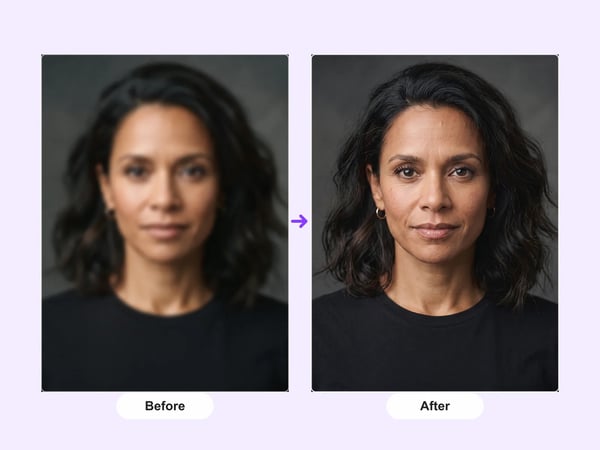
Portrait upscaling often rewrites a face into someone else. The prompt constrains the model to keep facial features, hairstyle, expression, age, and overall character unchanged, enhancing only clarity and detail.
Generate a larger working version when the content and framing are already right but the resolution isn't enough for the next step.
Prepare higher-resolution versions for main images, detail pages, or storefront assets while keeping packaging, materials, and the real product recognizable.
Create larger HD versions of travel, portrait, or campaign photos before posting, making covers, or laying out prints.
Build a 2K working version of an AI-generated image, hand-drawn illustration, or design asset while keeping the original style and framing.
Unlike simple stretch or repaint upscalers, this workflow is built to make the same photo larger and clearer.
Most free upscalers hide flaws with blur or repaint the scene. We constrain the model to preserve the original subject, proportions, and style, adding only resolution and detail.
The model is explicitly instructed to keep facial features, hairstyle, expression, and age the same, so portraits don't become a different person after upscaling.
A fixed 2K target means you know the final size before uploading, making it easy to drop the result into a design mockup, store page, or social template.
Answers about formats, output, privacy, pricing, and alternatives.
Start with the image you already have and create a higher-resolution version that preserves the original style and identity.
Start with a focused creative workflow, then make it your own.
 6 credits
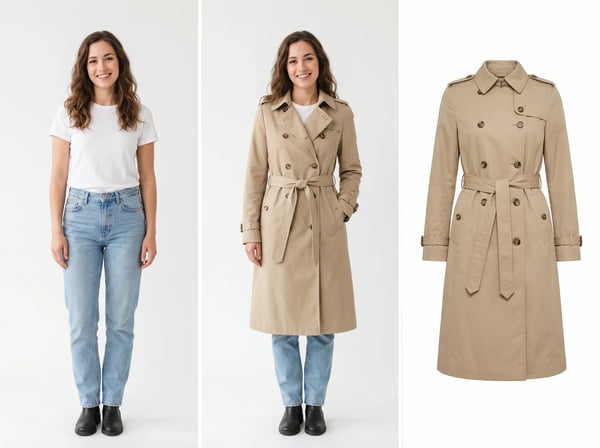
Upload a model photo and clothing references to create a realistic fashion try-on.
Try it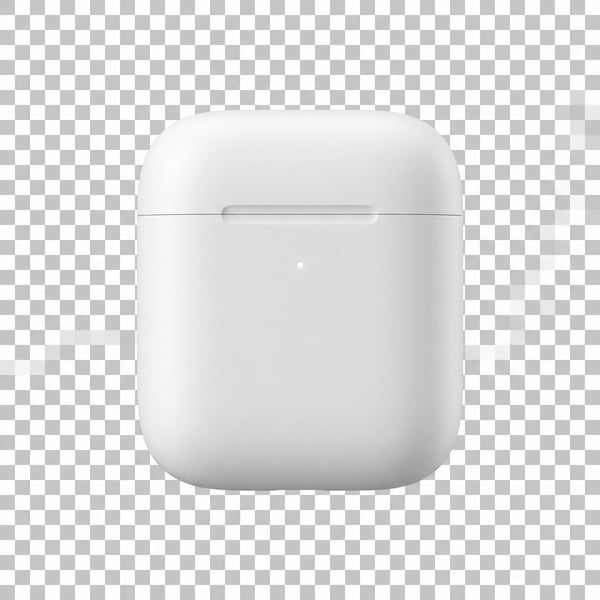 6 credits
Remove a photo background and keep the main subject cleanly isolated.
Try it12 creditsUpscale portraits and images to 2K while preserving identity, composition, and natural detail.
Try it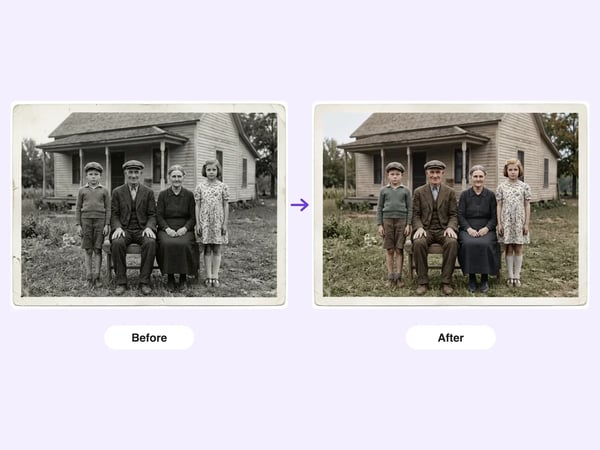 6 credits
Restore damaged, faded, or black-and-white old photos — repair scratches and tears, deblur faces, correct fading, and optionally colorize, while preserving each person's identity.
Try it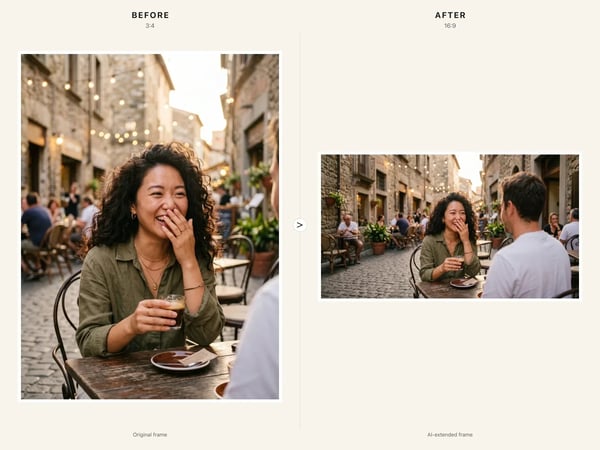 6 credits
Resize any image to a new aspect ratio without cropping or distortion — AI extends the scene to fit the new frame.
Try it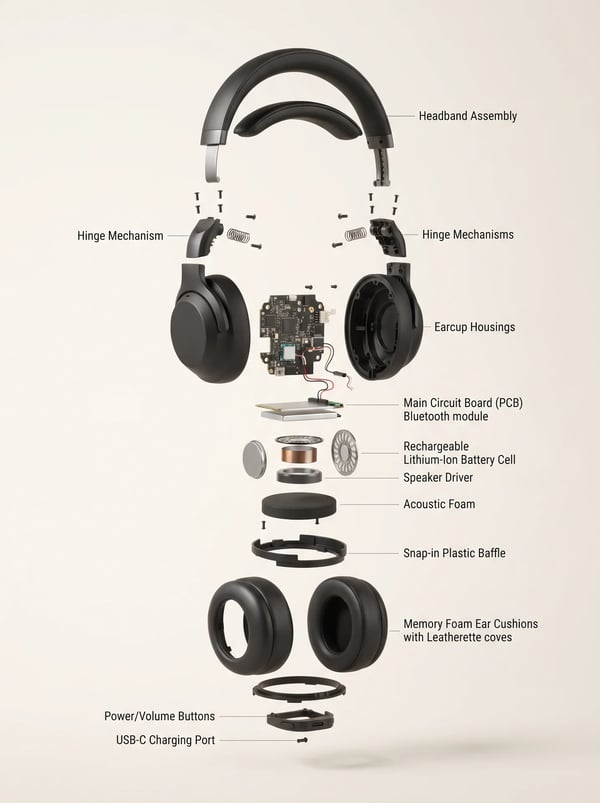 6 credits
Turn a product reference into a clear, premium exploded assembly image.
Try it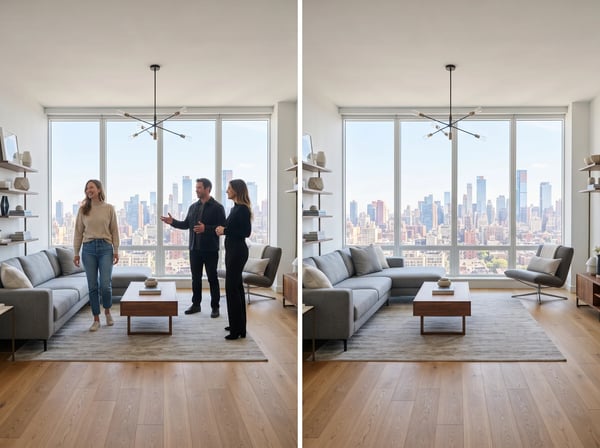 12 credits
Remove unwanted people from a photo while keeping the scene natural.
Try it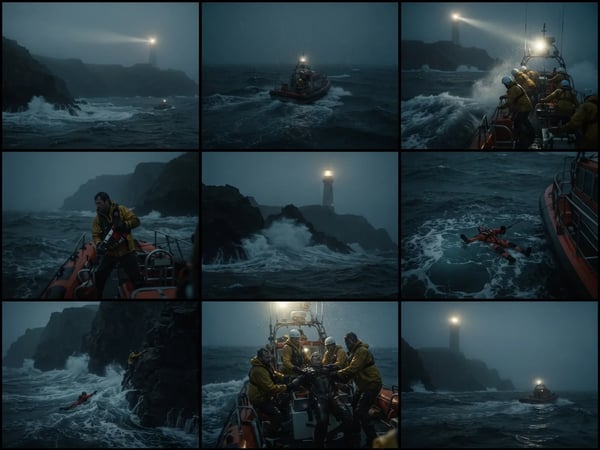 12 credits
Upload an optional visual reference and turn a scene brief into a photorealistic 9-panel cinematic storyboard grid in 2K.
Try it