4K in Under Ten Seconds
MiniMax's launch notes report a full-resolution 4K image in under 10 seconds — up to 5× faster than mainstream alternatives — so iteration loops stay short even at print resolution.
MiniMax H3 Image turns a prompt — or up to 16 reference photos — into a finished 4K picture in seconds. Describe the image below and generate it right here: no API key, no local setup, 2 credits per image.
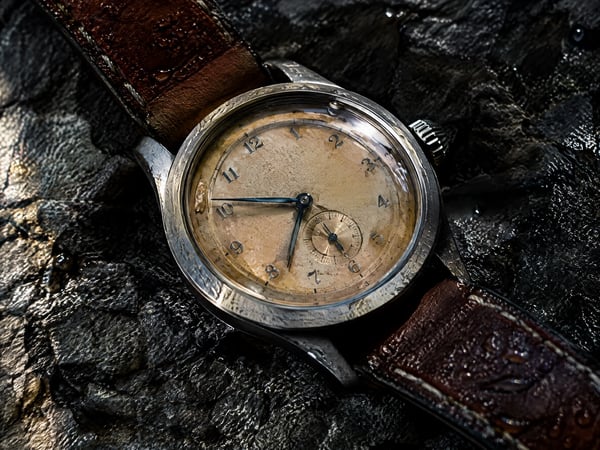
Most fast models hit their speed target by capping output at 1K, which falls apart the moment you crop or print. MiniMax H3 Image renders a complete 4K frame — 4096 × 4096 — in under ten seconds per the launch notes, and the extra pixels show up as real texture: brushed metal, fabric weave, skin detail. Crop a product shot or send it to print without running an upscaler first.
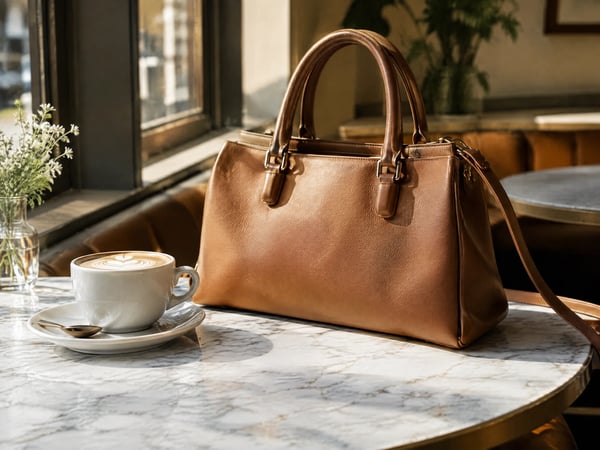
Single-reference editors force you to pick one anchor image and describe everything else in text. This generator accepts up to 16 reference photos per edit: drop in the product, the outfit, the location, and the style board together, and instruct the model to combine or restyle them in plain language. It is the shortest path to composite scenes that used to need manual layering.
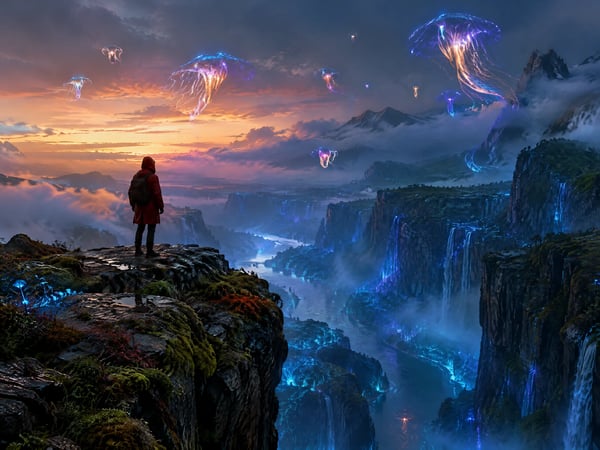
Weak instruction following is the usual failure: you ask for three subjects and specific lighting, and get one subject in flat light. MiniMax documents state-of-the-art prompt adherence among open-weight models, and generation here also expands short prompts with missing detail before rendering. Write the composition, the light, and the mood — the MiniMax H3 image result matches the brief instead of a generic average of it.
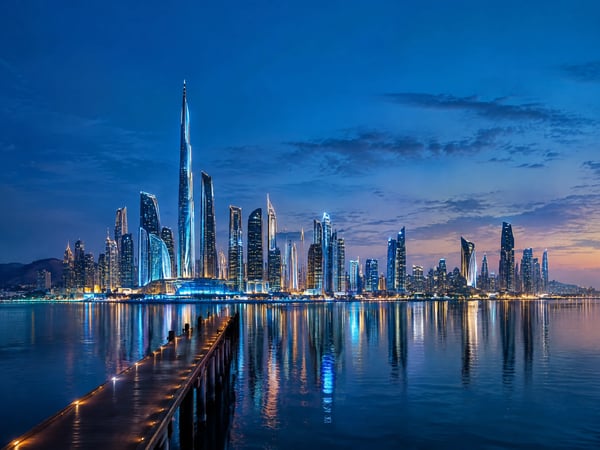
Most generators lock you into a handful of squares. Here you pick from eleven ratios — 1:1, 5:4, 4:5, 4:3, 3:4, 3:2, 2:3, 16:9, 9:16, 21:9, or auto — and the composition is built for the frame instead of cropped after the fact. The MiniMax H3 image generator produces a 9:16 story, a 21:9 website banner, and a 1:1 catalog shot from the same brief.

Speed usually arrives with a surprise invoice. On this page every 1K or 2K generation costs 2 credits and 4K costs 6, with reference-image edits adding 1 credit per photo used. The default is 2K — the same price as 1K — so the sharper tier costs nothing extra, and the credit counter shows the cost before you hit generate.
MiniMax H3 Image is MiniMax's open-weights image model, released on November 11, 2026. One checkpoint handles text-to-image generation and reference-based editing, outputs at 1K, 2K, and 4K (4096 × 4096), and accepts up to 16 reference photos per edit. MiniMax's launch notes report a full 4K image in under ten seconds and state-of-the-art prompt adherence among open-weight models.
MiniMax's launch notes report a full-resolution 4K image in under 10 seconds — up to 5× faster than mainstream alternatives — so iteration loops stay short even at print resolution.
MiniMax H3 Image creates from a prompt or refines an existing photo with the same weights, so style and quality stay consistent instead of shifting between a generator and an editor.
From square 1:1 to cinematic 21:9, at 1K, 2K, or 4K. 1K and 2K cost the same here, so the default 2K setting is the sharper tier at no extra charge.
MiniMax released the weights openly and prices the model at 50–70% of comparable offerings; on this page a 1K or 2K MiniMax H3 Image costs 2 credits and 4K costs 6.
Four steps from a blank prompt box to a finished 4K asset — reference photos optional.
Describe the subject, composition, lighting, and style in plain language. Short prompts work too — the model expands them with missing detail before rendering.
For edits and composites, add the product shots, character sheets, or style boards the result should build on. Each reference costs 1 extra credit.
Choose from eleven aspect ratios and 1K, 2K, or 4K output. 1K and 2K cost the same 2 credits, so 2K is the sensible default; reserve 4K for print work.
Review the result, apply follow-up edit instructions if a detail is off, and download the finished image for your store, feed, or campaign.
The MiniMax H3 image generator pairs 4K speed with multi-reference editing — a fit for teams that ship finished images, not just drafts.
Drop product photos in as references and generate new scenes, seasonal backdrops, and listing shots that keep the item identical across the whole set.
Generate 9:16 stories, 1:1 feed posts, and 21:9 banners from one brief, keeping the same subject and lighting across every placement.
Turn article outlines into custom hero images at 2K in seconds, instead of settling for stock photos that half-match the topic.
Explore art direction fast: render a 4K key frame, then restyle or re-light it through follow-up edits as the direction settles.
Feed character sheets or brand references into edits so recurring faces, mascots, and packaging stay on-model across dozens of images.
Native 4K output carries enough pixels for posters, packaging mockups, and booth graphics without an upscaling pass first.
Questions about the MiniMax H3 image model — capabilities, references, pricing, and how it compares with other generators.
A prompt and a few reference photos are enough — 4K output lands in seconds, and your credits cover everything from 2K drafts to print-ready frames.
Choose the image model that best fits your next generation or edit.
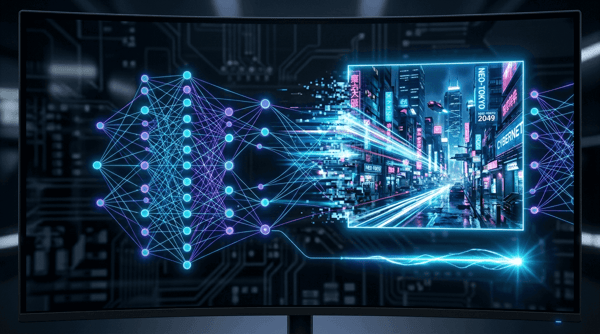
Fast, high-quality image generation and editing with flexible formats.
Try it
Create vivid images or edit references with Grok Imagine 2.0.
Try it
Generate and refine detailed images with strong typography support.
Try it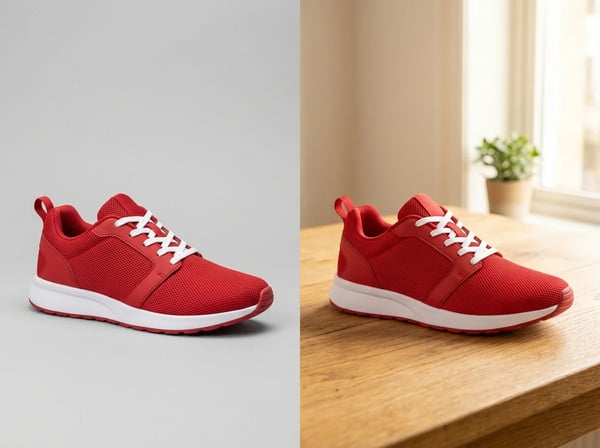
Sharper details, faster generation, and precise edits that keep subjects intact.
Try it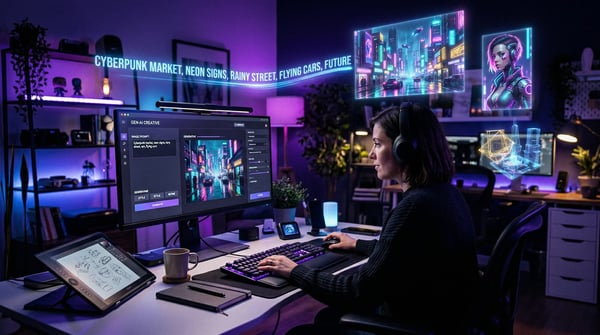
Create polished image concepts with the Kolors image generator.
Try it