Built as a real grid
The prompt requests nine distinct frames with clean gutters and a readable order — a finished storyboard page, not a loose mood-board collage.
Write one scene brief and get a finished 3x3 board: nine connected cinematic shots, consistent characters, and a 2K image you can take straight into review — no drawing required.
Upload an optional visual reference and turn a scene brief into a photorealistic 9-panel cinematic storyboard grid in 2K.
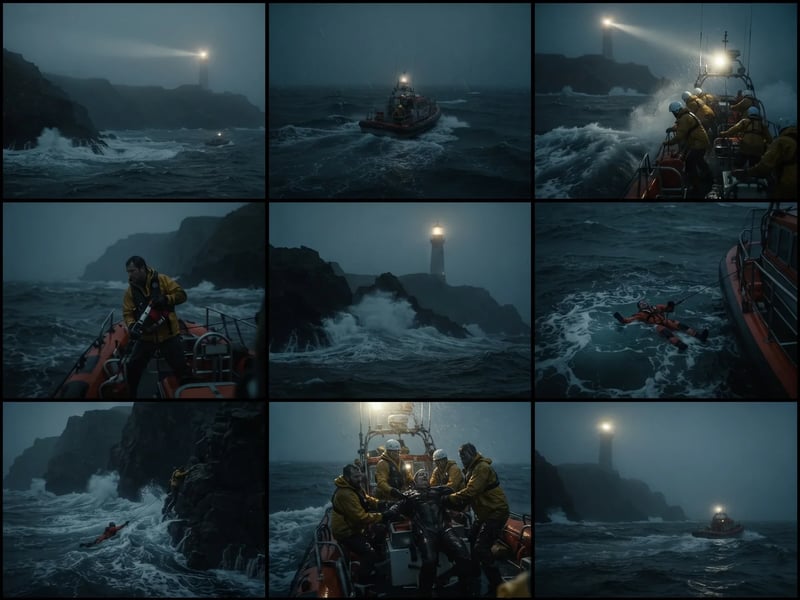
A focused scene produces the most useful boards. Name the action, place, visual turning point, and any detail that must stay consistent.
Write who is present, what changes, where it happens, and the feeling you need the sequence to carry. One paragraph is enough — no drawing and no per-frame formatting.
Pick a visual style — photoreal film stills, sketch, ink wash — and a shot progression that fits the scene: quiet observation, dynamic coverage, or a reveal.
The generator returns one 2K, text-free 3x3 grid of nine connected shots with clean black gutters between panels.
Download the take you need, or refine the action, framing, or continuity details to explore another direction.
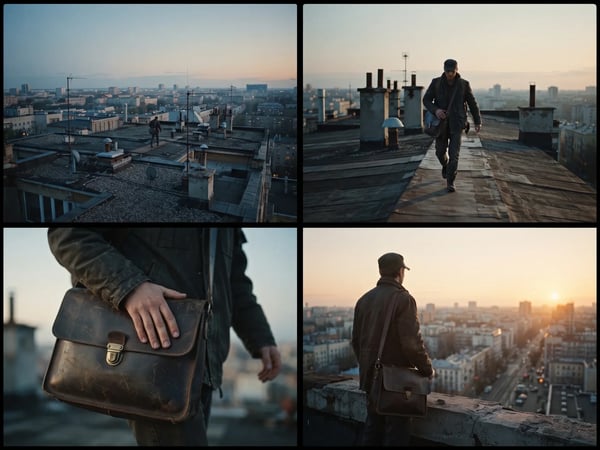
A mood board often leaves you with unlinked stills that do not show coverage. This generator builds a 3-by-3 storyboard grid: nine panels, black gutters, one scene reading left to right. Each panel changes camera distance or angle while location and time of day stay put. Download the 2K page and pin it in a review.
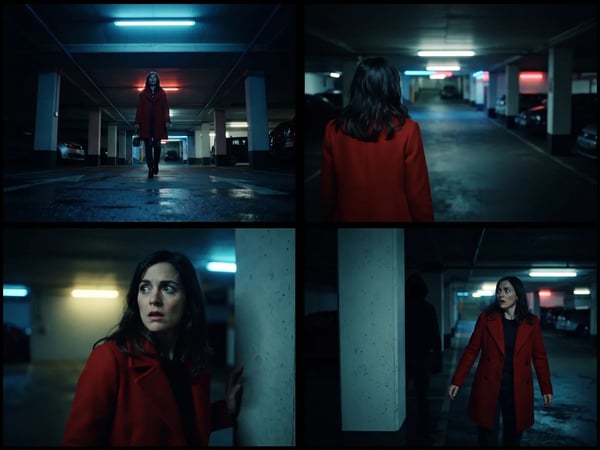
Asking for a cinematic look still leaves the model guessing whether to open wide or cut in. Choose establishing-to-close-up, dynamic coverage, quiet observation, or dramatic reveal before you run it. The scene brief names the action and mood; the selector only sets how the camera moves across the nine panels. You get a readable cinematic storyboard progression to mark up in a review.
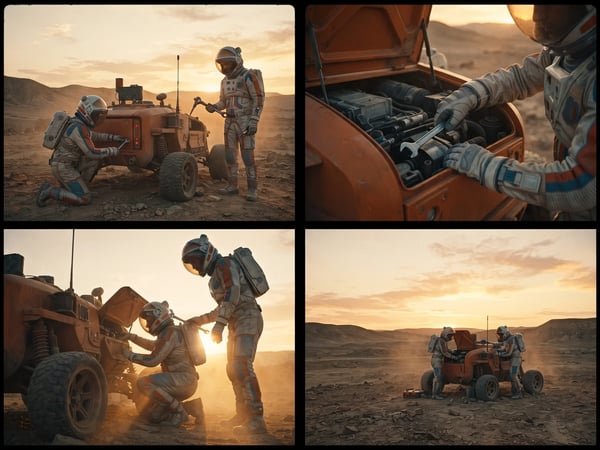
Generated boards drift when a coat, lantern, or sky color resets every frame. Use the optional continuity field for the pieces that must stay recognizable: face, wardrobe, prop, location, time of day, lighting. The prompt asks the model to keep those details stable across all nine panels. Review the page before you share it; distinctive notes here are what make a recurring figure readable.
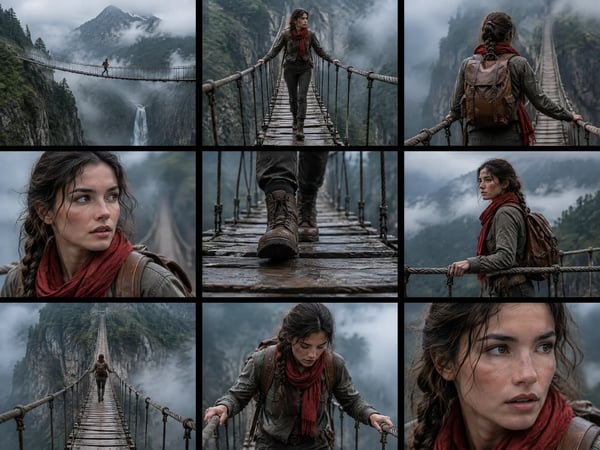
A text brief cannot carry a specific face, location, or production design you already shot. Upload one optional reference for character identity, setting, prop, palette, or mood. The generator treats that file as visual guidance and still outputs a new nine-panel page. Use it when the pitch already has a look you need the board to match.
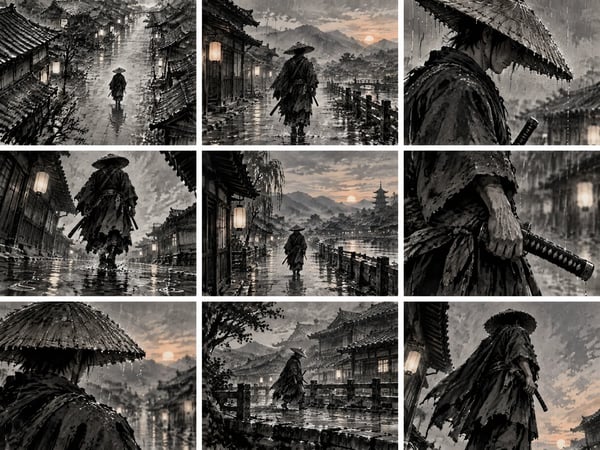
Sketch-style boards do not fit every review. Pick photoreal cinematic stills, cinematic storyboard sketch, ink wash, graphic novel, or animation keyframes, and the entire grid commits to that look. Run the same scene twice in two styles when a client wants to compare a grounded take against a stylized one.
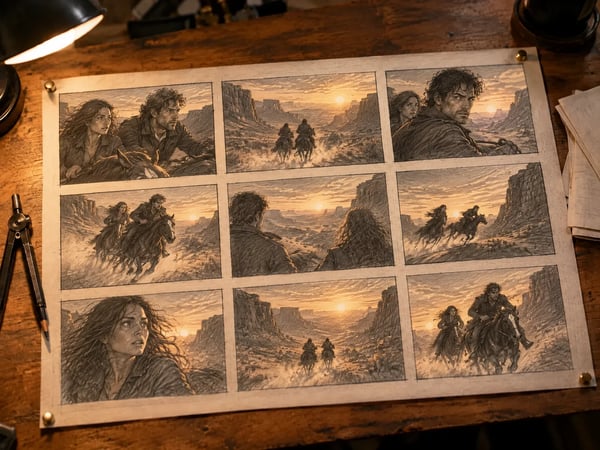
The finished board is one 2K image with clean black gutters and a readable panel order — drop it into a deck, a review doc, or a mood board without compositing anything. Use it as the first draft of a shot list, or regenerate with adjusted action and framing until the sequence sells the scene.
A storyboard grid is a sequence of frames laid out on one page — traditionally a blank 3x3 template an artist fills by hand, panel by panel. Storyboard Grid replaces the blank template with generation: describe one scene, choose a visual style and a shot progression, and receive one 2K image of nine connected cinematic panels to discuss, revise, or carry into the next stage of production.
The prompt requests nine distinct frames with clean gutters and a readable order — a finished storyboard page, not a loose mood-board collage.
Each panel is guided to change the viewer's distance, angle, or information while remaining in the same scene.
Use the optional detail field for the pieces of production design that matter most to the sequence.
Download a 2K storyboard grid for creative reviews, reference boards, or the first pass of a shot list.
Use a storyboard grid when a team needs to see the sequence before committing to a shot, design, or animation decision.
Explore scene coverage, camera distance, and dramatic beats before a location scout, shoot day, or animatic.
Show a client the coverage, pacing, and reveal of a fifteen-second spot before the shoot day is booked.
Give a director, client, or collaborator a visual read of a treatment without waiting for a full illustration pass.
Test key poses, staging, and scene transitions as a compact first pass for an animated sequence.
Turn a pivotal quest, cutscene, or character moment into a shared visual reference for writers and artists.
Use the generator when speed and options matter, and hand-drawn boards when a production artist must control every line. Both have a place in pre-production.
| Hand-drawn or template workflow | Storyboard Grid | |
|---|---|---|
| Getting started | Draw every panel yourself or brief a storyboard artist | Write one scene brief — no drawing required |
| First board | Hours of sketching or dragging images into template frames | One generation pass after you press Create |
| Character continuity | Maintained by hand, panel by panel | Written into the brief and requested across all nine panels |
| Visual style | Fixed by the artist, the template, or the asset library | Photoreal, sketch, ink wash, graphic novel, or animation keyframes per run |
| Output | A project file that still needs exporting and assembly | One 2K image with clean gutters, ready for decks and reviews |
Answers about inputs, output quality, pricing, privacy, and alternatives.
Start with one clear scene brief and generate a cinematic 2K nine-panel storyboard grid.
Start with a focused creative workflow, then make it your own.
 6 credits
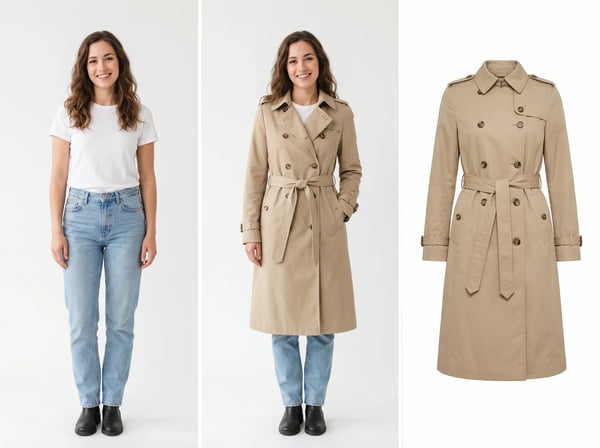
Upload a model photo and clothing references to create a realistic fashion try-on.
Try it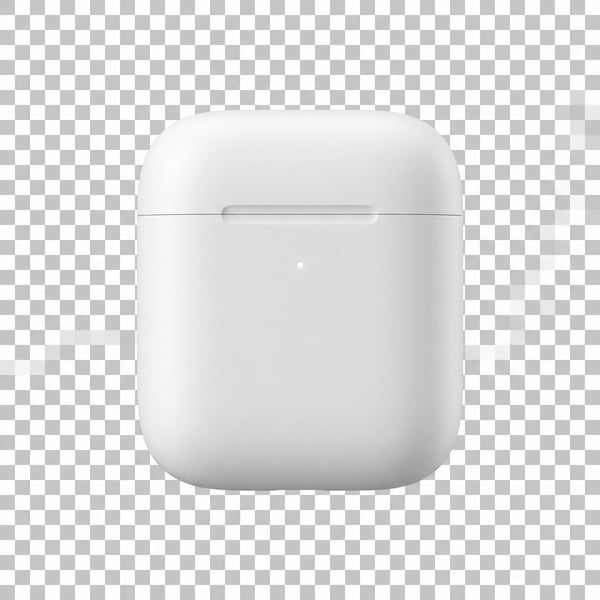 6 credits
Remove a photo background and keep the main subject cleanly isolated.
Try it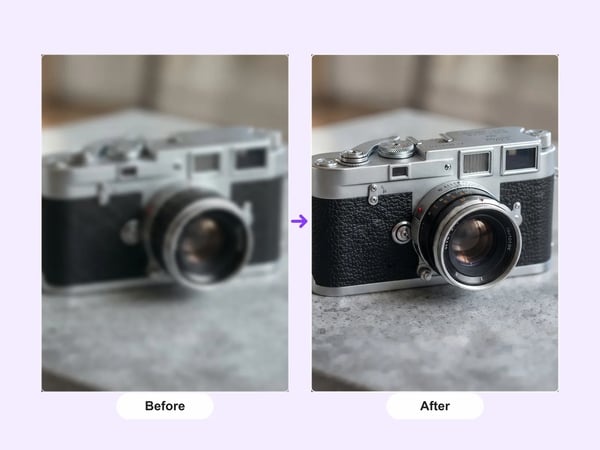 12 credits
Upscale portraits and images to 2K while preserving identity, composition, and natural detail.
Try it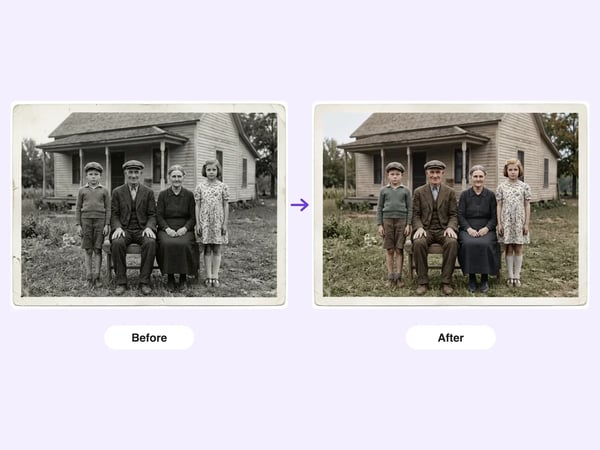 6 credits
Restore damaged, faded, or black-and-white old photos — repair scratches and tears, deblur faces, correct fading, and optionally colorize, while preserving each person's identity.
Try it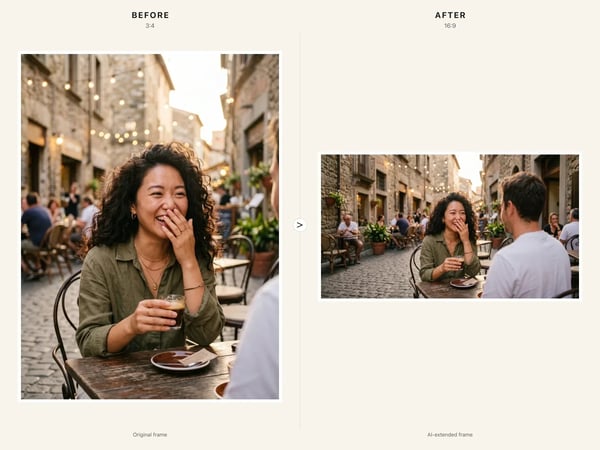 6 credits
Resize any image to a new aspect ratio without cropping or distortion — AI extends the scene to fit the new frame.
Try it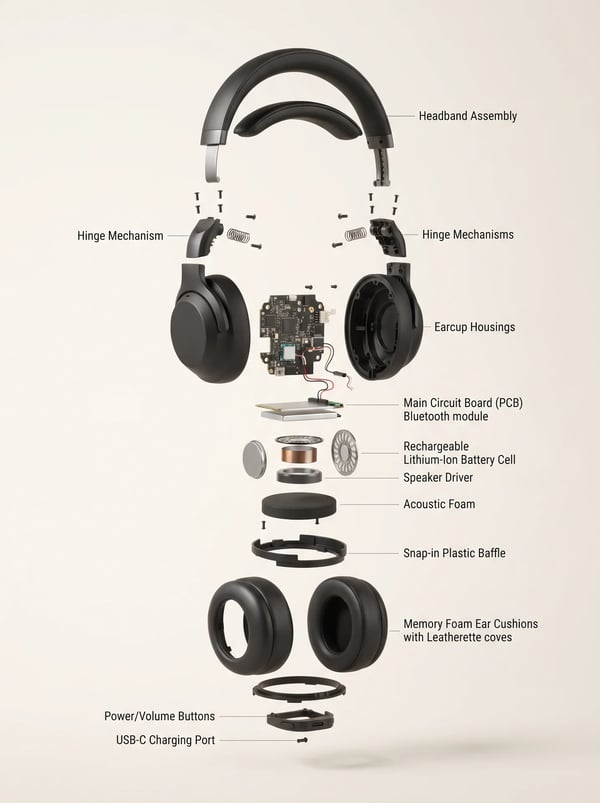 6 credits
Turn a product reference into a clear, premium exploded assembly image.
Try it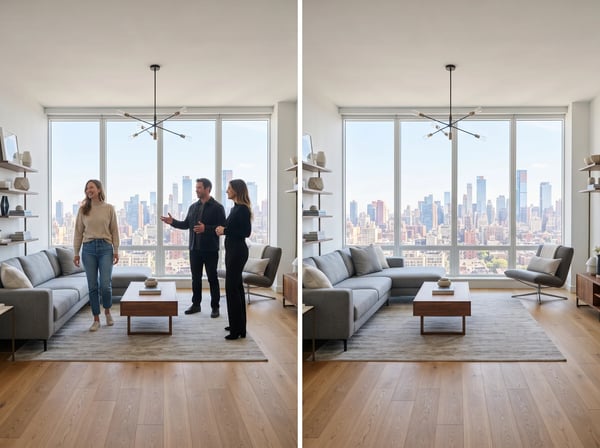 12 credits
Remove unwanted people from a photo while keeping the scene natural.
Try it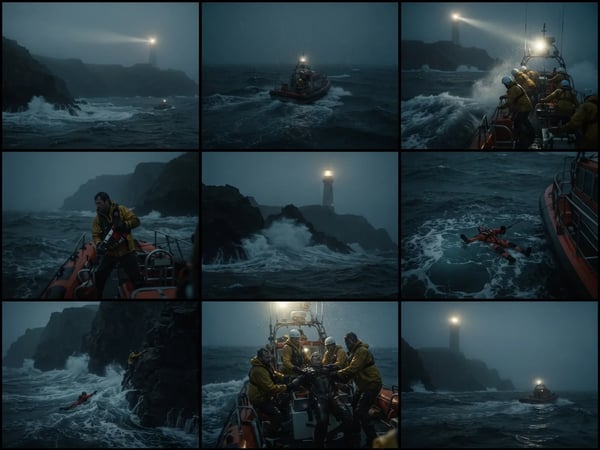 12 credits
Upload an optional visual reference and turn a scene brief into a photorealistic 9-panel cinematic storyboard grid in 2K.
Try it