AI Image Generator Models You Can Try Today
Most comparison posts stop at descriptions. Here, every model has its own landing page with example images, so you can read the positioning and then generate with the same prompt. One account and one credit wallet cover all five models.
Five models, one credit wallet
Choose the image model that best fits your next generation or edit.
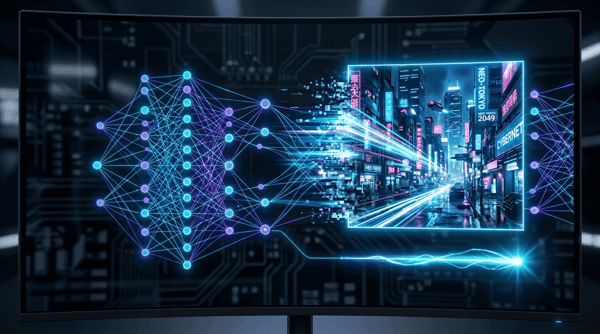
Nano Banana 2
Fast, high-quality image generation and editing with flexible formats.
Try it
Grok Image 2.0
Create vivid images or edit references with Grok Imagine 2.0.
Try it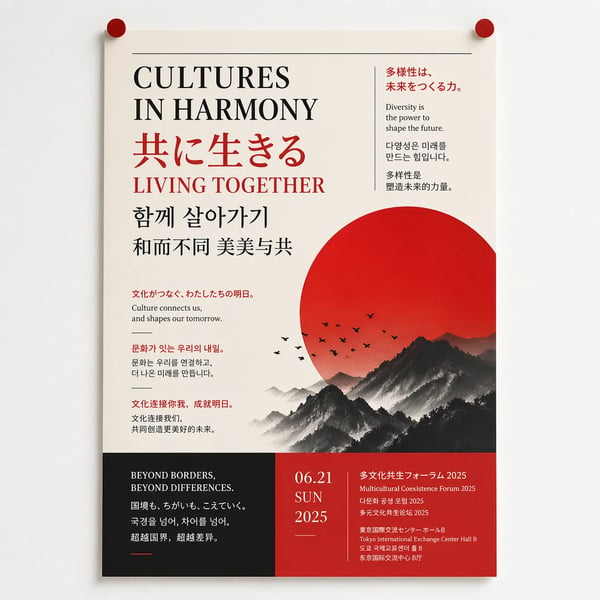
ChatGPT Image 2
Generate and refine detailed images with strong typography support.
Try it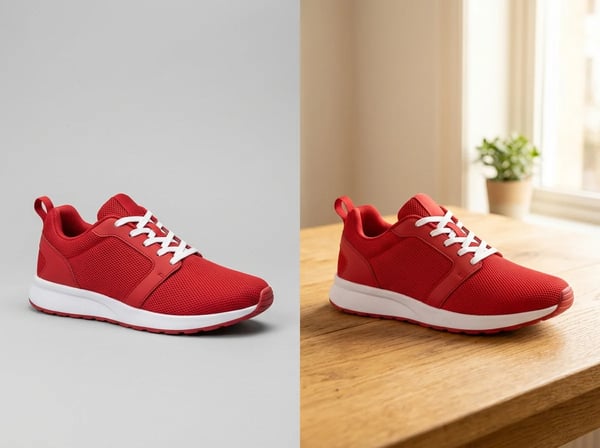
ChatGPT Images 2.5
Sharper details, faster generation, and precise edits that keep subjects intact.
Try it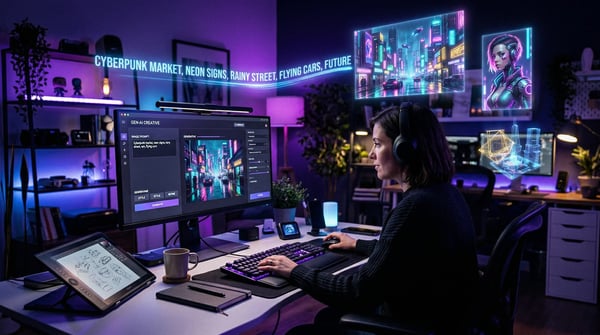
Kolors Image Generator
Create polished image concepts with the Kolors image generator.
Try itHow to choose an AI image model
- 01
Start from the task
Decide what the image must do: carry readable copy, keep a character consistent across panels, or fit a specific social format. The task narrows the field faster than any feature list.
- 02
Open the model pages
Each model below has a dedicated landing page with its positioning and example images. Read those first so you know what each engine is built for.
- 03
Run the same prompt
Write one prompt that describes your real task, then run it unchanged on each candidate model page. Same words in, comparable images out.
- 04
Compare results and credits
Weigh each output against the credits the run consumed, then make the strongest match your default and keep the other models one click away.
Why compare models on DeepKolor
A dedicated page per model
Every model in the grid links to its own landing page with example images and a written positioning, so each claim can be checked against real output.
One account, one credit wallet
Sign in once and the same credit balance covers every model. Comparing engines never means a second registration or a separate top-up.
Switching takes one click
Moving an idea to another model needs no new account or setup — open the next model page and run the same prompt again.
Match the model to the job
Campaign graphics with readable copy
Marketing teams turn launch posters, ad variants, and product labels into visuals where headlines and small print stay legible — the stated strength of ChatGPT Image 2 and GPT Image 2.5.
Product imagery without reshoots
Ecommerce teams place a product into a new scene with GPT Image 2.5, or change one label, colorway, or background at a time with Grok Image 2.0's region-precise edits.
One concept, every social format
Teams publishing across stories, feeds, and banners can brief Grok Image 2.0 once — it composes for 9:16, 1:1, and 16:9 placements instead of cropping a single frame.
Characters that stay on-model
Storyboard and comic work leans on Nano Banana 2, which holds subjects consistent across up to 14 images, with GPT Image 2.5 as the multi-turn editing companion.
Campaigns localized across languages
Nano Banana 2 renders multilingual typography for global variants, and ChatGPT Image 2 handles translated text and language-specific layouts within the same campaign.
Consistent branding across listings
Stores and social teams use Kolors to keep a coherent look across product listings and daily posts, choosing from photorealistic, illustration, and other preset styles.
Frequently asked questions
Explore more AI tools
When the image is only one step of the workflow, these collections cover the rest.