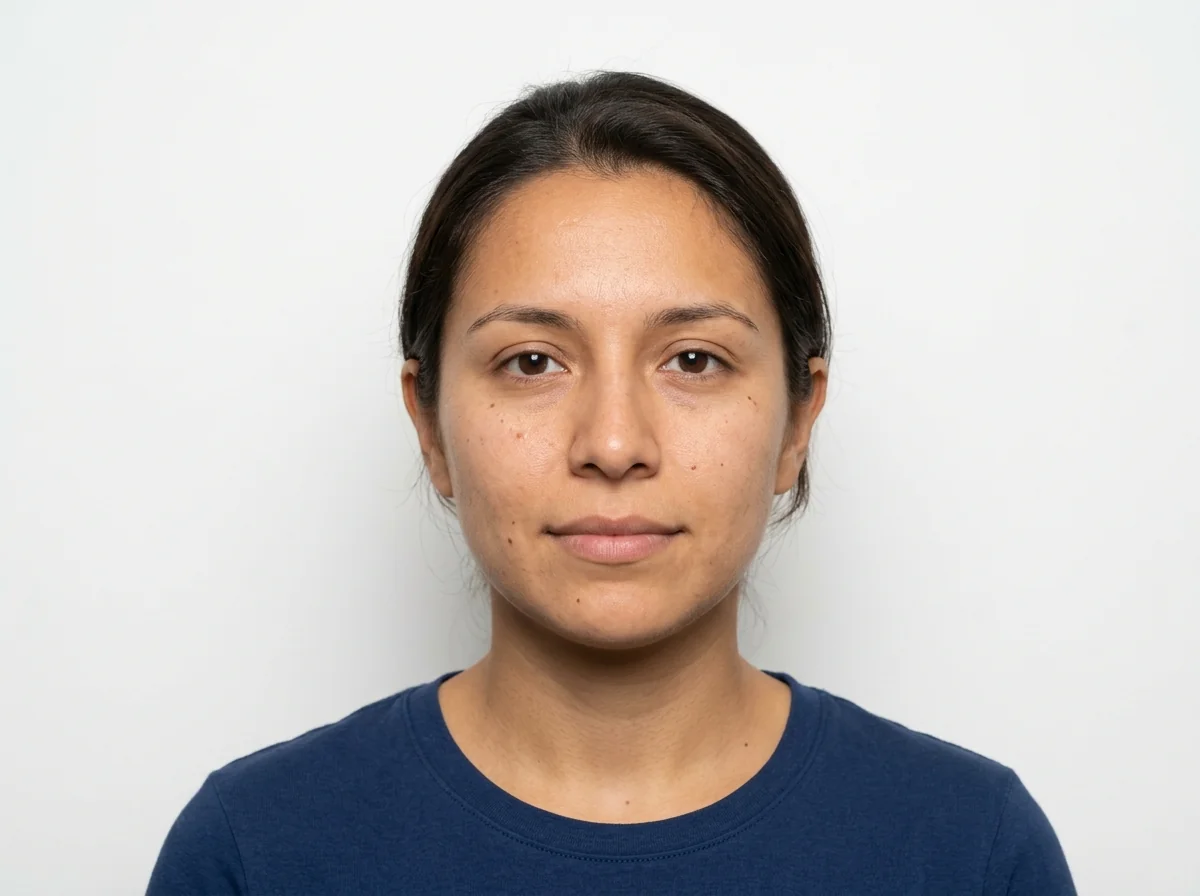
AI ID Photo Maker: How to Create Passport-Ready Photos at Home
Learn how an AI ID photo maker works, which documents it can prepare, and how to avoid the most common rejection reasons when you create passport, visa, or ID photos online.
On this page
A good ID photo has to do two things at once: look like you, and follow a long list of technical rules. An AI ID photo maker handles the technical side—cropping, background removal, sizing, and alignment—so you can produce a compliant passport, visa, or ID image from a simple selfie at home.
DeepKolor's AI ID photo maker is built around this workflow: upload a portrait, pick the document type, and let the agent crop, resize, and prepare a printable sheet. In this guide, we will look at what these tools actually do, where they fit in the document-application workflow, and how to keep your photo out of the rejection pile.
What is an AI ID photo maker?
An AI ID photo maker is an online tool that takes a portrait you upload and converts it into a formatted ID, passport, or visa photo. Most tools follow the same pipeline:
- Face detection — locate eyes, chin, and head edges.
- Background removal or replacement — drop in white, light gray, blue, or another required color.
- Auto-crop and resize — fit the head and face to the official template for the selected country or document.
- Compliance hints — flag shadows, glasses, head coverings, or poor lighting.
- Export — download a single digital file or a printable 4×6 sheet.
Some platforms also add retouching, clothing replacement, or lighting correction. Those extras are useful for LinkedIn headshots or company badges, but they can be risky for official documents that ban digital alteration.
Why use an AI ID photo maker instead of a photo studio?
The main reasons are speed, cost, and control.
- Speed. You can shoot, review, and download a photo in minutes instead of traveling to a studio or photo booth.
- Cost. Many tools are free for preview; paid downloads usually cost a few dollars, compared with $12–20 at a drugstore or photo studio.
- Control. You can retake the selfie as many times as you want, choose the background color, and export multiple country formats from the same source image.
AI photo tools are not a replacement for every situation. If your country requires a wet-stamp or a live-capture kiosk, a studio is still the safer choice. But for the common case—a recent digital portrait that meets size and background rules—an online maker is often enough.
How do AI ID photo makers work?
Most services split the work into two layers:
- Computer-vision rules detect the face, measure head height, check eye line, and verify that the background is plain.
- Generative or editing models remove the original background, relight the face, or replace clothing.
The best workflow is to start with a clean, well-lit photo and let the tool handle only cropping and formatting. The less the AI has to invent—background, skin texture, facial features—the more natural and compliant the result will be.
If you are already using an AI image platform for product shots or creative edits, the same underlying skills apply: a clear subject, even lighting, and a neutral background give the model the most reliable starting point. DeepKolor's AI product photography workflow uses a similar approach to isolate subjects and control backgrounds.
Can AI-generated photos be used for official passports and visas?
Generally, no. Government agencies including the U.S. Department of State explicitly warn against photos created or altered by AI, filters, or phone apps for official passports and visas. The photo must be a true, recent likeness of you.
That does not mean AI has no role. A tool that checks or formats a real photo you took yourself is different from a tool that generates your face. Many agencies ban the latter while allowing the former, because the underlying image is still an authentic photograph.
Before you submit, check the official guidance of the issuing authority. Rules differ by country, and they change over time.
What are the most common ID photo mistakes?
Even with AI help, the same errors show up again and again:
- Wrong head size or photo dimensions. Most templates show an overlay; align your chin and crown inside the guide.
- Shadows on the face or background. Use two light sources at roughly 45-degree angles, or face a large window.
- Busy or dark backgrounds. A plain white or off-white wall is best; the tool can remove minor imperfections, but not clutter.
- Glasses, hats, headphones, or face masks. These are banned in many jurisdictions unless you have documented religious or medical reasons.
- Smiling or an open mouth. Most passports require a neutral expression with both eyes open.
- Heavy editing or filters. Smoothing skin, changing eye color, or reshaping features can get the photo rejected.
- Old photos. The image should usually be taken within the last six months.
How can you take a good ID photo with your phone?
You do not need professional gear. A modern phone, good light, and a plain wall are enough.
- Find the light. Stand facing a window during the day, or place lamps on both sides of your face at the same height. Avoid overhead lighting.
- Use a plain wall. White or off-white is ideal. Keep at least an arm's length of clear space behind you.
- Position the camera at eye level. Do not shoot from above or below. Use a tripod or stack of books, and the self-timer.
- Keep a neutral expression. Close your mouth, relax your face, and look straight into the lens.
- Leave headroom. The top of your head and part of your shoulders should be visible; the tool will crop precisely later.
- Wear everyday clothes. Avoid white shirts on a white background, uniforms, and busy patterns.
Once you have a sharp, well-lit source photo, upload it to the AI ID photo maker, pick your document type, and review the preview before downloading.
Which document types and countries are supported?
Most AI ID photo makers include presets for:
- U.S. passport and visa — 2 × 2 inches, white background.
- Schengen / EU countries — 35 × 45 mm, light background.
- UK — 35 × 45 mm.
- Canada — 50 × 70 mm.
- India, China, Australia, and others — country-specific pixel or print sizes.
Many also cover driver's licenses, green cards, student IDs, and corporate badges. Always double-check the exact spec on the official application page; presets can be updated late or apply a slightly older version of the rules.
What should you look for in an AI ID photo maker?
A reliable tool should make three things easy:
- Document-specific templates — not just one generic passport size.
- A visible compliance guide — head-size overlay, eye-line marker, and background check.
- Both digital and print-ready exports — single file plus a 4×6 printable sheet.
Be cautious of services that promise a 100% government acceptance guarantee. No third party can override the issuing authority's final review; those guarantees are usually refund or reprocess promises, not official approval.
Which AI ID photo maker should you try?
If you want a conversational workflow rather than a rigid form, DeepKolor's AI ID photo maker is worth trying. You upload a portrait, tell it the document or country you need, and the agent handles cropping, background replacement, sizing, and printable-sheet layout in one thread. You can also iterate: "make the background off-white," "crop to U.S. visa size," or "give me a 4×6 print sheet."
For simpler, one-click formatting, traditional passport-photo websites still work well. Choose based on whether you prefer a guided template or a flexible chat-style editor.
How does DeepKolor fit into an ID photo workflow?
DeepKolor's AI ID photo maker treats ID photos as an image-editing conversation. You can upload a portrait and ask the assistant to crop it to a specific size, replace the background with white, or prepare a printable sheet. The same image-editing capabilities behind DeepKolor's product photography tools can be applied to a headshot: background removal, relighting, and clean export.
For official documents, keep the edits minimal. Use the AI to format and check a real photo you took yourself, not to create a synthetic portrait. When in doubt, compare the output against your country's official photo requirements before submitting.
Frequently asked questions
Can I make a passport photo online for free?
Yes, many tools let you upload, crop, and preview a passport photo for free. You usually pay only when you download a high-resolution or print-ready file.
Is an AI-generated headshot the same as an AI passport photo?
No. An AI-generated headshot creates a synthetic portrait and is generally not accepted for passports or visas. An AI passport photo tool formats a real photograph you provide.
What background color do I need for a passport photo?
Most countries require white or off-white. Some visas allow light blue or gray. Choose the exact color requested by the document you are applying for.
Can I take my own passport photo with my phone?
Yes. Use good natural light, a plain wall, and the self-timer so the camera is at eye level. Then upload the image to an online passport photo maker for cropping and sizing.
Why was my passport photo rejected?
Common reasons include wrong dimensions, shadows, incorrect background, glasses, hats, facial obstructions, smiling, poor resolution, or visible digital retouching.
Do online passport photo makers store my photo?
Policies vary. Reputable tools process the image in your browser when possible, but background removal and AI checks may still be sent to a server. Review the privacy policy before uploading sensitive biometric data.
Should I print my passport photo at home?
You can if the tool provides a 4×6 inch printable sheet and you use glossy or matte photo paper. Print at 100% scale without fit-to-page resizing, then cut the individual photos precisely.
Related posts
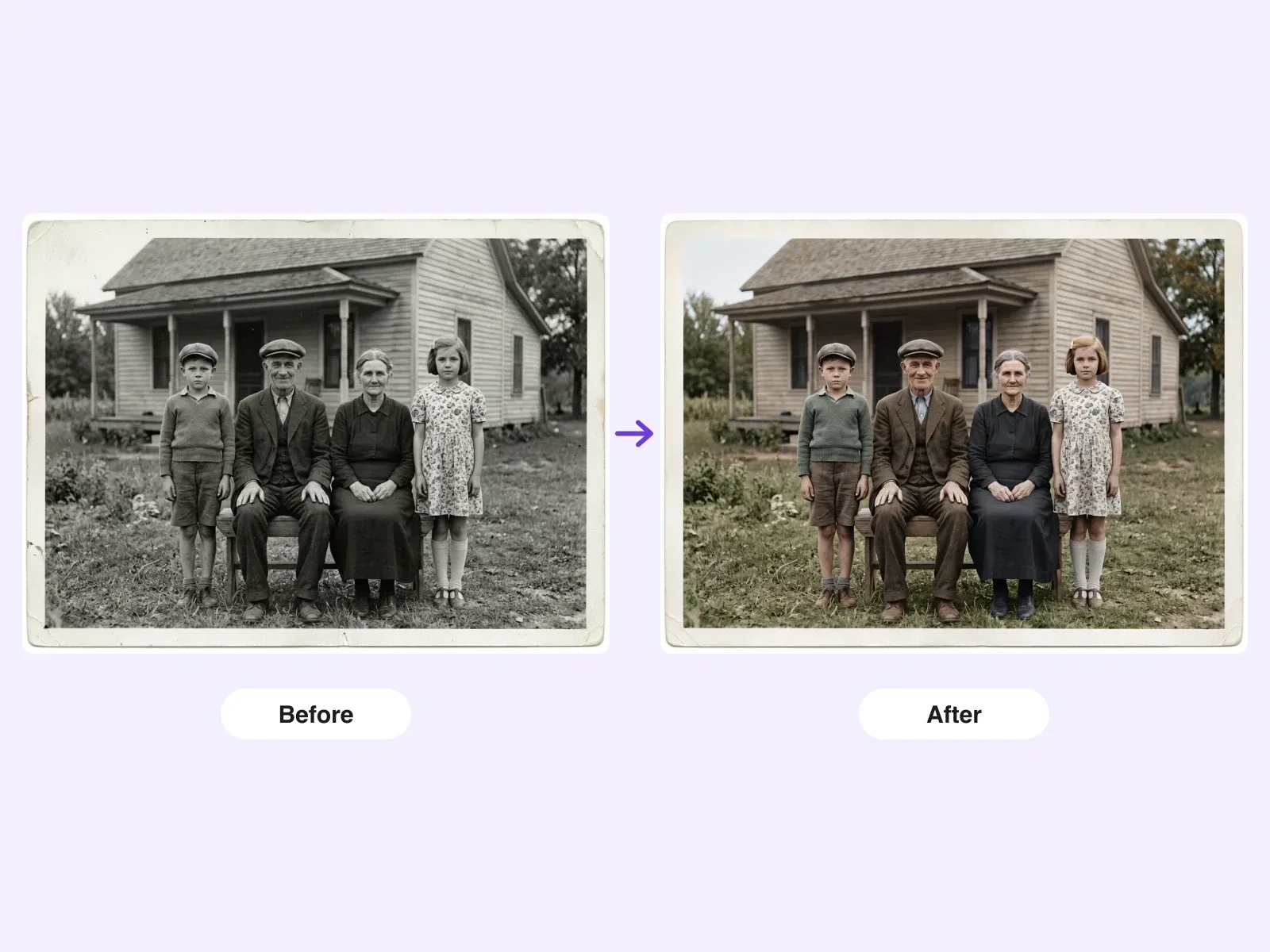
How to Restore Old Photos Without Losing Facial Details
A practical guide to restoring damaged, faded, or black-and-white old photos while keeping every person's face recognizable — scanning, AI workflow, review checklist, and honest limits.
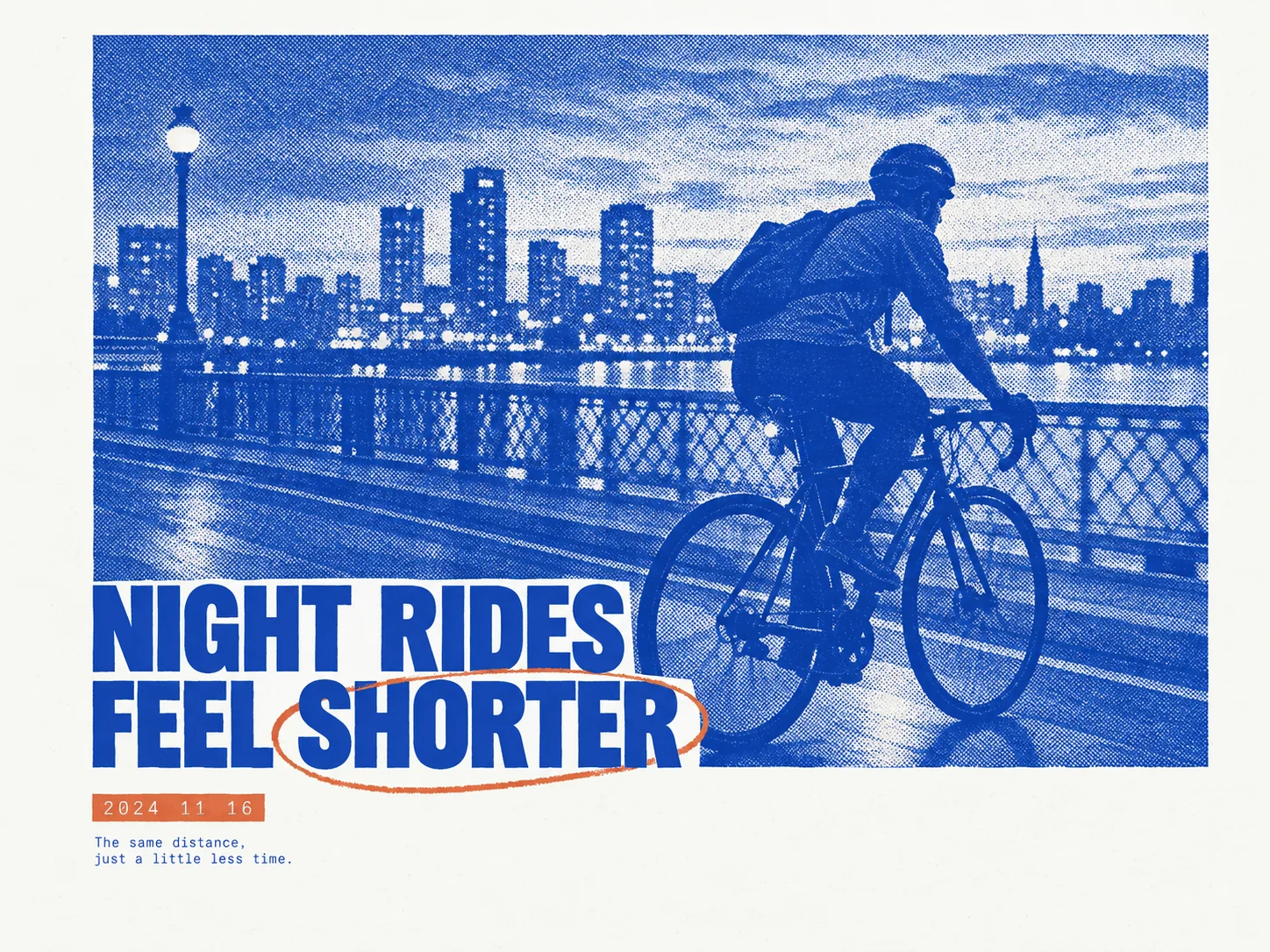
How to Make a Risograph-Style Poster Without a Printer
The riso look comes from paper, two inks, halftone plates, and whitespace acting as one system. What risograph posters are, why they are trending in 2026, and how DeepKolor's mono-print-poster skill generates one from a single prompt.
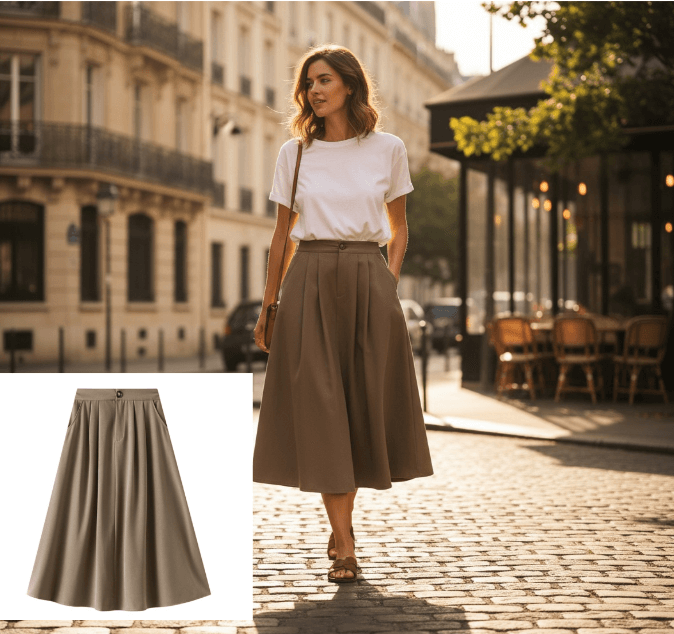
What Is an AI Design Agent? Definition and How It Works
An AI design agent takes a brief, creates the visual, and edits with you in chat. See how it differs from image generators and when to use one.