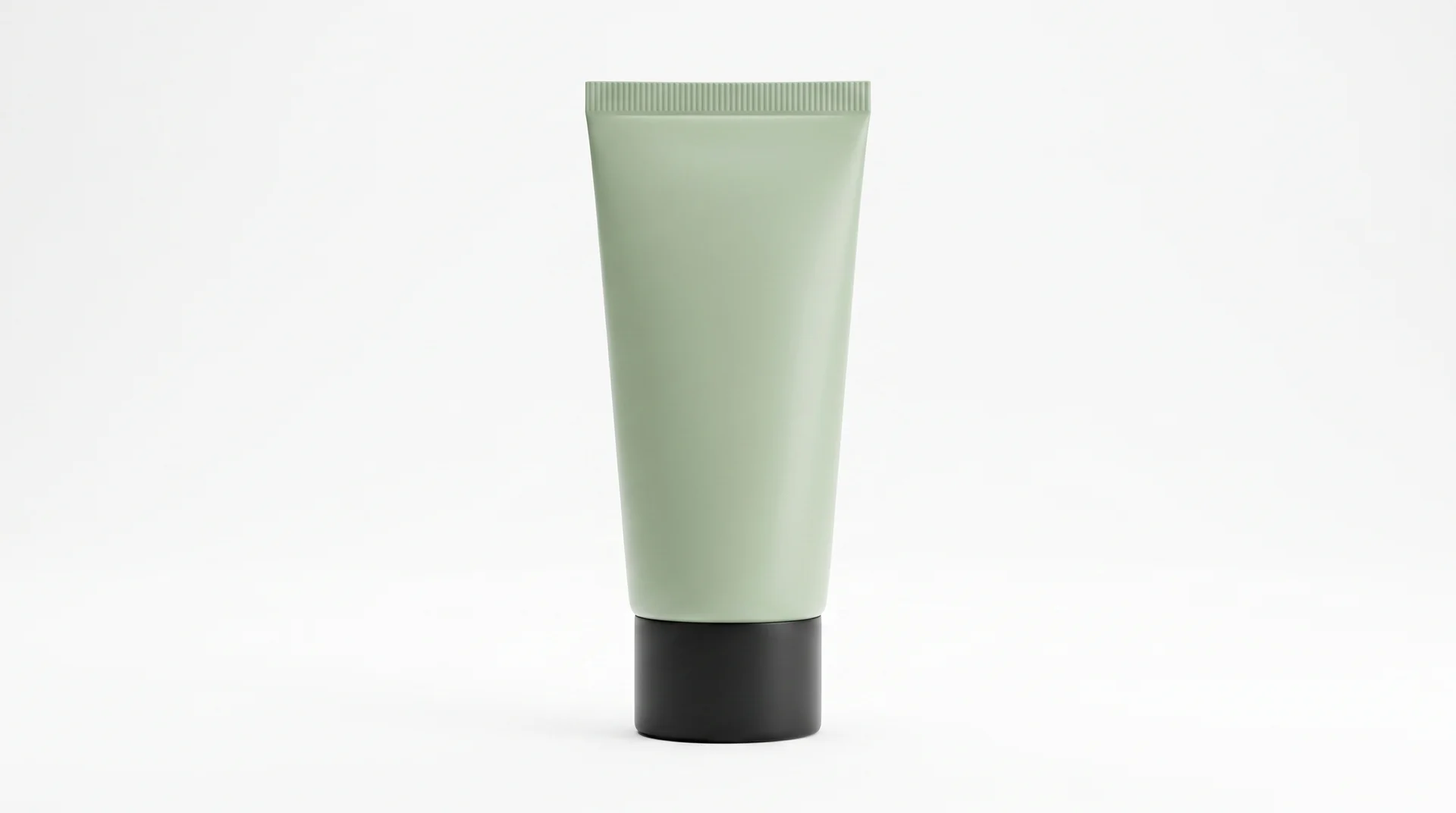
Amazon Product Image Requirements: A Seller's Checklist for 2026
A 2026 seller checklist for Amazon product image requirements — main-image rules, pixel sizes, additional slots, suppression fixes, and a pre-upload review.
On this page
Amazon product image requirements decide whether a listing can appear in search. The main image must show the actual product on a pure white background (RGB 255, 255, 255), fill at least 85% of the frame, and stay free of text, logos, watermarks, and extra props. This checklist covers the 2026 specs most sellers still fail, what extra image slots can include, and how to prepare files before you upload.
Amazon publishes the full policy in Seller Central. Treat this article as an operating checklist — then confirm category-specific rules on Amazon's product image requirements before you submit.
What are Amazon product image requirements?
Amazon product image requirements are the technical and content rules every listing image must meet. They keep search results visually consistent and help shoppers trust the thumbnail they click.
The policy has two layers:
- Technical: pixel size, file format, color space, and sharpness.
- Content: what the photo may show, especially on the main image.
A listing needs at least one compliant main image. Amazon's own listing guidance recommends adding several more images so shoppers can inspect the item before they buy. If the main image fails review, Amazon can suppress the listing from search until you replace it.
What must the Amazon main image include?
The main image is slot one. It is the thumbnail in search results and the first photo on the product detail page. Amazon treats it more strictly than every other slot.
A compliant main image typically must:
- Be a professional photograph of the actual product you are selling, not an illustration, mockup, or placeholder.
- Sit on a pure white background with RGB values 255, 255, 255.
- Fill at least 85% of the frame (up to 100%), with the full product visible.
- Show the product outside its packaging, unless the packaging is an important product feature.
- Match the offer: the same color, style, and pack count as the title and variation.
A main image must not include:
- Text, logos, watermarks, borders, badges, color blocks, or inset images
- Multiple views or multiple colors in a single frame
- Props or accessories that are not included with the purchase
- Off-white, gray, gradient, or textured backgrounds
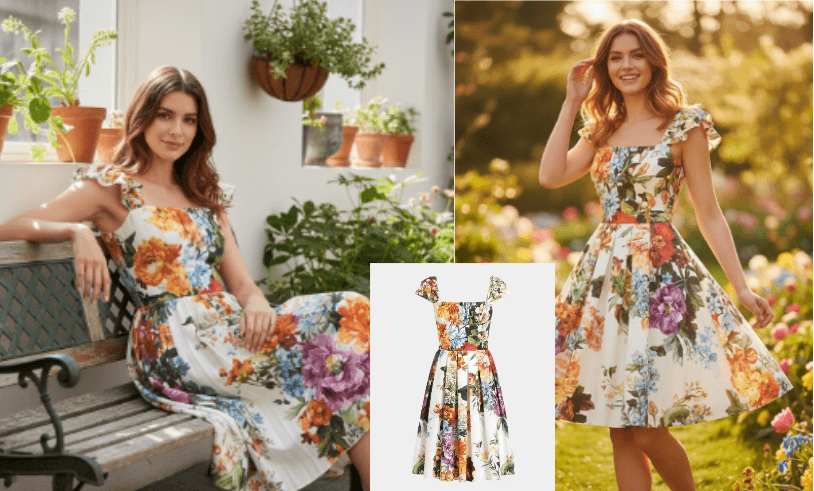
Category rules can add extra constraints. Apparel listings often require a human model for adult clothing and a flat lay for kids and baby clothing. Shoes are commonly shot as a single shoe at a 45-degree angle. Check Seller Central for your product type before you lock a hero shot.
Does the Amazon main image need a pure white background?
Yes. Amazon specifies a pure white background with RGB color values of 255, 255, 255. The goal is a consistent shopping grid: every thumbnail sits on the same white field.
"Looks white on my monitor" is not enough. Studio paper, a lightbox, and many phone shots land on off-white values such as 245, 245, 245. Amazon's automated checks sample background pixels, including the corners. Near-white is one of the most common suppression reasons.
You will almost never hit true white in-camera. Remove the original background, then fill or composite against RGB 255, 255, 255. The Remove Background tool isolates the product so you can place it on a verified white field before export.
How much of the frame should the product fill?
Amazon requires the product to occupy at least 85% of the image area. Too much empty white makes the thumbnail unreadable. Cropping so tight that edges clip the product also fails, except for a few jewelry cases such as long necklaces.
A practical check: shrink the file to a search-result size (about 200 × 200 pixels). If you cannot name the product in one glance, crop tighter and reshoot or re-export.
What size should Amazon product images be?
Amazon's published listing guidance uses three size floors on the longest side:
- 500 pixels — the smallest file that can appear on the site
- 1,000 pixels — the smallest size that enables zoom
- 1,600 pixels or larger — the size Amazon describes as optimal for zoom
- 10,000 pixels — the maximum longest side
Zoom is the feature shoppers use to inspect stitching, texture, and print. Files under 1,000 pixels skip it. Most sellers export around 2,000 pixels on the longest side: large enough for a clean zoom, small enough to stay sharp as a JPEG.
Square (1:1) files are the safest default for the main image because Amazon crops thumbnails aggressively. Additional images can stay square or use a modest landscape ratio. Avoid extreme panoramas.
Which file formats does Amazon accept?
Amazon accepts JPEG, TIFF, PNG, and GIF. JPEG is the preferred format for almost every listing photo. Animated GIFs are not supported.
Export in sRGB. CMYK files from print workflows shift color on the site. Keep the image sharp — no blur, pixelation, or jagged cutout edges. High-quality JPEG (around 90) is the usual export; if Seller Central rejects the upload, compress slightly and try again.
How many images can you have on an Amazon listing?
Amazon requires one compliant main image and recommends at least six images per listing. Most product types also accept additional slots beyond that — commonly a main image plus several supporting photos, and often a video that occupies one gallery position.
Exact slot counts vary by category and by whether you add a video. Use every slot you have. Empty slots waste the space shoppers scroll through before they decide.
What should additional Amazon images show?
Additional images do not need a white background. This is where you answer objections the main image cannot legally cover.
A useful sequence for slots 2–7:
- Opposite angle or back view
- Close-up of material, stitching, or finish
- Scale or dimensions
- Lifestyle or in-use scene
- What is in the box
- Infographic for a feature the title cannot show
Lifestyle shots, models, props, and text overlays belong here — not on the main image. Keep them accurate. The product in a lifestyle scene must still match the item the buyer receives.
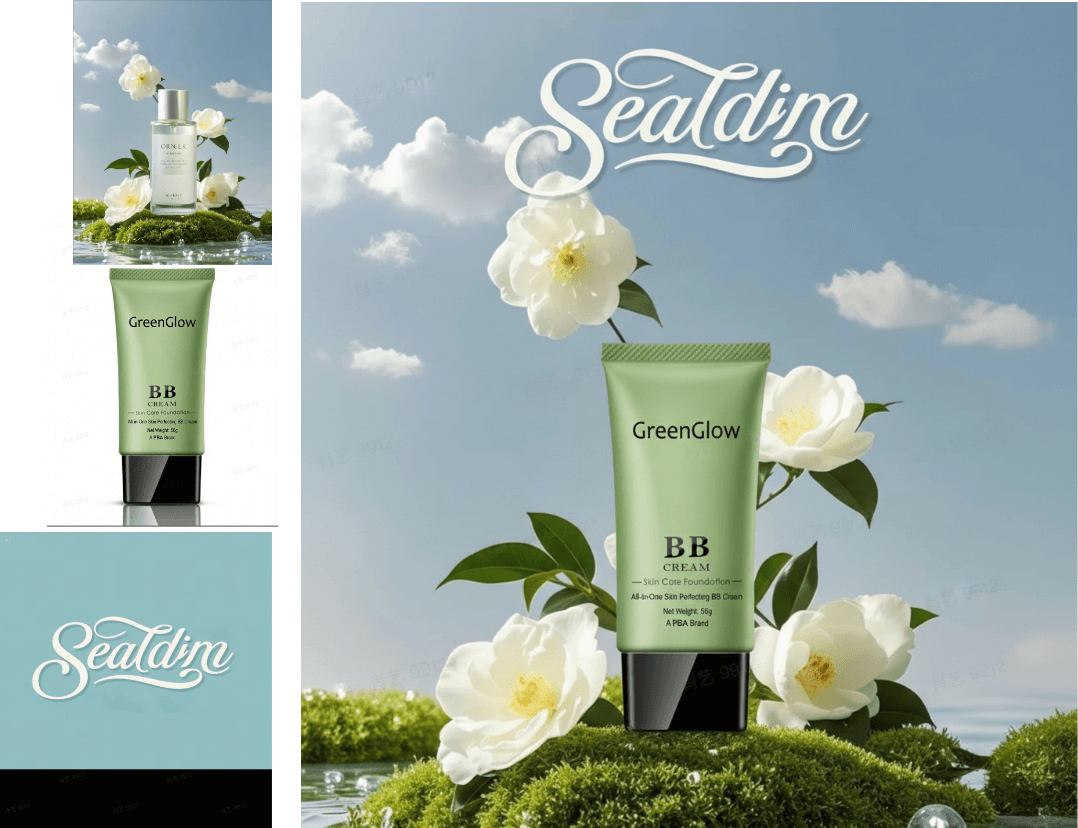
If you already have a clean white-background photo, AI product photography can generate lifestyle scenes and extra angles from that source, then you keep the original photo as the main image.
What happens if your Amazon product images do not meet the requirements?
Amazon can remove a non-compliant image and, if that image is the main image, suppress the listing from search. The product stays in your catalog but stops earning organic impressions until a compliant main image is accepted.
The failures sellers hit most often:
- Background is near-white, not RGB 255, 255, 255
- Product fills less than 85% of the frame
- Text, badge, watermark, or logo on the main image
- File is under 1,000 pixels, so zoom never appears
- The photo shows extras that are not in the offer
- The variation image does not match the selected color or size
Fix the file, re-upload, and wait for the submission status to clear. Amazon usually lifts suppression after a compliant main image is accepted. Ranking does not always snap back immediately, so it is cheaper to pass review on the first upload.
Can you use AI product photos on Amazon listings?
Amazon's main-image rule asks for a professional photograph of the actual product. The safe operating rule is: shoot the real item for slot one, then use editing tools to reach a true white background, a tight crop, and a sharp export.
Additional images have more room. Lifestyle scenes, seasonal backgrounds, and infographics can be produced with AI if they still represent the product honestly — same color, shape, materials, and included contents. Do not invent details the buyer will not receive.
DeepKolor's AI product photography workflow is built for that split: upload a real product photo, keep a white-background hero for the main slot, and generate lifestyle variations for the supporting slots. Recheck the current Seller Central policy for your category before you publish, including any disclosure rules that apply to generated imagery.
How do you prepare Amazon-compliant product photos?
Work in this order so you do not redo files after a rejection:
- Photograph the real product. Even lighting, the full item in frame, no promo stickers. A phone is enough if the file is sharp. For a home setup, see how to take professional product photos without a studio.
- Remove the background and place the cutout on RGB 255, 255, 255. Sample the four corners with an eyedropper before you export.
- Crop to 85% fill. Leave a thin margin so the product does not touch the frame.
- Export at 2,000 pixels on the longest side, sRGB, high-quality JPEG.
- Build the extra slots. Angles, close-ups, scale, and one lifestyle scene. Do not reuse the main image with a filter.
- Match each variation. Every color or pack count needs its own main image.
- Upload and read the status. If Seller Central flags the file, fix that reason only — do not replace a passing image with a larger redesign.
This checklist is for standard US product listings. Handmade, apparel, jewelry, and other categories add extra rules. When a rule in Seller Central conflicts with a blog summary, follow Seller Central.
Related reading
Frequently asked questions
Can the Amazon main image show a model?
It depends on the category. Adult clothing often requires a standing human model. Kids and baby clothing is usually photographed flat, off-model. Accessories often cannot show a mannequin. If your category is not apparel, assume the main image is product-only on white and move models to additional images.
Can the Amazon main image include packaging?
Only when the packaging is an important product feature. Otherwise show the product itself, unboxed. Use an additional image for "what's in the box."
Do Amazon A+ Content images follow the same rules?
No. A+ Content sits lower on the detail page and uses module-specific sizes. Text overlays and brand layouts are expected there. The gallery main image still has to pass the white-background and 85% rules even if your A+ module looks different.
Can you put text on Amazon product images?
Not on the main image. No callouts, badges, watermarks, or price graphics. Additional images and A+ modules can carry text if the claims stay accurate.
How do you check if the background is RGB 255, 255, 255?
Open the file in any editor with an eyedropper. Sample several background points, including all four corners. Each sample should read R 255, G 255, B 255 (or #FFFFFF). If any sample is lower, the file is not pure white.
How many pixels does Amazon need for zoom?
Zoom needs at least 1,000 pixels on the longest side. Amazon's listing guidance treats 1,600 pixels or larger as the optimal zoom size. Exporting at about 2,000 pixels covers both.
Related posts
AI Jewelry Product Photography: How to Create Ecommerce Images That Sell
Learn how to create AI jewelry product photography for rings, necklaces, and bracelets — from one clean source photo to ecommerce-ready images, plus accuracy limits and marketplace image rules.
How to Take Professional Product Photos Without a Studio
Learn how to take professional product photos without a studio using a smartphone, window light, and a $50 DIY setup—plus when AI tools scale what DIY cannot.
What Is an AI Design Agent? Definition and How It Works
An AI design agent takes a brief, creates the visual, and edits with you in chat. See how it differs from image generators and when to use one.