10 AI Product Photography Tools for Fashion Ecommerce in 2026
Compare ten AI product photography tools for fashion ecommerce, including conversational workflows, virtual models, mobile editing, catalog consistency, and bulk processing.
On this page
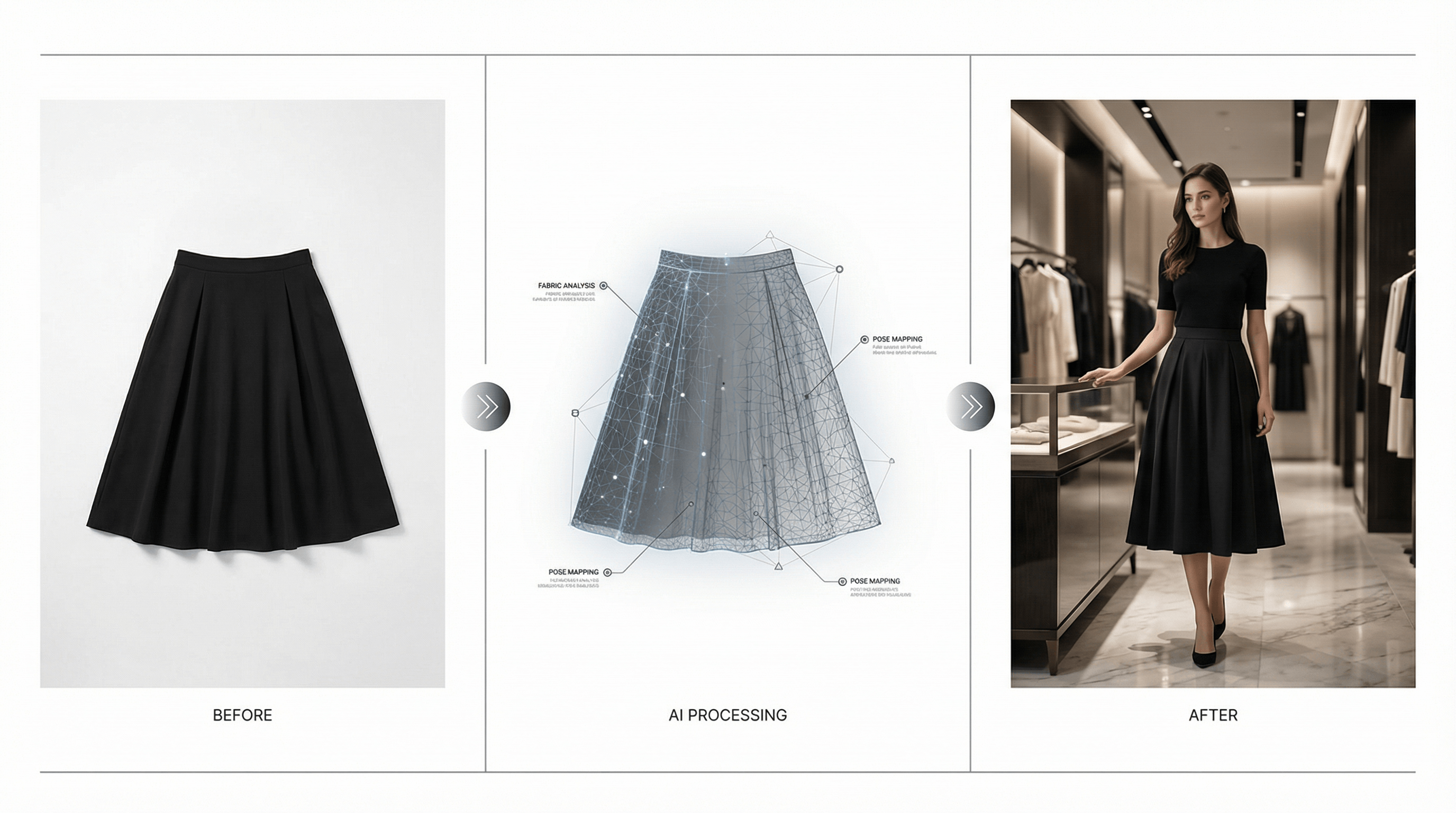
Fashion ecommerce teams need fresh product imagery for catalog pages, collection launches, ads, email, and social content. Traditional photography remains valuable for high-priority campaigns, but AI product photography can help teams explore additional backgrounds, on-model concepts, styled scenes, and product-image variations from existing source photos.
This updated guide keeps the original ten-tool comparison, with a more practical focus: use each platform for the job it is suited to, test it on representative SKUs, and review every output against the real garment before publishing. For fashion, product fidelity matters as much as visual appeal—color, texture, trim, labels, logos, and silhouette all need a human check.
Before you choose a tool: run the same 10–20 product images through each candidate. Include patterned fabric, dark and light garments, reflective accessories, layered items, and visible brand details. A result that looks strong on one simple product may not scale across a collection.
1. DeepKolor — Conversational AI Product Photography for Fashion Teams
Best for: Fashion sellers who want to explore product-photo directions through natural-language instructions.
Try it: AI product photography in DeepKolor
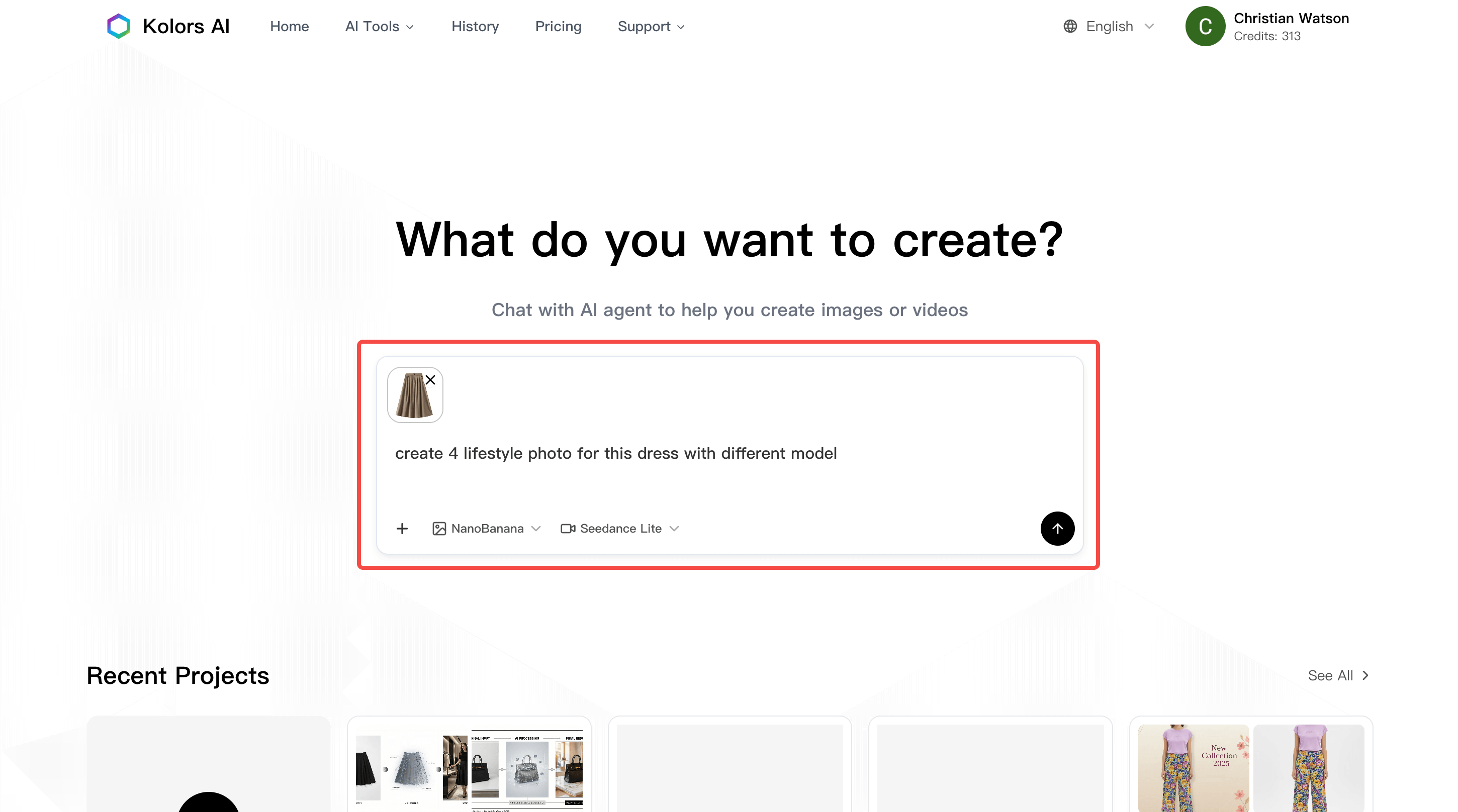
DeepKolor is a conversational design agent for image generation and editing. For fashion ecommerce, it is useful when you start with a product image and need to explore a cleaner backdrop, a lifestyle concept, or a model-oriented product-photo direction without working through a complex editor first.
The workflow is strongest when the brief is specific. Describe what must remain faithful to the source image, then define the setting, styling direction, crop, and destination channel. For example: “Keep the blazer’s navy color, double-breasted button layout, and lapel shape unchanged. Create a clean daylight lifestyle scene with room for a collection-page crop.”
For an apparel-focused experiment, DeepKolor also offers a virtual try-on workflow. Use it as a creative and merchandising aid, then compare outputs directly with the original garment image before publication.
Key features
- Chat-based image direction: Describe an intended result in natural language.
- Product-photo exploration: Test background, lifestyle, and presentation directions from an existing image.
- Background changes: Create alternate settings for campaign or content use.
- Model-oriented concepts: Explore apparel presentation with a virtual try-on workflow.
- Iteration by feedback: Refine a direction with follow-up instructions instead of rebuilding it from scratch.
- Multiple content uses: Create candidates for catalog-supporting visuals, collection pages, ads, email, or social content.
DeepKolor is a practical starting point for independent fashion stores and ecommerce teams that want to test AI-assisted product imagery with their own catalog assets. Use a small SKU set first, define an approval checklist, and expand only after the results meet your product and brand standards.
2. Flair AI — Creative Product Staging with Design Controls
Best for: Brands that want to compose product scenes with more hands-on creative control.
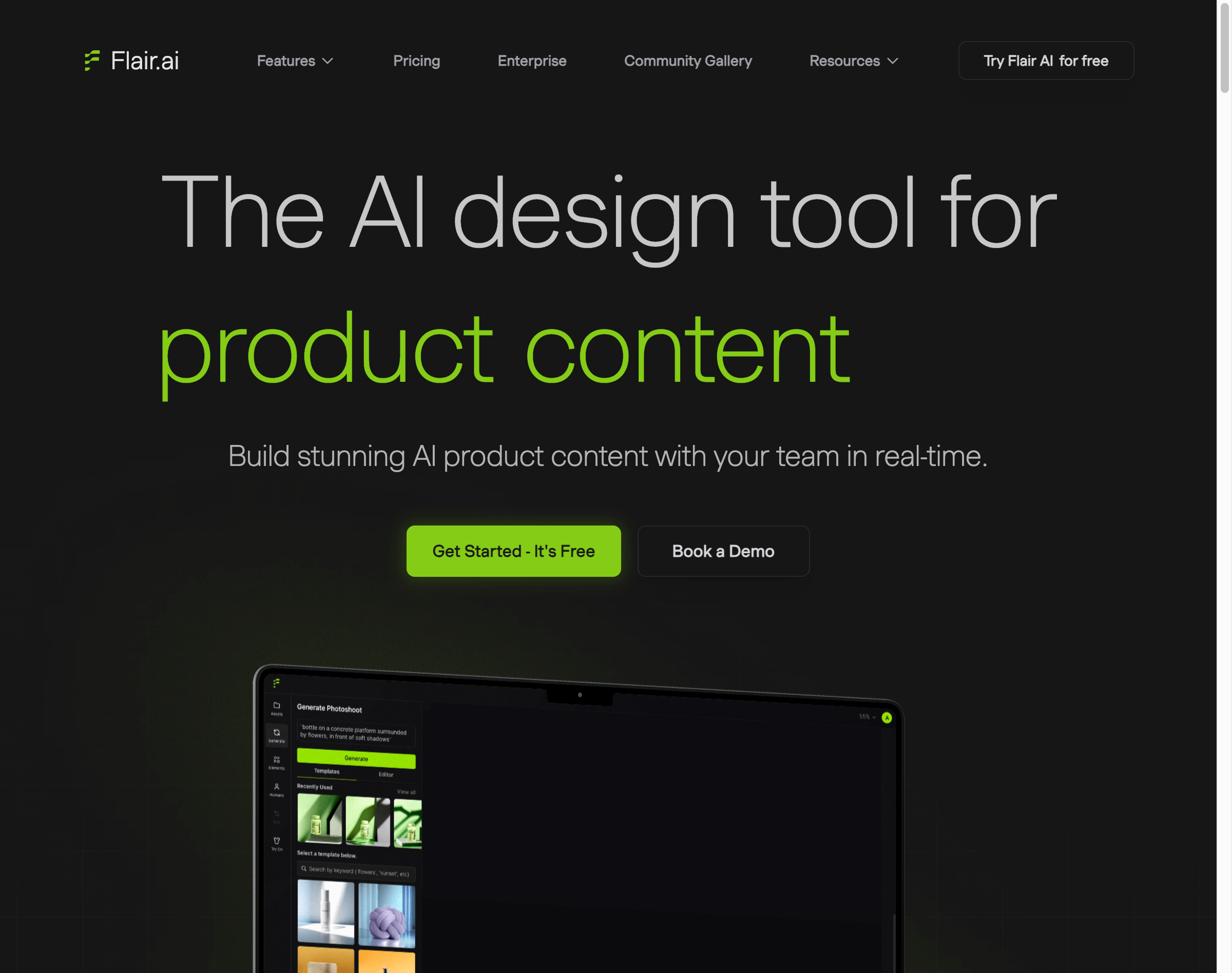
Flair AI is positioned around a design-studio workflow for creating product scenes. It can suit fashion teams that want to experiment with product placement, props, scene composition, and branded visual directions rather than rely entirely on a text-prompt workflow.
The key question is whether the extra control helps your real production process. Test whether your team can preserve product edges, garment proportions, and visual consistency while working within the canvas. A staging tool can be particularly useful for campaign-supporting images, but your core product listing images should still be checked against marketplace and storefront requirements.
Key features to evaluate
- Canvas-based product composition
- Props and scene-direction controls
- AI-assisted model or subject concepts
- Reusable layouts or templates
- Lighting and composition adjustments
- Export options for your required placements
Flair AI can be a good fit for fashion brands with an in-house designer or creative operator who wants to direct each scene more deliberately.
3. PicCopilot — Consistent Catalog Presentation
Best for: Catalog teams that need to evaluate consistent model and styling directions across many SKUs.
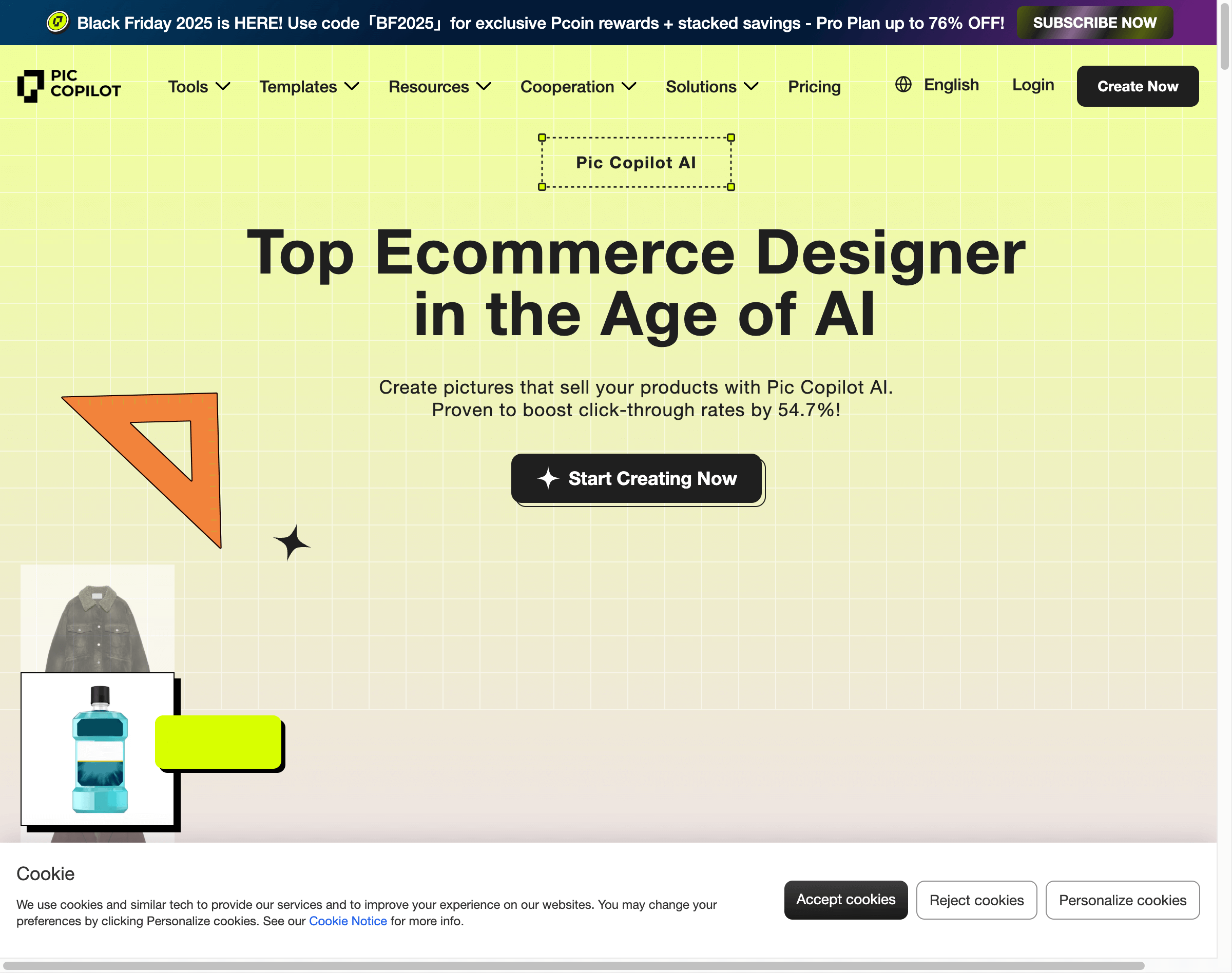
PicCopilot focuses on ecommerce creative workflows, including fashion presentation. For a fashion catalog, its appeal is the possibility of carrying a more consistent visual direction across many product images rather than generating every image as an unrelated one-off.
Consistency is a worthwhile goal, but it needs a batch test. Run tops, dresses, outerwear, shoes, and accessories through the same workflow. Review crop, model styling, garment placement, and whether product details remain recognizable from one SKU to the next.
Key features to evaluate
- Reusable model or presentation directions
- Product-photo generation for ecommerce use cases
- Batch-oriented catalog workflows
- Pose and styling controls
- Output consistency across categories
- Automation or integration options, if required by your team
PicCopilot is worth assessing when a cohesive collection page matters more than an occasional single-product creative.
4. Botika — On-Model Fashion Image Workflows
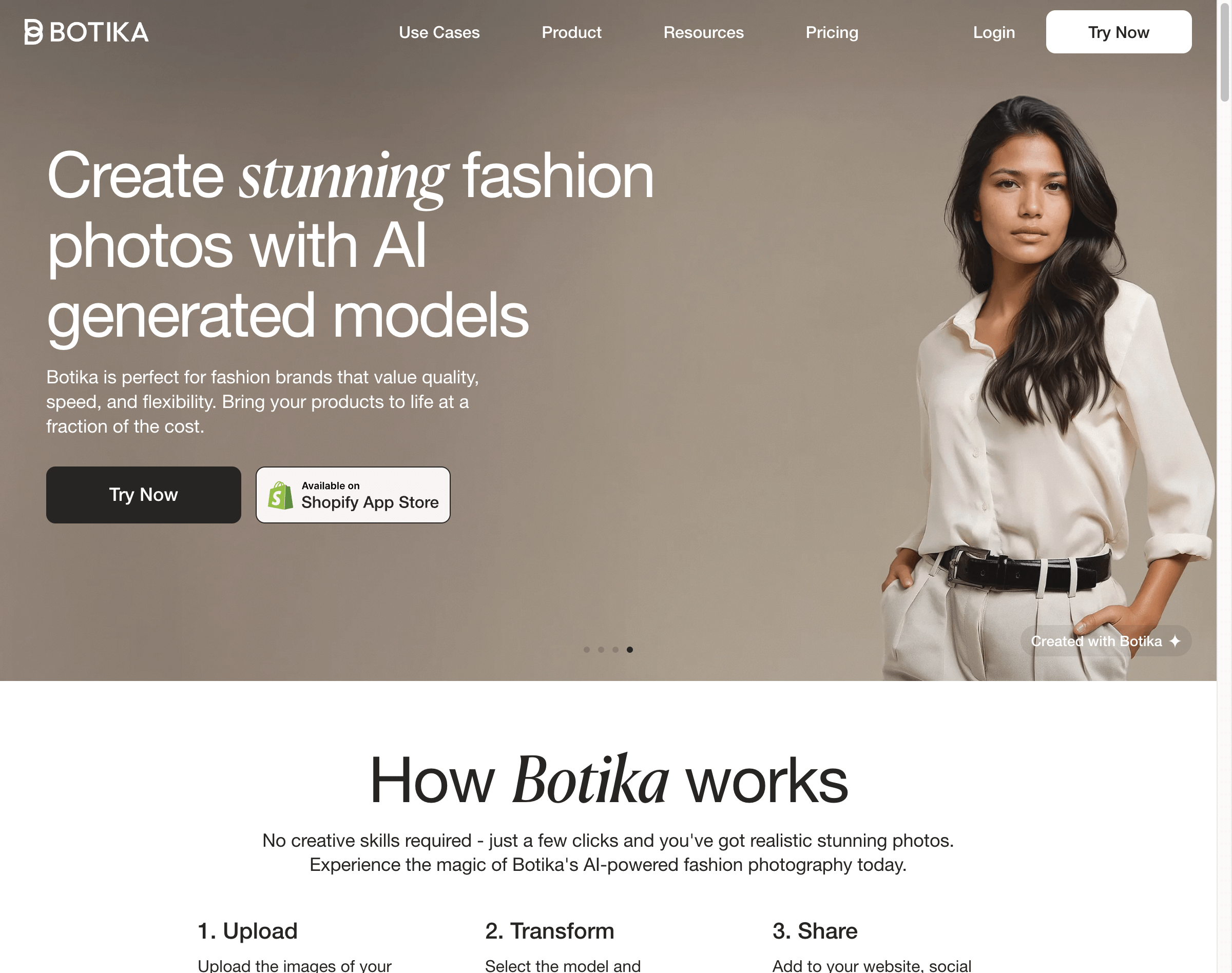
Best for: Fashion brands evaluating on-model imagery from existing product photos.
Botika is known for a fashion-focused approach to placing apparel on AI-generated models. This category is most useful when customers need body context—how a garment sits, drapes, or reads as part of a complete product presentation.
Do not judge an on-model workflow only by first-glance realism. Give it difficult source images and inspect the details shoppers notice: sleeve and hem length, closures, patterns, texture, garment layering, and the relationship between the item and the model’s body.
Key features to evaluate
- Apparel-to-model image generation
- Support for different source-image types
- Model representation and styling options
- Product-detail fidelity under different poses
- Review controls and retouching workflow
- Consistency across a collection
Botika can be relevant for premium fashion teams, provided outputs meet the brand’s own review standard rather than a generic “photorealistic” claim.
5. Uwear.ai — Flat-Lay to On-Model Experiments
Best for: Brands with flat-lay or ghost-mannequin libraries that want to test on-model presentation.
Uwear.ai is associated with transforming existing fashion product images into on-model concepts. This makes it relevant when a team already has a large image library and wants to assess whether selected products can gain useful body context without arranging a new shoot for every item.
The most important test is not the number of images generated—it is whether the garment survives the transformation. Compare the output with the source image for fit, drape, material texture, seams, fastenings, print placement, and color.
Key features to evaluate
- Flat-lay or mannequin-to-model transformation
- Image enhancement or upscaling options
- Motion or video capabilities, if relevant to your content plan
- Reusable model presentation direction
- Batch handling for catalog updates
- Fine-tuning or editing controls
Uwear.ai can suit teams that want to start from a familiar asset library, but it still needs the same merchandising and quality-review gates as any AI image workflow.
6. Modelia — Outfit and Styling Combinations
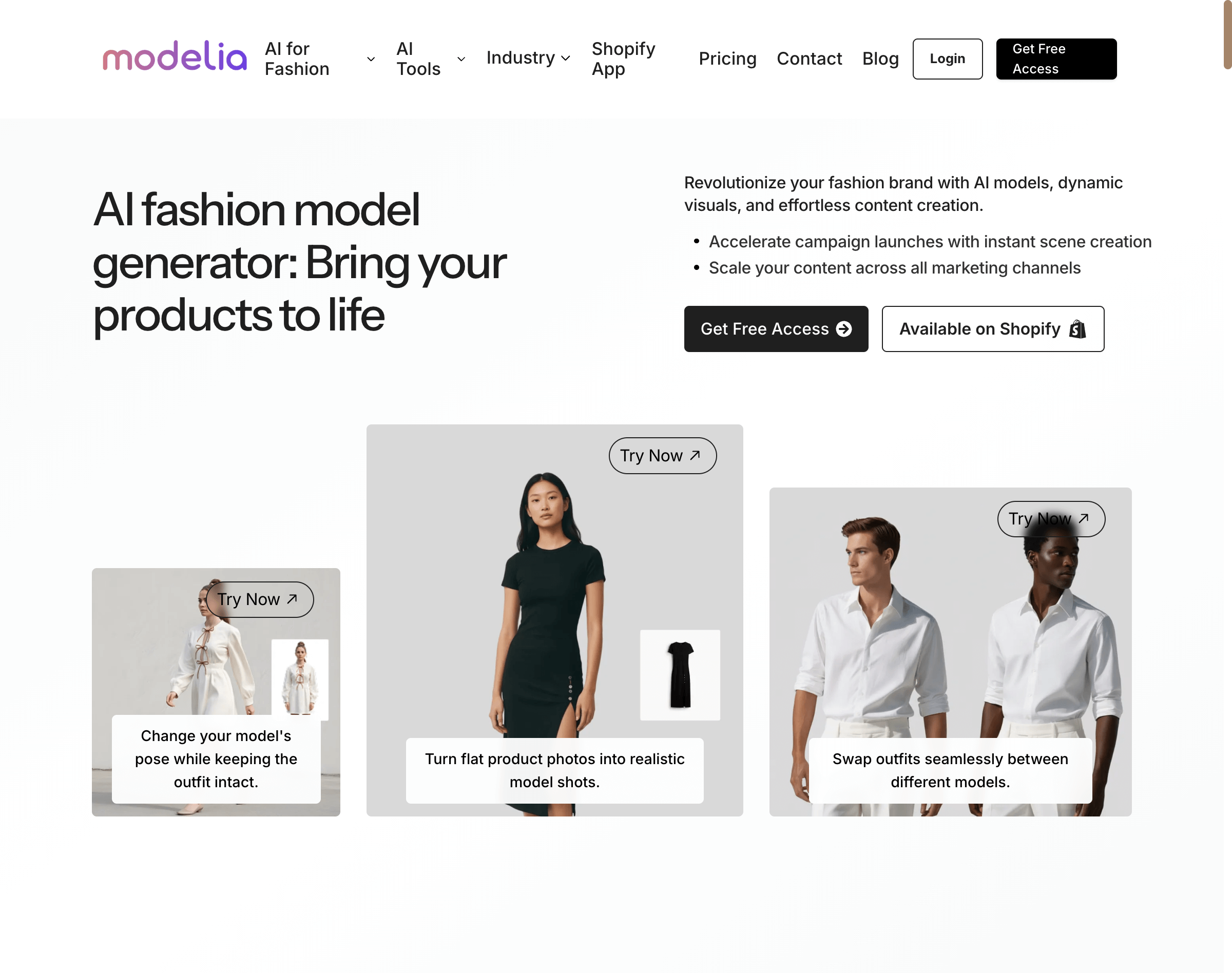
Best for: Multi-category retailers that want to explore styling and cross-sell imagery.
Modelia’s appeal is the ability to build styled looks from separate apparel and accessory images. This is useful for retailers that sell coordinated categories and want inspiration for lookbooks, collection content, merchandising concepts, or social creative.
Because outfit composition changes the visual context of multiple products at once, use it carefully for product-detail pages. It is better suited to editorial, collection, and discovery content unless each item remains clearly and accurately represented.
Key features to evaluate
- Mix-and-match outfit generation
- Styling concepts from separate product images
- Model and scene direction controls
- Lifestyle or editorial background options
- Product identification and accuracy in multi-item scenes
- Creative reuse for collection and social content
Modelia may be especially useful for teams that sell tops, bottoms, shoes, and accessories as a coordinated wardrobe rather than as isolated SKUs.
7. PhotoRoom — Mobile-First Product Image Editing
Best for: Mobile-first sellers who need fast product-image cleanup and format variations.
PhotoRoom is widely used for product-image editing on mobile devices. It is a sensible candidate when inventory is photographed on site, when sellers need quick background cleanup, or when a small team needs assets adapted for marketplace and social formats.
For fashion ecommerce, use mobile speed where it helps, but keep a consistent review process. Check cutout edges around hair, straps, sheer fabric, and accessories; those details often reveal whether a quick edit is suitable for a final listing image.
Key features to evaluate
- Mobile product-photo workflow
- Background removal and replacement
- Templates for repeatable layouts
- Batch or multi-image editing
- Marketplace and social aspect-ratio exports
- Optional AI-assisted presentation features
PhotoRoom is a practical option for resellers, dropshippers, and mobile-native teams that value speed and straightforward image preparation.
8. Claid.ai — Bulk Image Processing and API Workflows
Best for: Established ecommerce operations that need to assess automation and bulk image processing.
Claid.ai is built around image processing, enhancement, and automation use cases. It is relevant when a fashion retailer has a larger catalog, an internal technical team, or a product-information workflow that makes manual one-by-one image production difficult.
API integration is not automatically the right answer. First confirm the visual rules you want to automate, then test whether those rules hold across representative images. Automation works best when the source photography and acceptance criteria are already well defined.
Key features to evaluate
- Bulk image enhancement
- API or workflow automation options
- Background generation or replacement
- Image resizing and quality controls
- Product-image processing at catalog scale
- Compatibility with your existing asset and product systems
Claid.ai is most relevant when operational consistency and integration matter as much as creative experimentation.
9. Pebblely — Fast Product Mockups and Preset Scenes

Best for: Sellers who want fast creative mockups with limited setup.
Pebblely uses preset-style product-scene generation. It can be helpful for teams that want quick visual directions for campaign-supporting images, social content, or early creative concepts without building every composition from zero.
Preset workflows trade flexibility for speed. Before relying on them for fashion product pages, check whether the result keeps enough product detail and whether the look is distinctive enough for your brand rather than generic across the category.
Key features to evaluate
- Preset scene directions
- Fast product mockup generation
- Simple, low-setup workflow
- Batch or multi-product handling
- Output formats for storefront and social use
- Product-edge and detail preservation
Pebblely can be a useful exploratory tool for time-constrained teams, especially when the goal is quick creative variation rather than a final hero listing image.
10. iFoto — Accessible AI Fashion Model Options

Best for: Smaller fashion brands evaluating accessible on-model and background workflows.
iFoto offers AI-focused fashion image tools, including model-oriented product presentation. It is a candidate for small teams that want to try alternative apparel visuals without first building a complicated production stack.
As with other virtual-model tools, judge it with your own catalog, not just example galleries. Confirm how it handles your garments, whether variations can be kept consistent, and whether the vendor’s current plan and usage terms fit your team before adopting it.
Key features to evaluate
- AI fashion model presentation
- Virtual try-on or apparel visualization options
- Background customization
- Batch-generation support
- Ease of use for small teams
- Current commercial-use and plan terms
For startups and smaller stores, iFoto can be worth including in a pilot alongside a mobile editor and a conversational workflow such as DeepKolor.
Comparison Table: AI Fashion Photography Tools at a Glance
| Tool | Primary workflow | AI model or apparel presentation | Batch / scale consideration | Best fit | What to test first |
|---|---|---|---|---|---|
| DeepKolor | Conversational image creation and editing | Model-oriented concepts and virtual try-on workflow | Test repeatability across a representative SKU set | Teams that prefer natural-language direction | Product fidelity after background or scene changes |
| Flair AI | Controlled product staging | Scene and subject concepts | Reusable templates and operator time | Creative teams wanting composition control | Whether canvas control improves brand consistency |
| PicCopilot | Ecommerce catalog presentation | Model and styling directions | Cross-SKU consistency | Larger collections | Same visual direction across apparel categories |
| Botika | On-model fashion images | Apparel-to-model workflows | Review process for premium imagery | Brands needing body context | Drape, fit, texture, and detail preservation |
| Uwear.ai | Flat-lay to on-model concepts | Existing apparel-image transformation | Batch testing from an image library | Teams with flat-lay assets | Garment accuracy after transformation |
| Modelia | Styled outfit combinations | Multi-item fashion scenes | Editorial-content workflow | Multi-category retailers | Clear representation of every product in a look |
| PhotoRoom | Mobile product-image editing | Optional AI-assisted presentation | Fast mobile preparation | Mobile-first sellers | Cutout quality and export readiness |
| Claid.ai | Bulk processing and automation | Product-image enhancement workflows | API and system integration | Technical catalog operations | Whether automated rules hold across real images |
| Pebblely | Preset product mockups | Scene generation | Speed over deep customization | Quick creative variations | Brand distinctiveness and product detail |
| iFoto | Accessible fashion-image tools | Model-oriented product visuals | Pilot with a small image set | Smaller fashion teams | Consistency, terms, and source-image fidelity |
Pricing, usage limits, feature availability, and commercial-use terms change frequently. Verify the current vendor documentation and your required channel policies before making a buying decision.
How to Choose the Right AI Product Photography Tool
Selecting the right tool depends on your source images, product category, desired output, operational workflow, and review capacity.
If you are just starting out
Start with DeepKolor or PhotoRoom. DeepKolor is useful for teams that want to explore concepts through a conversational workflow, while PhotoRoom is convenient for fast mobile cleanup and output preparation. Begin with a small test set rather than moving an entire catalog at once.
If you need on-model fashion imagery
Evaluate Botika, Uwear.ai, iFoto, and DeepKolor’s virtual try-on workflow. Use the same difficult garments across each candidate and prioritize accuracy over a single visually impressive result.
If you process a large catalog regularly
Consider Claid.ai for an automation-oriented evaluation and PicCopilot for catalog-presentation consistency. Define source-image standards and acceptance criteria before connecting any tool to a larger product workflow.
If you want maximum creative control
Flair AI may be a strong candidate for a studio-style staging process, while DeepKolor can support iterative creative direction through conversation. Choose based on whether your team works better with a canvas or a text-led workflow.
If budget predictability is your primary concern
Do not choose based on a headline price alone. Compare the current plan terms, included generations, editing time, approval effort, and the cost of failed outputs. Pilot a small collection and calculate the total workflow cost for your own team.
If you shoot inventory on mobile devices
PhotoRoom is a natural option to test for mobile-first editing. Use it to speed up simple preparation work, then validate the final images on the actual storefront and marketplace placements where customers will see them.
Why Use AI Fashion Product Photography
AI product photography can help fashion teams produce more visual directions from existing source assets. That can be useful for seasonal concepts, collection storytelling, supporting lifestyle imagery, localized creative, and faster early-stage experimentation.
Its real value is not a universal conversion or cost promise. The value comes from a workflow that helps your team create useful visuals without compromising product accuracy or brand standards.
A careful fashion workflow usually looks like this:
- Start with a clear source image where the garment and important details are visible.
- Define what must not change: color, texture, pattern, closures, labels, logo, and silhouette.
- Generate a limited set of variations for one defined use case.
- Compare each result side by side with the source image.
- Ask brand, merchandising, and channel owners to approve it.
- Scale only after the process works across representative SKUs.
For many teams, AI works best alongside—not instead of—traditional photography. Keep high-confidence studio shots as product references, then use AI to build supporting creative where it adds real production flexibility.
Try an AI Product Photography Workflow with Your Own Catalog
Use a small, representative set of products to test a repeatable workflow before changing your catalog process. Start with AI product photography in DeepKolor, define the product details that must stay accurate, and review every output alongside its original source image.
Frequently asked questions
Can AI-generated product photos match traditional photography quality?
They can create useful, polished imagery for many ecommerce use cases, but quality depends on the source image, the garment, the intended use, and the review process. Assess each output against the real product, especially for texture, pattern, fit, color, and branded details. Traditional photography may still be the better choice for hero campaigns or products requiring exact representation.
Are AI fashion models suitable for premium brands?
They can be considered for premium brand workflows, but suitability is a brand decision rather than a tool claim. Test realistic but difficult items, establish a human approval process, and make sure styling, representation, and product accuracy meet your own standards before publication.
How long does it take to generate AI product photos?
Generation time varies by tool, source image, task complexity, and demand. The operational time also includes briefing, reviewing, correcting, exporting, and approving the result. Measure the full workflow during a pilot instead of relying on a generation-time estimate alone.
Do I need design skills to create a product photo?
Not necessarily. Conversational and template-led tools can lower the barrier to creating first drafts. However, fashion teams still need product knowledge and editorial judgment to write a clear brief, evaluate accuracy, and decide whether an output is suitable for a customer-facing channel.
Can I use AI-generated photos for commercial purposes?
Review the vendor’s current terms, the source-image rights you hold, and the rules of every channel where you plan to publish. Commercial-use permissions and marketplace requirements can vary, so confirm them for your specific workflow before launch.
What is the best tool for small fashion brands with limited budgets?
The best choice is the one that produces acceptable, accurate outputs from your real product images with a manageable review process. Start a small pilot with DeepKolor, PhotoRoom, or iFoto, compare total effort and output quality, then choose the workflow that fits your catalog and team.
Related posts
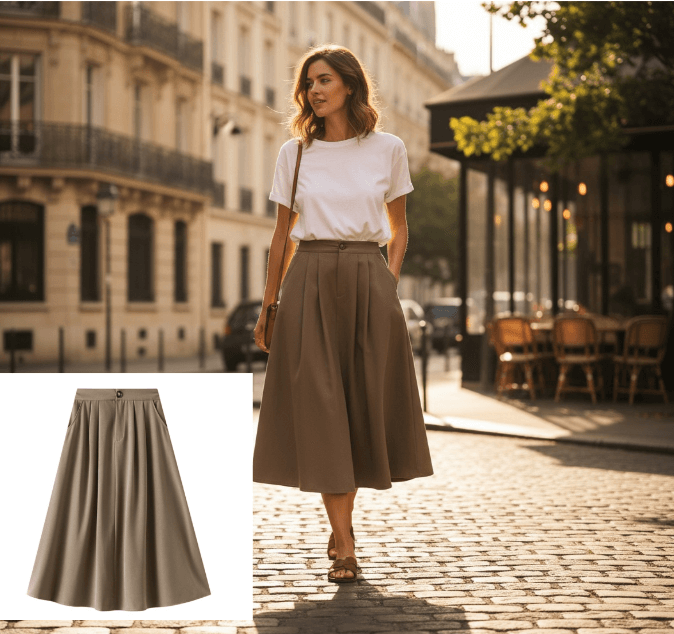
What Is an AI Design Agent? Definition and How It Works
An AI design agent takes a brief, creates the visual, and edits with you in chat. See how it differs from image generators and when to use one.
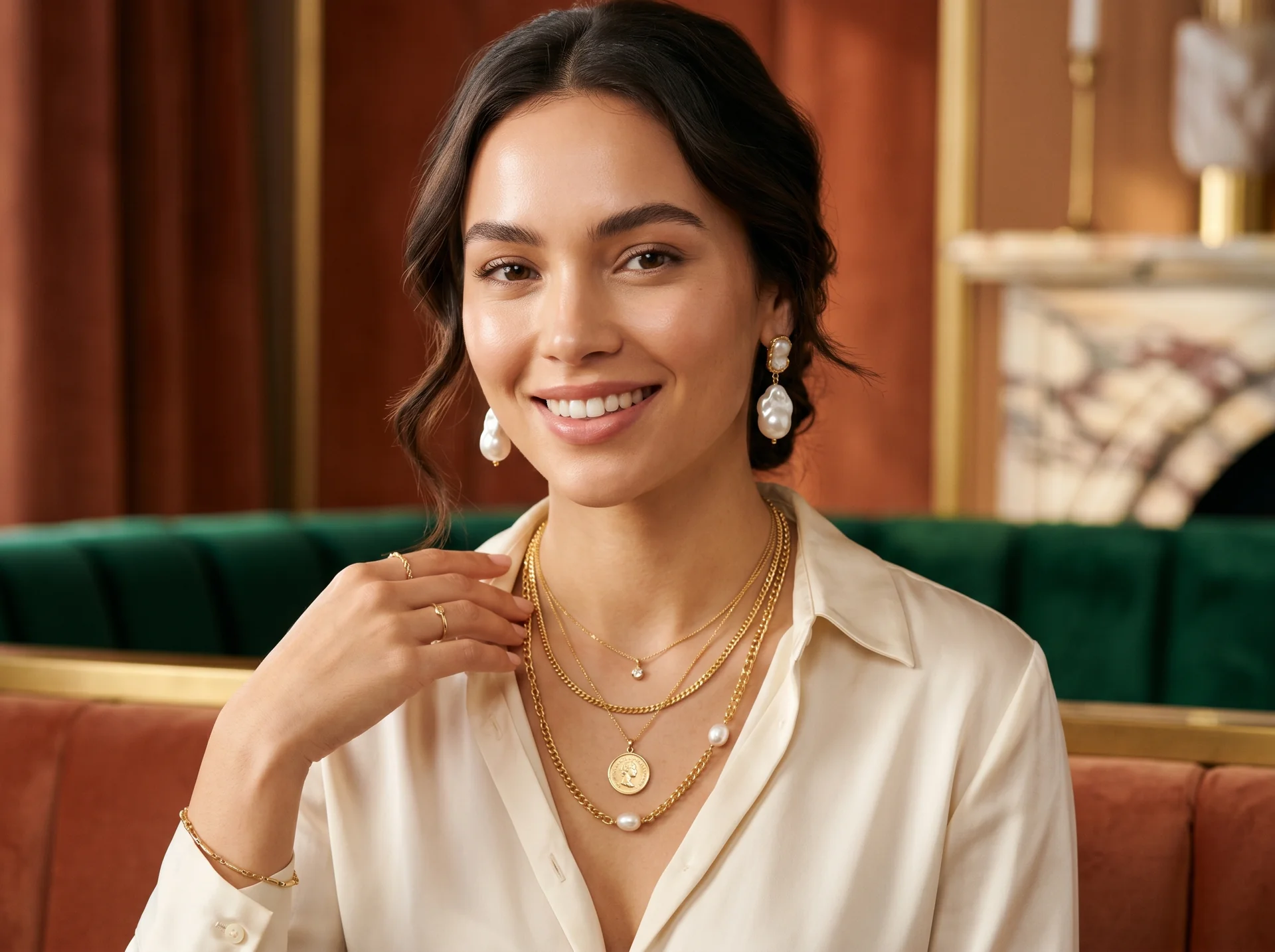
AI Jewelry Product Photography: How to Create Ecommerce Images That Sell
Learn how to create AI jewelry product photography for rings, necklaces, and bracelets — from one clean source photo to ecommerce-ready images, plus accuracy limits and marketplace image rules.
Amazon Product Image Requirements: A Seller's Checklist for 2026
A 2026 seller checklist for Amazon product image requirements — main-image rules, pixel sizes, additional slots, suppression fixes, and a pre-upload review.